This post may contain affiliate links. Please see my disclosure policy for details.
Gaming Setup: Essentials, Inspiration, and Practical Tips
Let’s dive into the world of epic gaming setups, shall we?
I’ve spent countless hours tweaking my own battlestation, and let me tell you, it’s a labor of love that pays off big time.
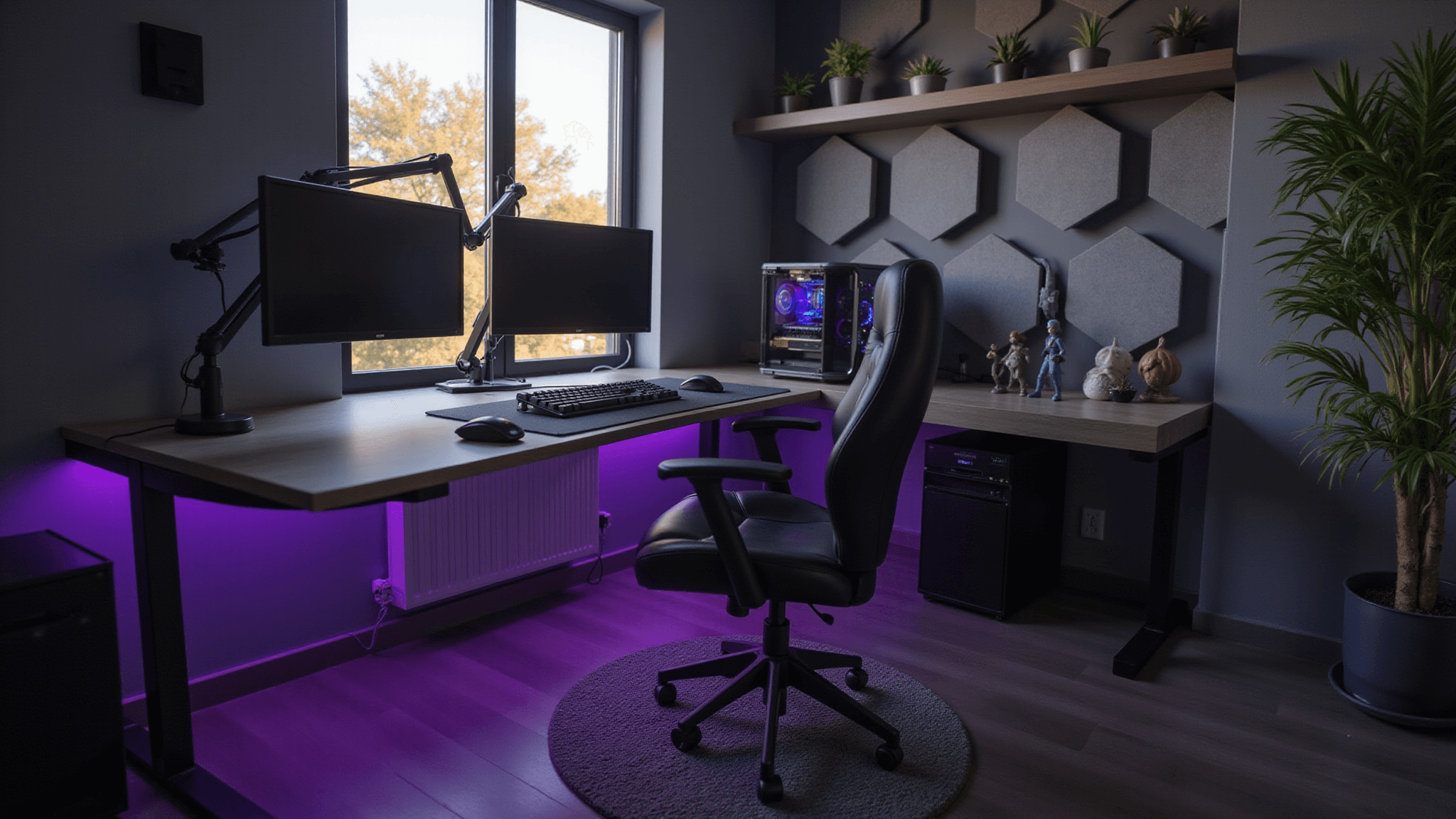
First things first: your gaming throne.
Don’t skimp on the chair, people! Your back will thank you later. I learned this the hard way after a 12-hour Skyrim binge left me feeling like I’d been trampled by a herd of mammoths.
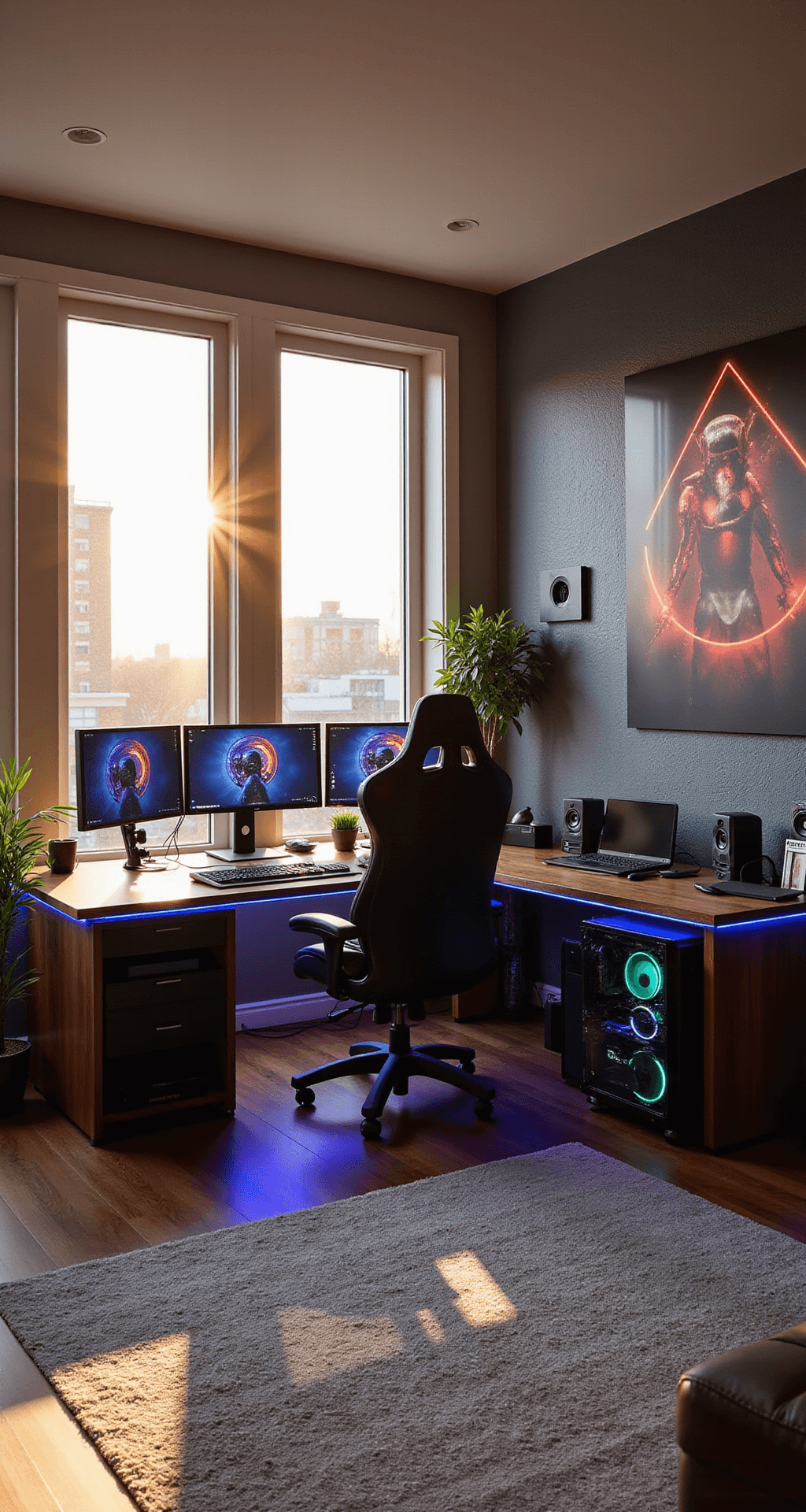
Now, let’s talk about the heart of your setup – the desk.
Size matters, folks. You want enough real estate for your monitors, keyboard, and snacks (gaming fuel is crucial).
Speaking of monitors, dual screens are a game-changer. Trust me, once you go multi-monitor, you never go back.
Lighting is where the magic happens.
LED strips behind your desk? Check. RGB keyboard? Double-check. It’s not just about looking cool (though that’s a bonus) – good lighting reduces eye strain during those late-night raids.
Cable management is the unsung hero of a clean setup. Nothing kills the vibe faster than a rat’s nest of wires. Invest in some cable clips and sleeves – future you will be grateful.
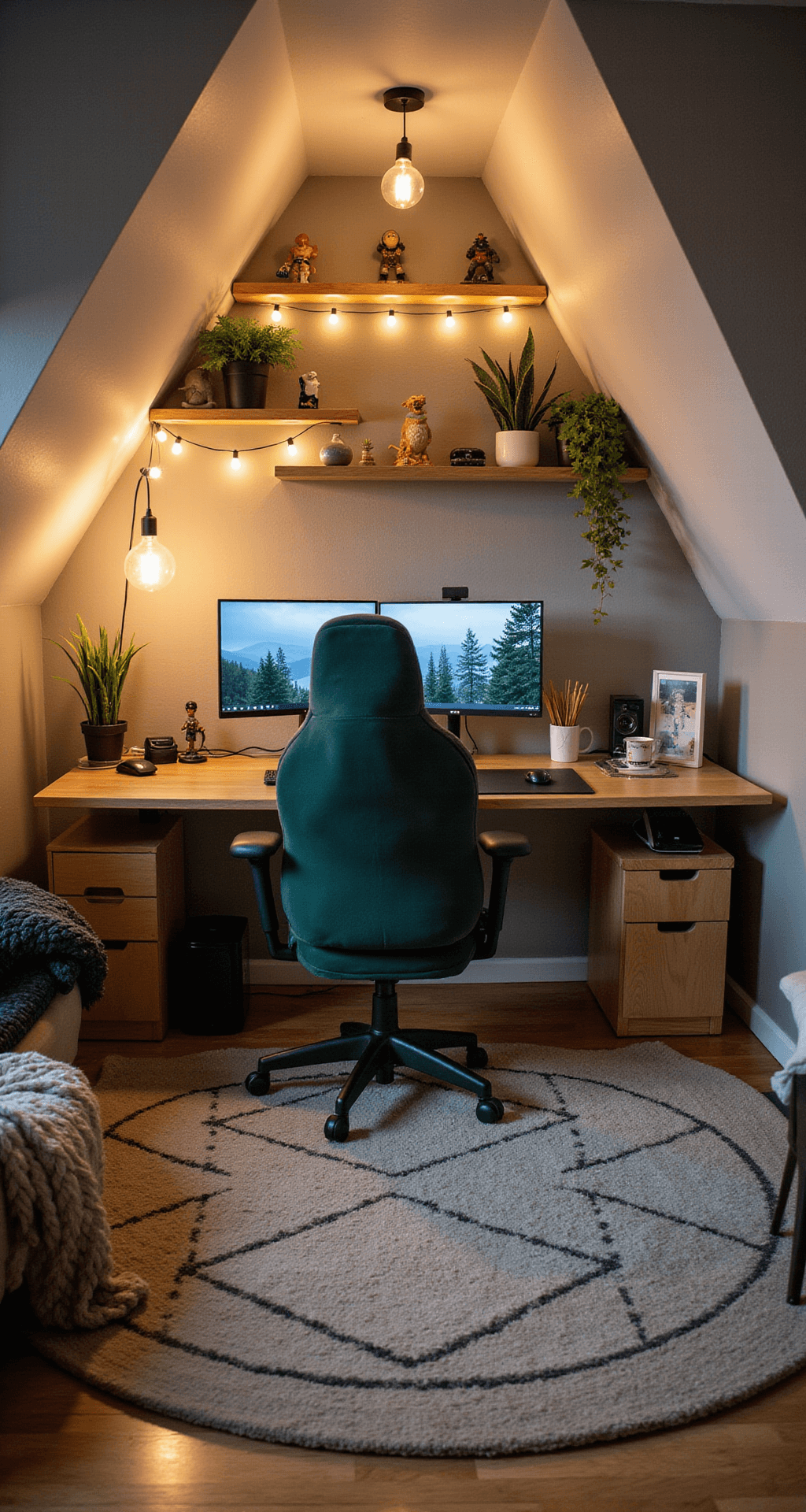
Now, let’s break down the essentials:
- A sturdy desk (at least 55 inches wide)
- An ergonomic chair with lumbar support
- Dual monitors (or one ultrawide if you’re feeling fancy)
- A gaming PC or console
- Quality peripherals (mechanical keyboard, precise mouse)
- Mood lighting (LED strips, desk lamp)
- Cable management solutions
But wait, there’s more!
Consider these extras to level up your space:
- Soundproofing panels (for those intense gaming sessions)
- A themed backdrop (show off your fandom)
- Plants (bring some life to your digital world)
- A webcam and mic setup (for streaming or trash-talking)
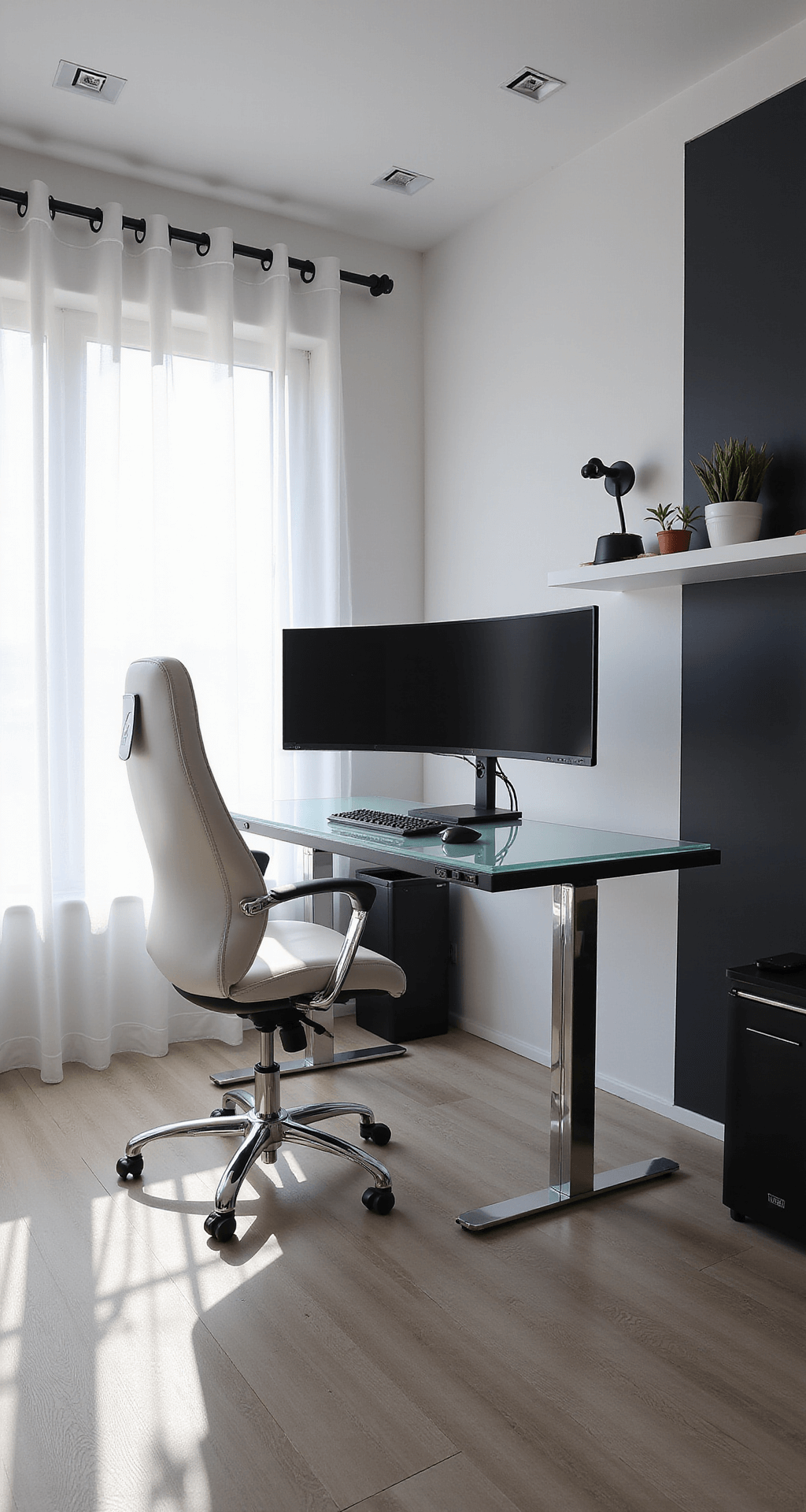
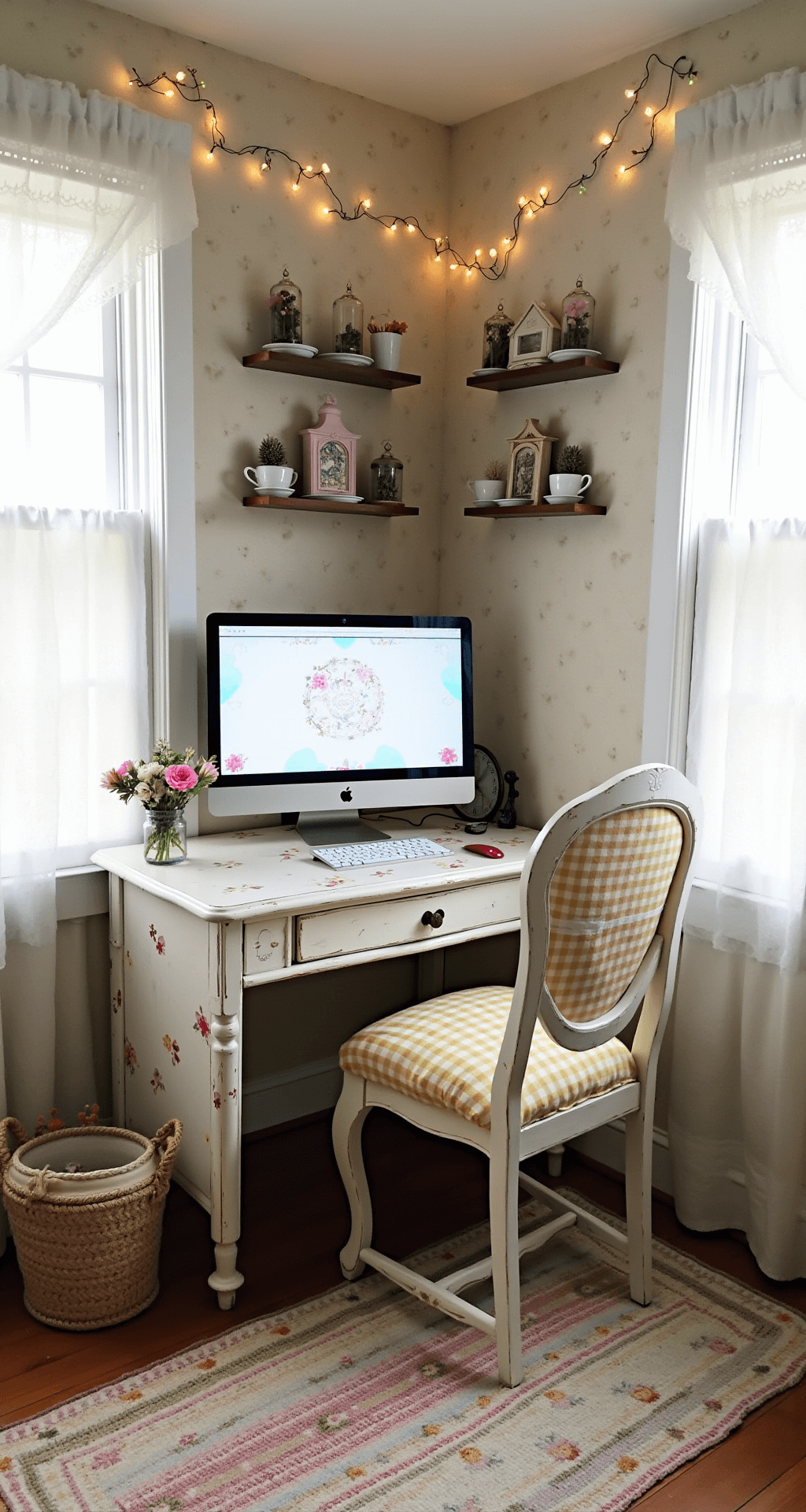
Remember, your gaming setup is a reflection of you. Don’t be afraid to get creative and personal with it. I’ve seen setups themed after everything from Star Wars to cottagecore – the sky’s the limit!
Budget-conscious? No worries! You can build an awesome setup without breaking the bank. Start with the essentials and upgrade over time. Thrift stores and online marketplaces are goldmines for unique, affordable decor.
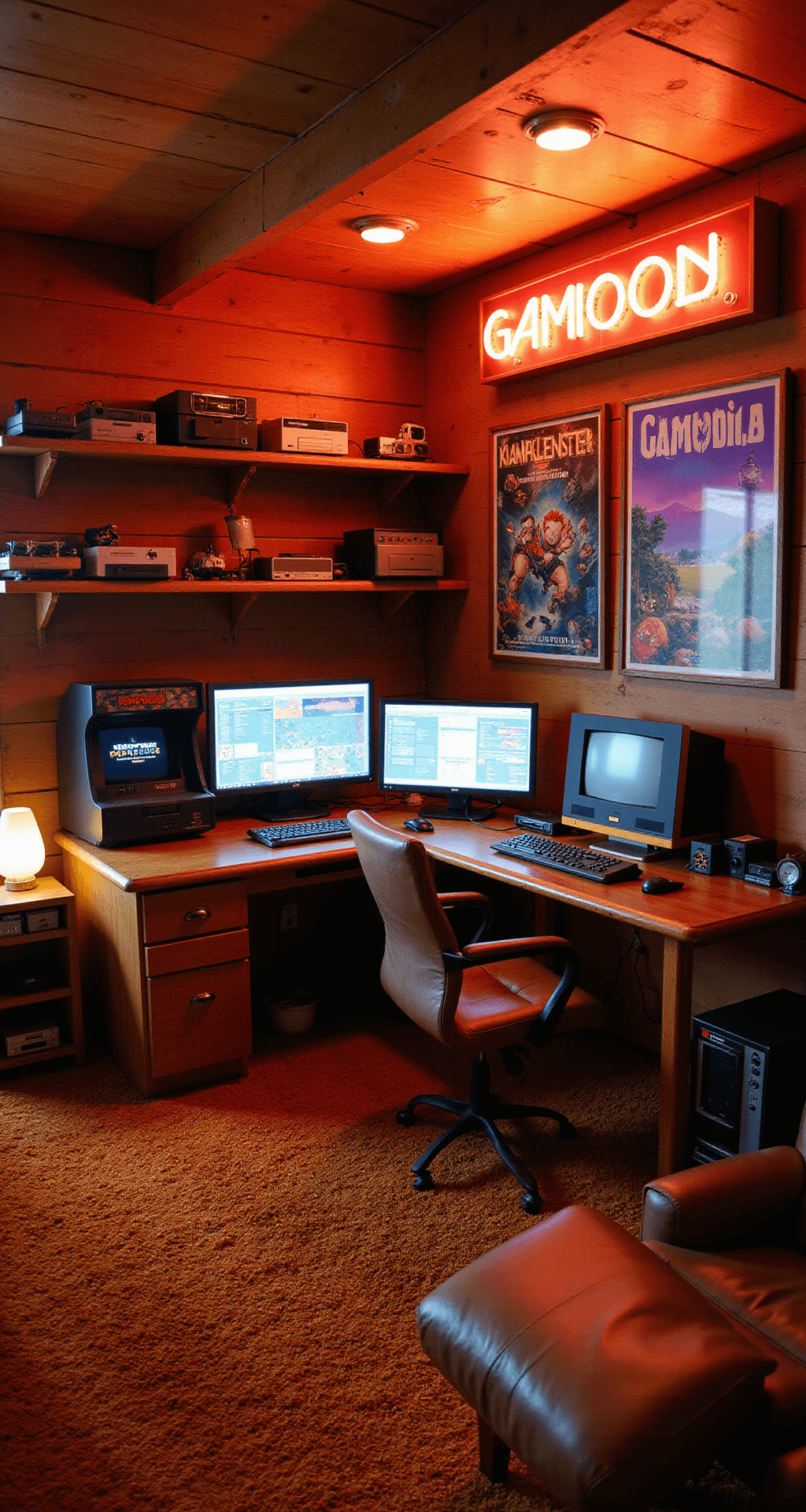
Pro tip: document your setup journey.
Take before and after pics, share your progress online. The gaming community loves a good transformation story. Plus, you might inspire others or get fresh ideas from fellow gamers.
When it comes to styling, think layers and textures.
Mix materials like wood, metal, and fabric to create depth. A large mousepad can double as a statement piece. And don’t forget about wall art – posters, LED panels, or even a mounted TV can fill empty space nicely.
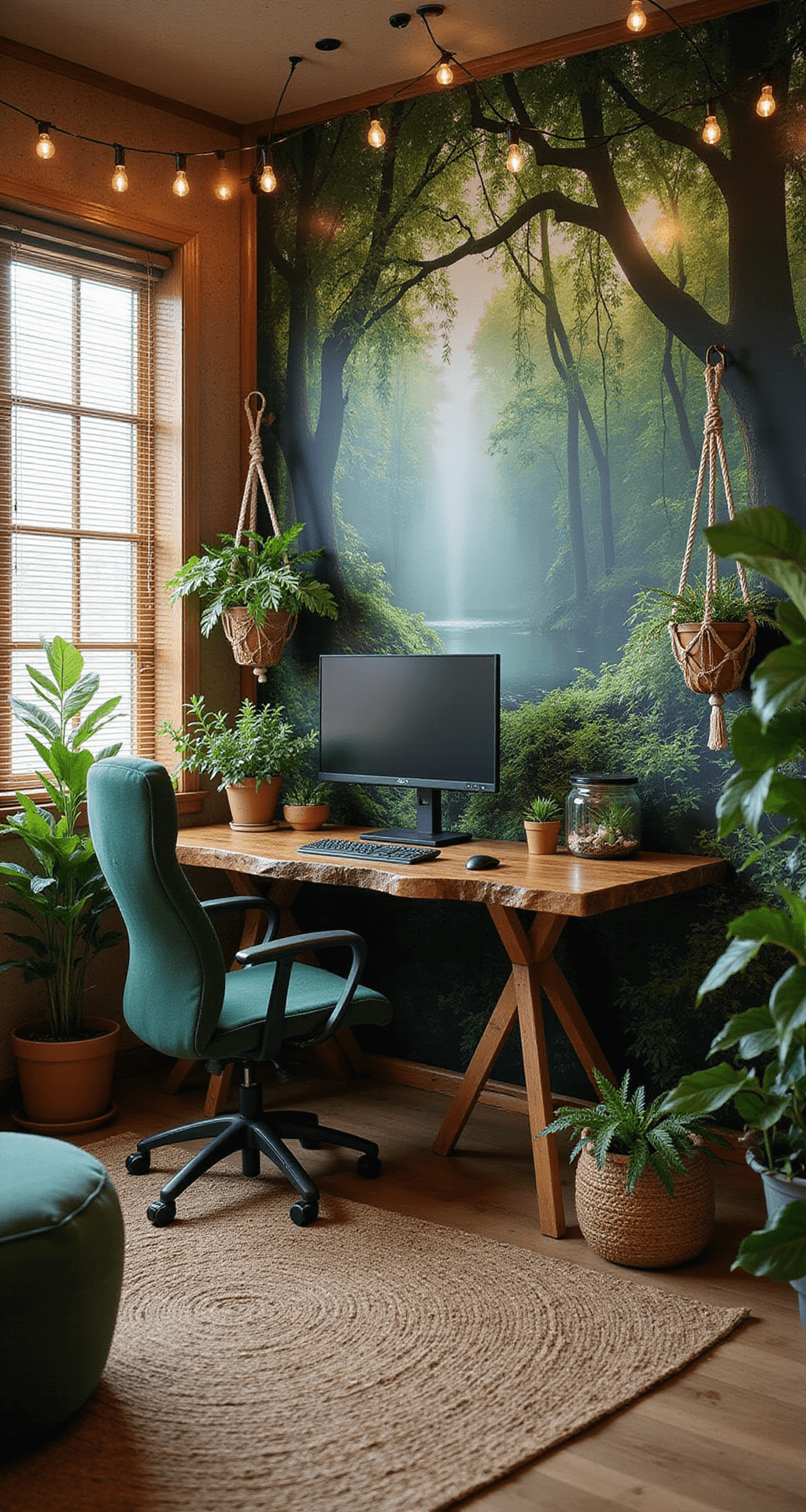
Lighting is key for both function and aesthetics.
Experiment with different color schemes. I change mine with the seasons – cool blues for summer, warm oranges for fall. It’s an easy way to refresh your space without a complete overhaul.
Natural light is your best friend for clear, vibrant shots. Play with angles – a low shot can make your setup look epic and imposing. And for the love of all that is holy, tidy up before you snap! Nobody wants to see your empty energy drink cans.
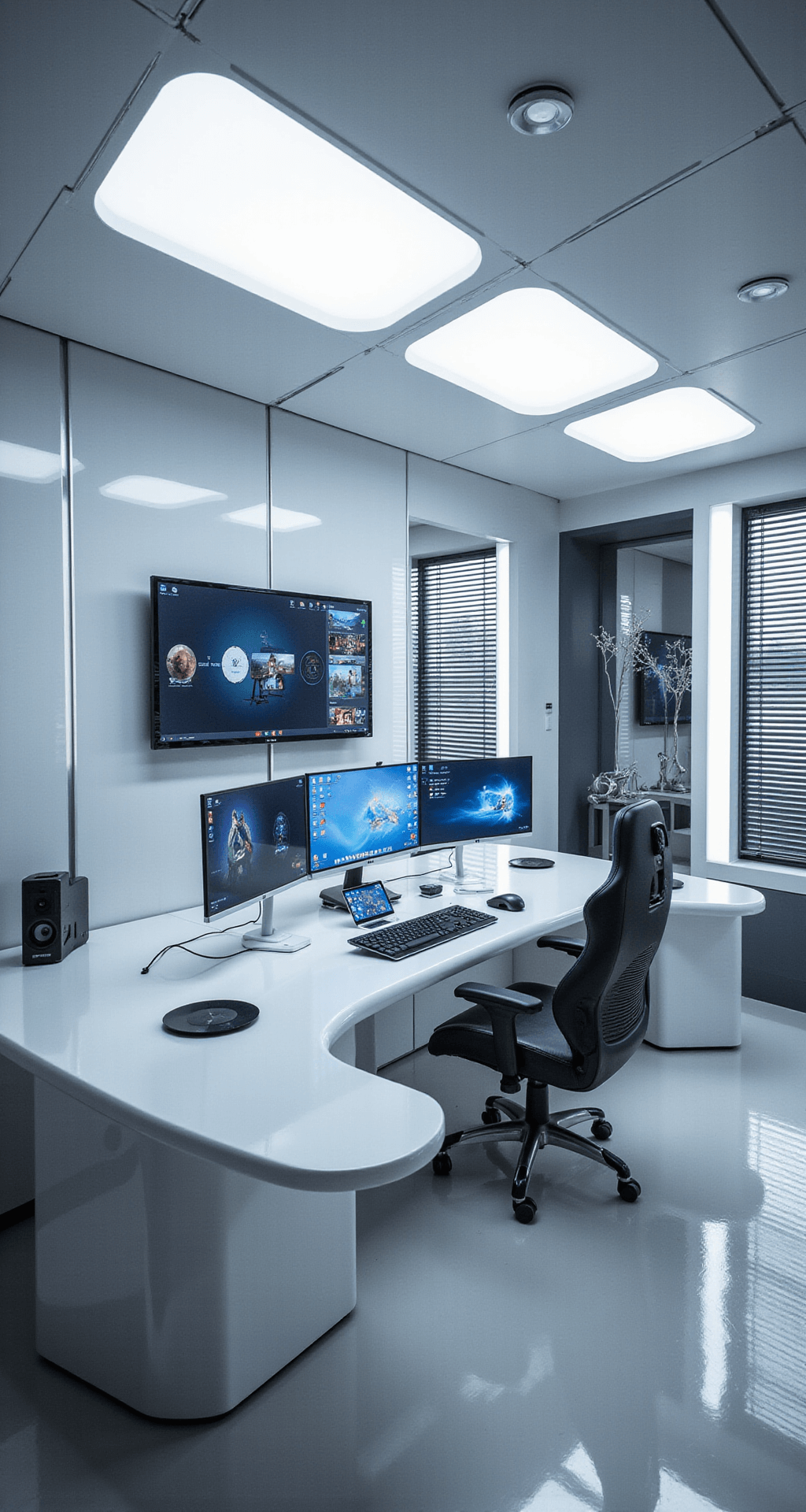
Remember, a great gaming setup is never truly finished. It evolves with you, your gaming habits, and the latest tech. Don’t be afraid to switch things up now and then. Your perfect battlestation is out there, waiting to be built.
Now go forth and create a gaming paradise that would make even the most jaded Twitch streamer green with envy!