
This post may contain affiliate links. Please see my disclosure policy for details.
Creating an Ergonomic Computer Desk Setup That Won’t Leave You Looking Like Quasimodo
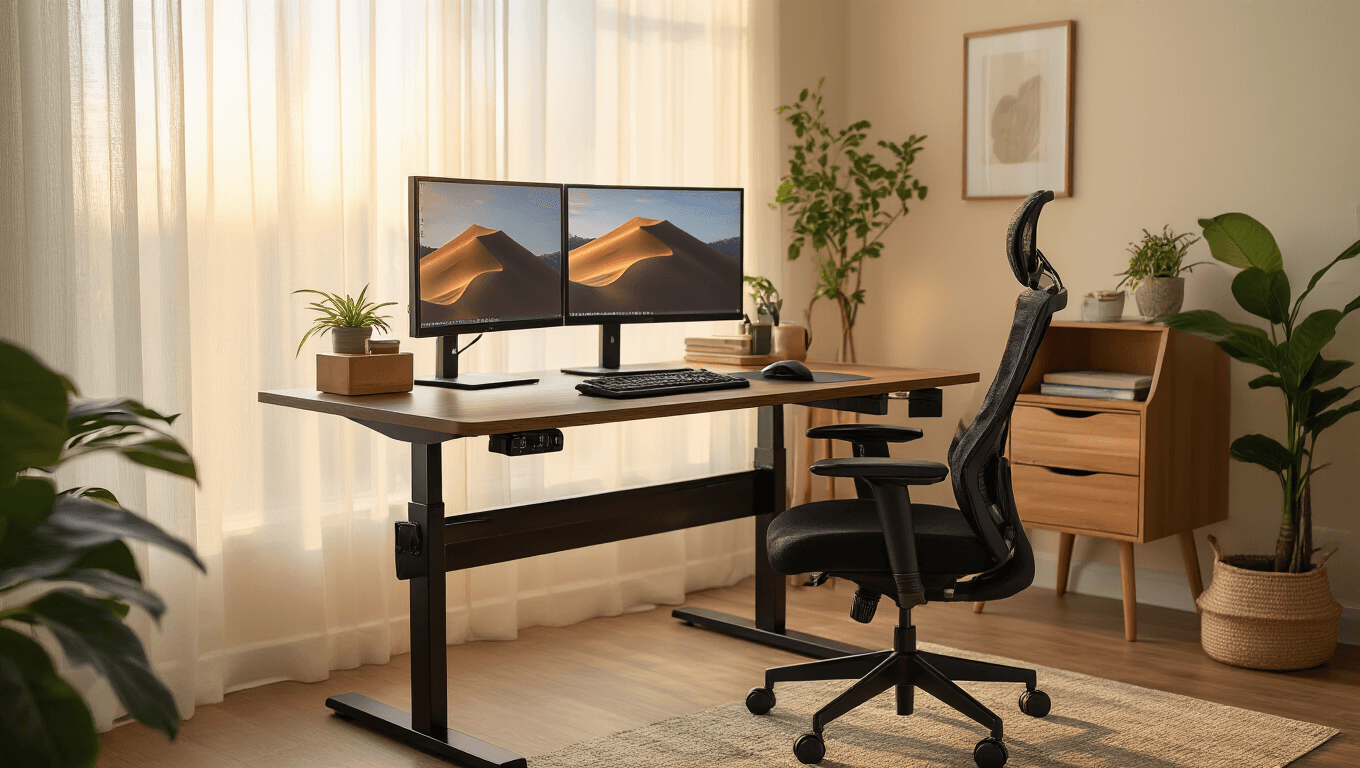
An ergonomic desk setup has become my obsession after years of hunching over my laptop like some sort of modern-day cave dweller.
Trust me, your spine will thank you later.
Let me share what I’ve learned from my own battle against back pain and neck strain.

Your Chair Is Your Best Friend (Choose Wisely)
I used to think any chair would do. Boy, was I wrong.
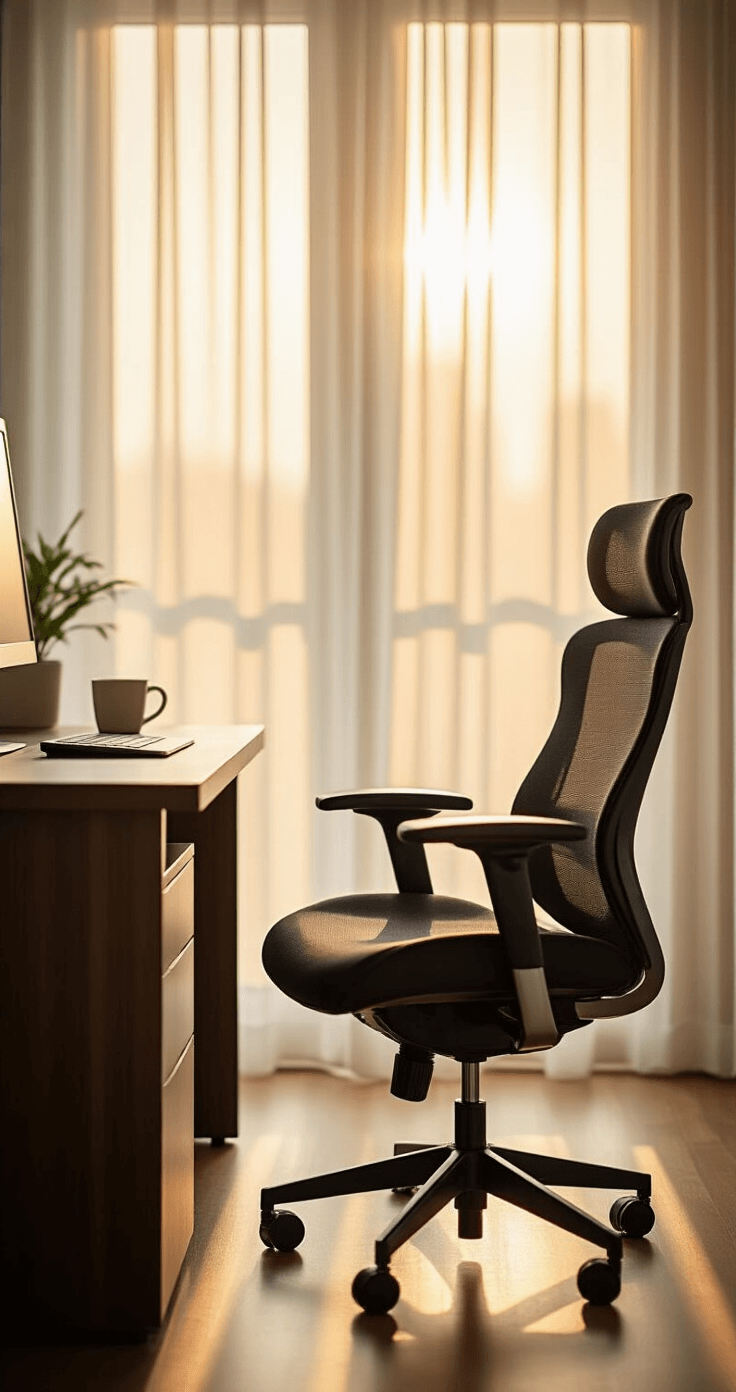
Your ergonomic office chair needs to work harder than a personal trainer.
Here’s my foolproof chair setup routine:
- Feet flat on floor – No tippy-toe dancing allowed
- Knees at 90 degrees – Like you’re sitting in an invisible box
- Thighs parallel to ground – Imagine balancing a tray of drinks
- 1-2 inches between chair edge and knees – Your legs need breathing room
- Lower back kissing the lumbar support – This curve is your spine’s best friend
I learned this the hard way after spending three months looking like I was permanently auditioning for The Hunchback of Notre Dame.
The armrests should cradle your elbows without making you shrug your shoulders like you’re perpetually confused.
Pro tip: A good ergonomic chair can reduce lower back pain by 25%. That’s not just comfort – that’s sanity preservation.
Desk Height: The Goldilocks Zone
Your desk height matters more than the perfect coffee-to-cream ratio.
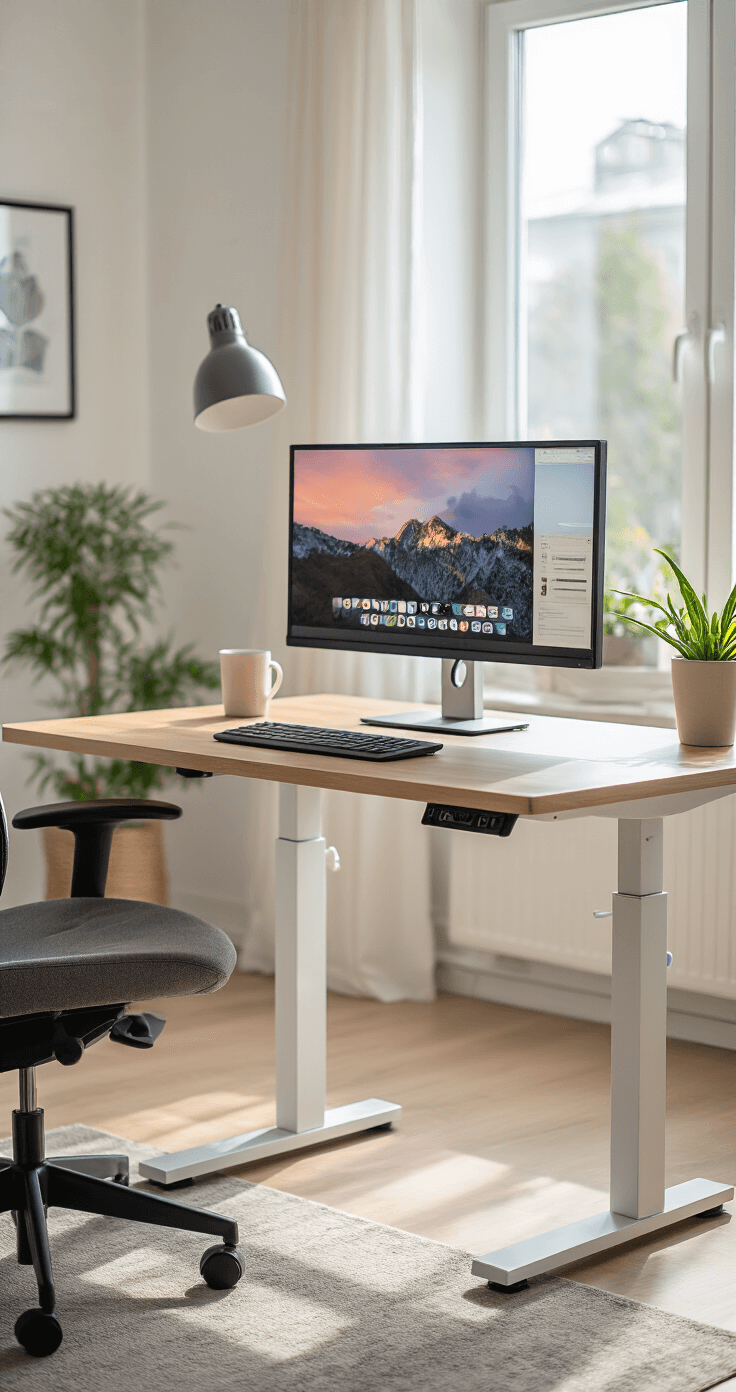
The magic happens at 90 degrees.
Your elbows should bend at this angle while your forearms float parallel to the floor. It’s like your arms are surfing on an invisible wave.
Here are the golden numbers I swear by:
- Sitting desk height: 27 inches
- Standing desk height: 43.5 inches
- Upper arms: Glued to your torso like a penguin
I invested in an adjustable standing desk last year. Best decision ever.
Switch between sitting and standing every 30-60 minutes. Your circulation will sing your praises.
Monitor Placement: Stop Playing Neck Twister
I used to crane my neck up at my monitor like I was watching fireworks. My chiropractor’s kids probably went to college thanks to me.
Your monitor should sit arm’s length away – about 20-30 inches from your eyeballs.
The top of your screen needs to meet your eyes at their natural resting position. Not up, not down – straight ahead like you’re looking at the horizon.
For my fellow multi-monitor warriors:
- Primary monitor dead center
- Secondary monitors angled toward you
- No more neck gymnastics
A monitor stand changed my life. Literally raised my screen to salvation.

Keyboard and Mouse: Your Typing Throne
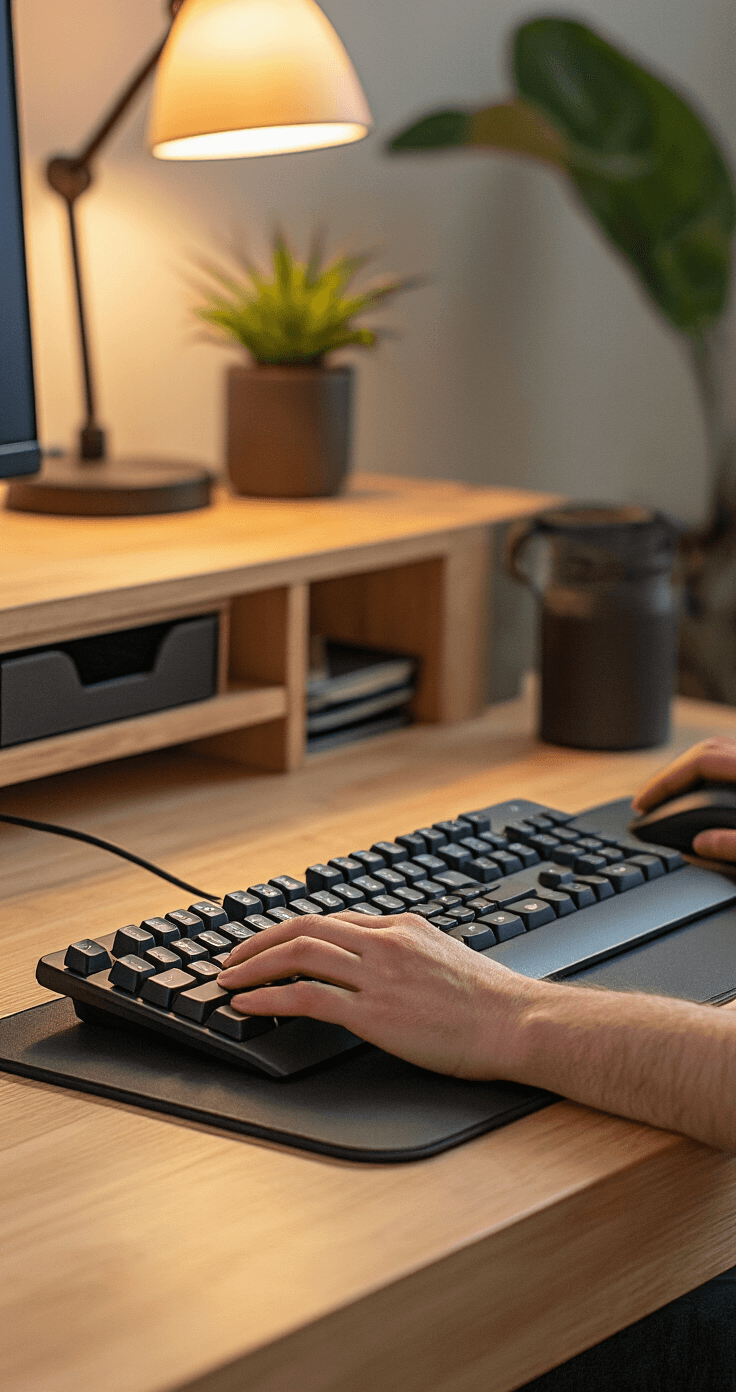
Your keyboard should live just below elbow level.
I keep mine flat or sloped slightly away from me. Those little pop-up feet on the back? Ignore them – they’re neck strain waiting to happen.
My wrists stay straighter than a ruler:
- No bending up or down
- No twisting left or right
- Mouse right next to keyboard – no reaching like you’re trying to grab the last slice of pizza
Ergonomic keyboard and mouse sets were game-changers for me. My wrists stopped screaming at me by 3 PM.
A wrist rest provides that extra cushion of comfort. Think of it as a pillow for your wrists.
The Little Things That Make Big Differences
Lighting matters more than you think.
I spent months squinting at my screen like I was trying to read hieroglyphics in a cave. Eye strain headaches became my unwanted afternoon companion.
Here’s my lighting checklist:
- Monitor brightness matches room lighting
- No glare from windows or overhead lights
- Anti-glare screen if needed
Keep your desk cleaner than your conscience. Clutter creates chaos, and chaos creates unnecessary reaching and stretching.
I use drawer organizers and desk shelves like they’re precious real estate. Everything has a place, and everything stays in its place.
Document stands are underrated heroes. Instead of looking down at papers like I’m reading my own obituary, I prop them up at eye level.
Foot position is non-negotiable. Feet flat on floor or on a footrest. No dangling like a kid at the grown-ups’ table.
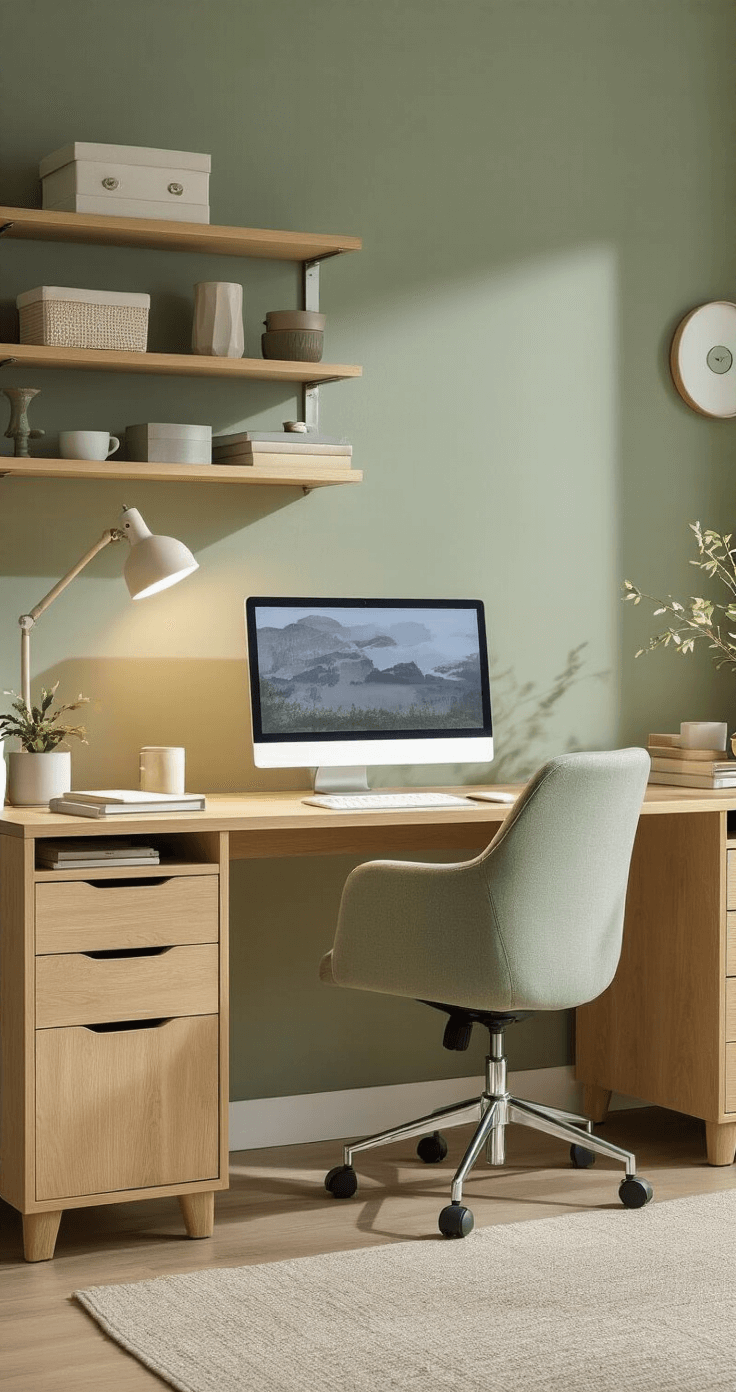
My Personal Wake-Up Call
Three years ago, I thought ergonomics was just fancy talk for “expensive office furniture.”
Then my neck started feeling like it belonged to a 90-year-old turtle.
I was working 10-hour days hunched over a laptop on my kitchen table. My productivity tanked because I spent half my time stretching and rubbing my neck.
The transformation didn’t happen overnight. But within two weeks