
This post may contain affiliate links. Please see my disclosure policy for details.
How to Create a Cozy Minimal Desk Setup That Actually Works for Remote Work and Gaming
Cozy minimal desk setup ideas have taken over Pinterest for a reason. Your workspace shouldn’t make you feel like you’re trapped in a depressing cubicle or drowning in RGB chaos.
I get it. You’re working from home in a cramped apartment corner, trying to squeeze in some evening gaming without your setup looking like a teenager’s basement lair. You want something that photographs well for Zoom calls, keeps you focused during work hours, and transitions seamlessly when you fire up Steam at night.
The problem? Most desk setups fall into two camps: sterile office nightmares or cluttered gaming caves that scream “I haven’t seen sunlight in weeks.”
Let me show you exactly how I built my work-gaming hybrid setup that’s pulled nearly 50K saves on Pinterest and keeps me sane through 10-hour workdays.
Why Most Desk Setups Fail Spectacularly
Walk into any home office and you’ll see the same disasters.
Cables everywhere looking like angry snakes. Fourteen coffee mugs forming a sad museum. Random tech boxes shoved under the desk. A dying plant that gave up three months ago.
Here’s what actually matters:
- Function first, aesthetics second – Pretty means nothing if your back hurts after two hours
- Intentional emptiness – That negative space isn’t wasted, it’s saving your sanity
- Dual-purpose everything – Every item should earn its spot
I spent two years and probably $800 in mistakes before figuring out what actually works.
The Foundation: Choosing Your Desk and Chair Without Regret
Your desk isn’t just furniture. It’s where you’ll spend 40+ hours weekly, so don’t cheap out on a wobbly nightmare.
Desk requirements that matter:
- Minimum 48 inches wide – Anything less and you’re playing Tetris with your monitor and keyboard
- Depth of 24-30 inches – You need breathing room between your face and the screen
- Stable as hell – Wobble equals instant headache
- Cable management built-in – Grommets or a channel save your life
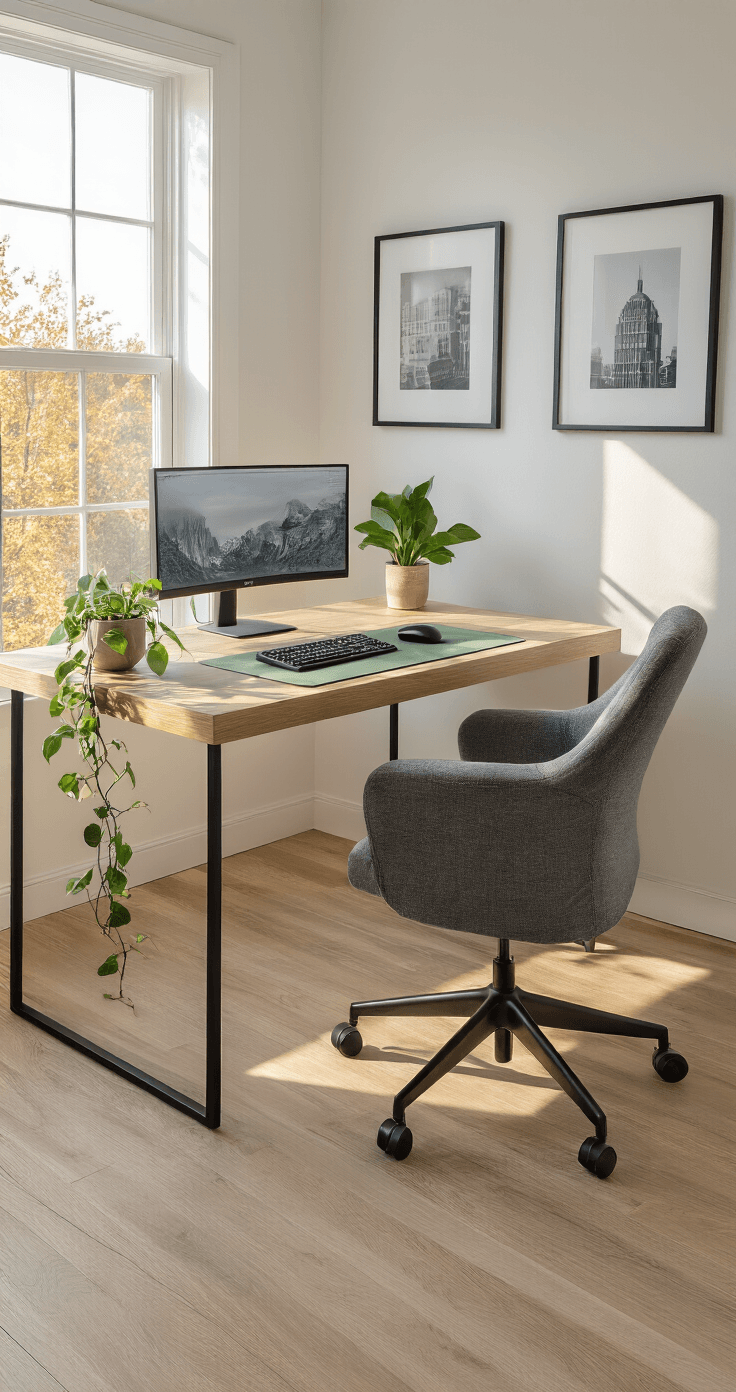
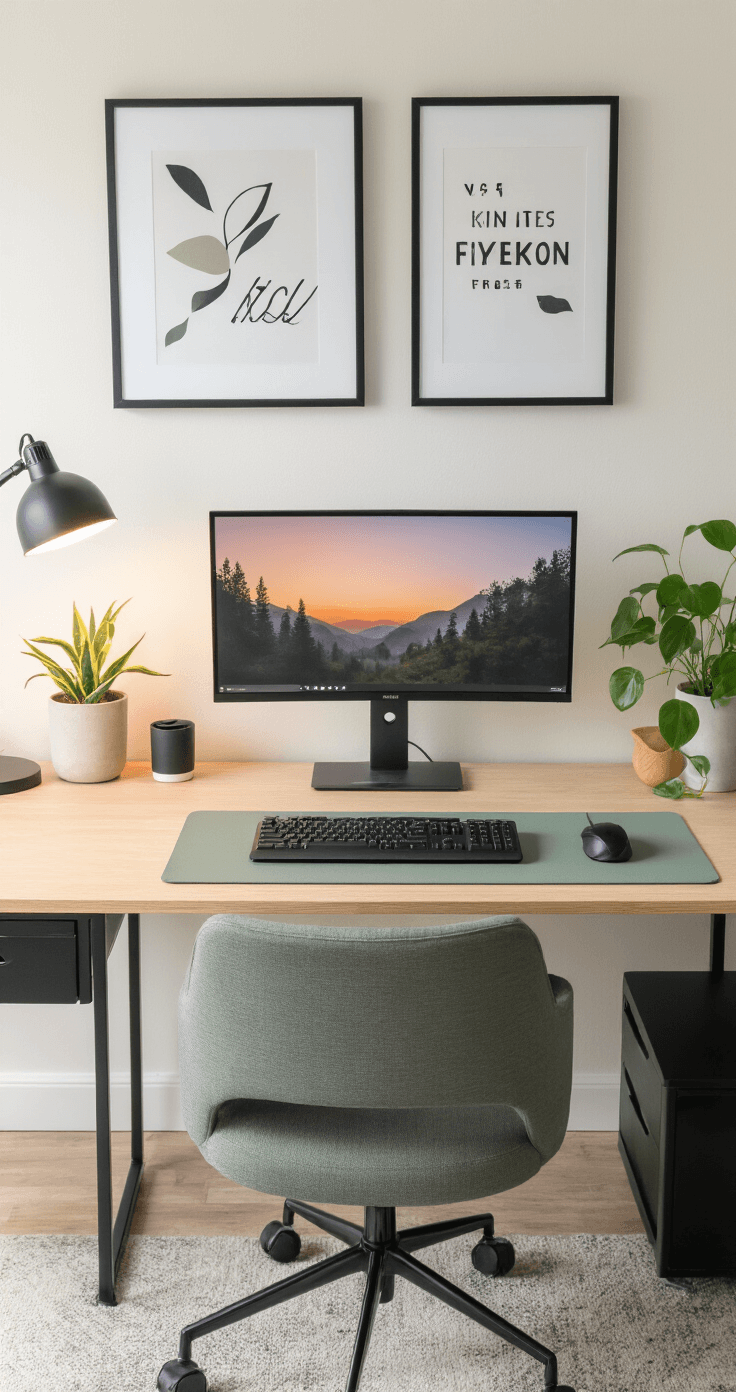
I use a simple wooden desk with a light oak finish that cost me $180. Nothing fancy. Clean lines, sturdy legs, no unnecessary drawers eating up knee space.
The chair deserves its own paragraph because this is where most people murder their spines.
Skip the $50 Amazon “racing chair” that’ll disintegrate in six months. You need an ergonomic office chair with adjustable lumbar support, armrests that move, and a seat that doesn’t feel like sitting on plywood.
Budget $150-300 here minimum. Your future chiropractor will thank you.
The Color Palette That Doesn’t Make Your Eyes Bleed
Cozy minimal means restraint.
I work with three colors maximum:
- Base: Warm white walls and a light oak desk
- Neutral: Charcoal grey for my chair and tech accessories
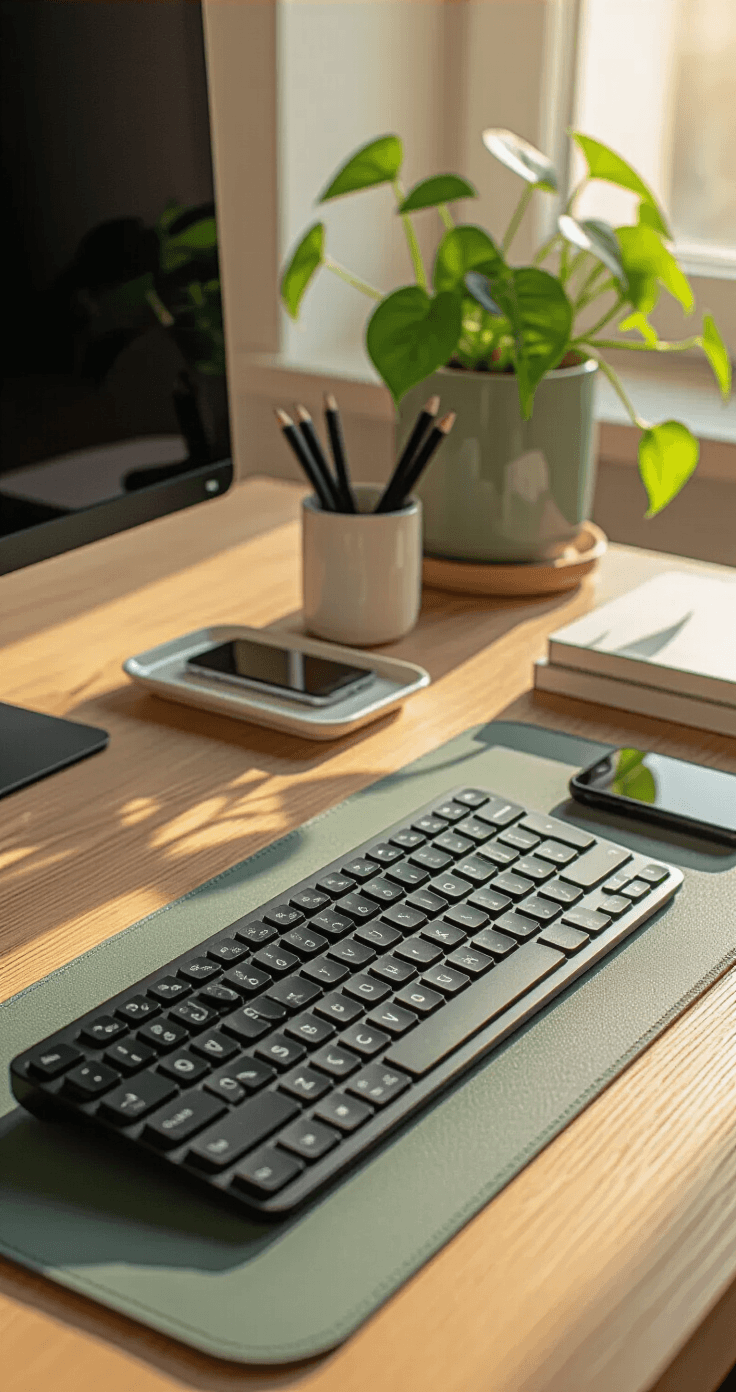
- Accent: Muted sage green in my mousepad, plant, and one art print
That’s it.
No neon pink keyboard. No random blue lamp screaming for attention. No “gamer aesthetic” that looks like a nightclub exploded.
The secret is repetition.
Use your accent color exactly three times across the setup. My sage appears in the desk mat, the potted plant, and a small detail in my wall art.
Your brain reads this as intentional instead of chaotic.

Lighting That Won’t Give You a Migraine
Overhead lighting is the enemy. Those harsh ceiling fixtures make everything look like a police interrogation room.
Here’s my lighting formula:
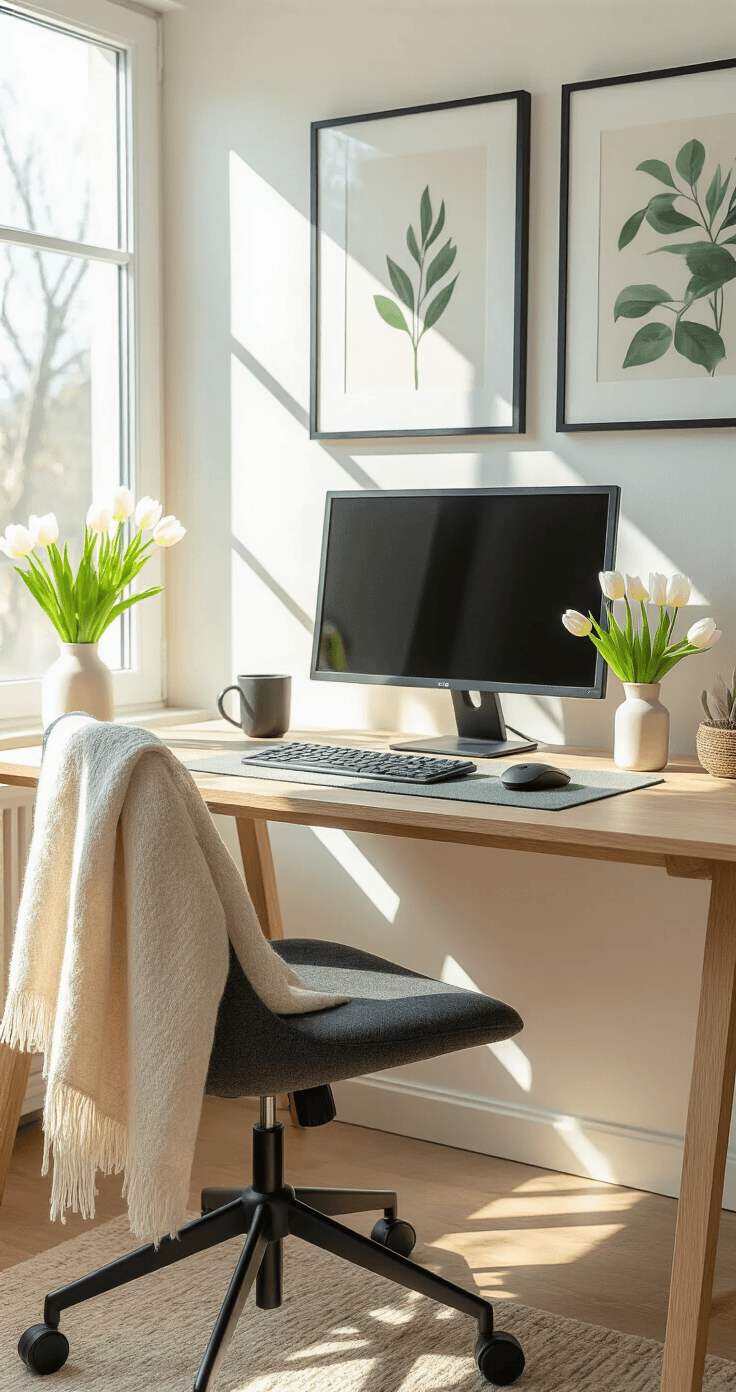
- Natural light from the side – Position your desk perpendicular to a window, never facing it directly (glare city) or with it behind you (you become a silhouette on video calls)
- Desk lamp with warm LED – Get a dimmable LED desk lamp around 2700-3000K temperature
- Ambient backlighting – Stick a cheap LED strip behind your monitor for evening gaming sessions
During work hours, I rely on window light plus my desk lamp at 60% brightness. When gaming at night, I dim the desk lamp and let the monitor backlighting create that cozy glow everyone loves in photos.
Cost for all lighting: under $50 if you’re smart about it.
The Minimalist Tech Setup That Actually Functions
Your monitor is the visual anchor of the entire setup.
I run a single 27-inch display because I’m not an air traffic controller. Mount it on a monitor arm instead of using the clunky stand.
This single upgrade gives you:
- More desk space immediately
- Better ergonomic positioning
- Cleaner sight lines for photos
- Easy adjustment between work posture and gaming lean-back
Your keyboard and mouse should match in color. I use all-black peripherals because they disappear visually.
White setups look stunning in photos but show every speck of dust and finger grease. Black hides your sins.
Cable management isn’t