
This post may contain affiliate links. Please see my disclosure policy for details.
Computer Desks: Everything You Need to Know Before You Buy One
Contents
Computer desks aren’t just fancy tables with a keyboard on them.
I learned this the hard way after spending six months hunched over my dining table during the pandemic, wondering why my back felt like it belonged to someone twice my age.
You’re probably here because you’re done with makeshift workspaces that leave you achy, distracted, or surrounded by tangled cables that look like they’re plotting against you.
Let me walk you through what actually matters when choosing a computer desk.
Why Computer Desks Are Different (And Why It Matters)
Regular desks and computer desks might look similar at first glance, but they’re designed for completely different jobs.
Writing desks were built for fountain pens and notebooks. Computer desks were built for monitors, keyboards, cables, and the digital chaos we all deal with daily.
Here’s what sets them apart:
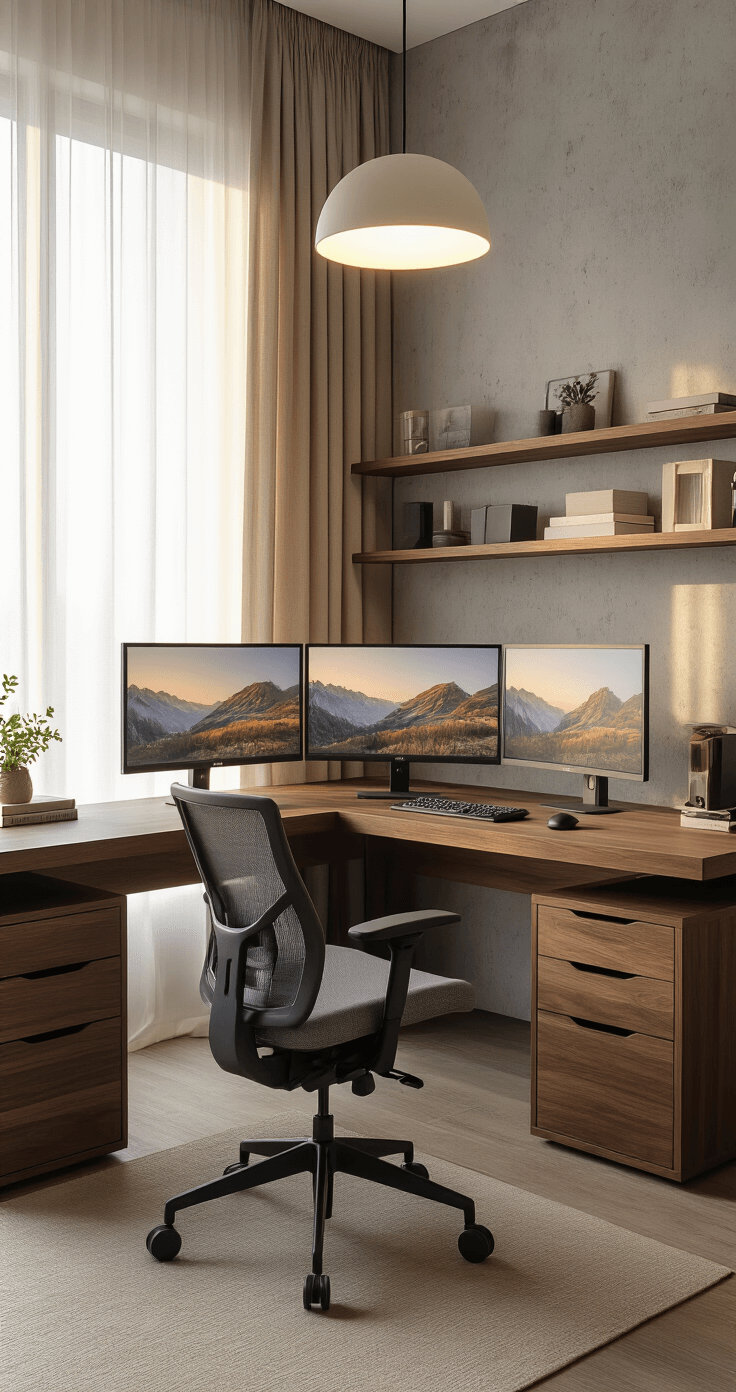
Size: Computer desks run deeper and wider to fit all your equipment without turning your workspace into a game of Tetris
Cable management: Built-in systems keep your cords organized instead of creating that nest of doom behind your setup
Ergonomic features: Monitor shelves, keyboard trays, and adjustable heights that actually consider how human bodies work
Weight capacity: These desks can handle the combined weight of multiple monitors, a chunky desktop computer, and whatever else you pile on there
I used to think any flat surface would do. Then I spent three years at a writing desk trying to fit a dual-monitor setup, and I can tell you exactly how many times I accidentally knocked my coffee over. (Seven. The answer is seven.)
Getting the Measurements Right (Because Guessing Doesn’t Work)
Desk dimensions aren’t just numbers on a product page. They determine whether you’ll work comfortably or spend your days cramped like you’re working from a middle airplane seat.
Width: Don’t Go Too Small
Single monitor setup: Start at 48 inches minimum
Two monitors: You need at least 60 inches unless you enjoy monitors touching each other like awkward teenagers at a school dance
Three or more monitors: Go for 72 inches or wider
I once tried cramming two 27-inch monitors on a 48-inch desk. Let’s just say I got really good at turning my head like an owl.
Depth: Give Yourself Breathing Room
24 inches is the absolute minimum. 30 inches is better.
Why? Because your monitor shouldn’t be two inches from your face, and you need room for a keyboard, mouse, maybe some notebooks, and that coffee mug you swear you’ll move before you knock it over.
If you’ve got a massive 32-inch monitor or you actually use your desk for writing (not just typing), go deeper.
Height: The Goldilocks Problem
Standard desk height sits around 29-30 inches. But “standard” assumes you’re a standard human, which most of us aren’t.
Here’s what actually matters:
- Feet flat on the floor when you’re seated
- Knees bent at roughly 90 degrees
- Elbows at 90 degrees when your hands are on the keyboard
- Monitor at eye level (not tilting your head up or down)
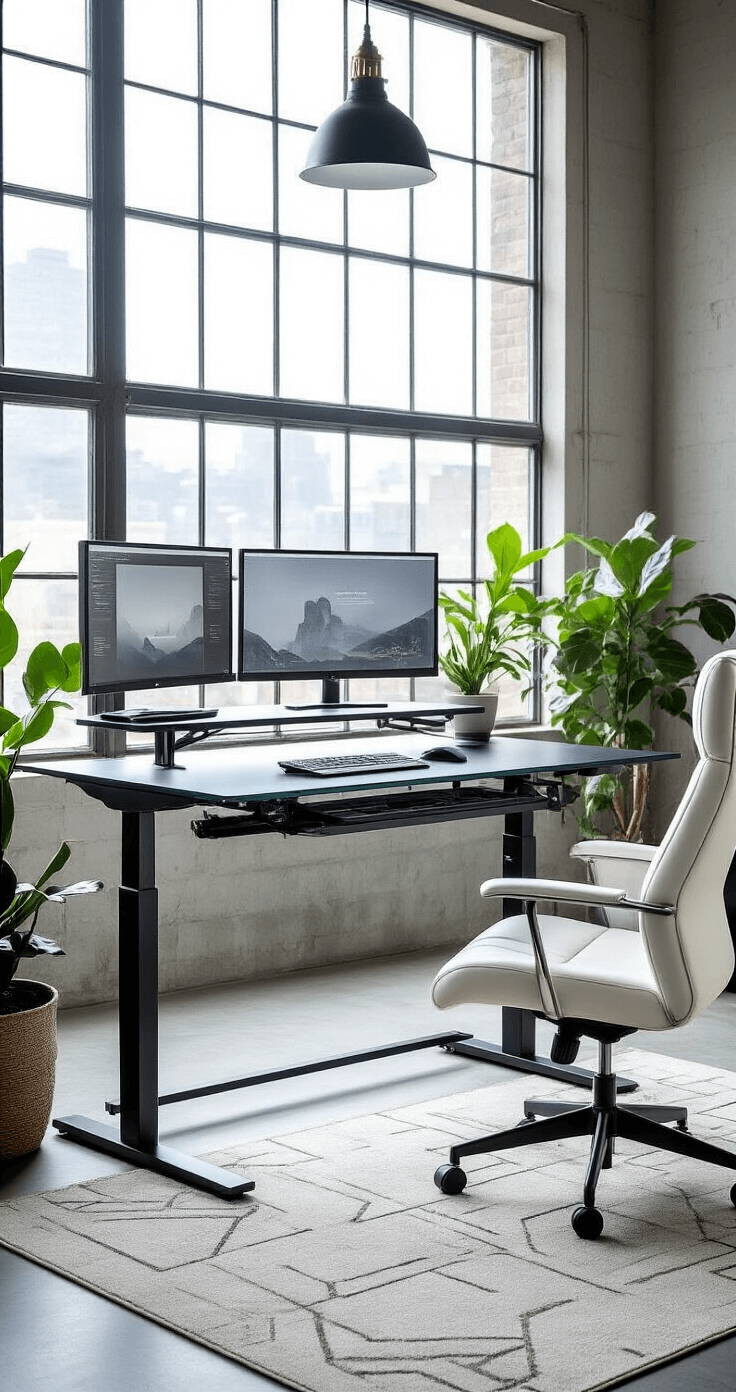
This is where an adjustable desk becomes a game-changer. Standing for part of your day isn’t just trendy wellness nonsense—it actually helps when you’ve been sitting for three hours straight and your body starts feeling like a rusty hinge.
Desk Shapes: More Than Just Aesthetics
The shape of your desk changes how you work and how much space you waste.
Rectangular Desks: The Reliable Option
Straightforward, versatile, fits against any wall. Nothing fancy, but they get the job done.
Perfect if you’ve got a simple setup and a clear wall to work with.
L-Shaped Desks: My Personal Favorite
These beauties fit into corners and give you tons of workspace without eating up your entire room.
I switched to an L-shaped desk two years ago and immediately wondered why I’d wasted so much time with rectangular ones.
One side handles my computer work. The other side becomes my “everything else” space—paperwork, coffee, the random stuff I swear I’ll organize later.
Corner Desks: For Tiny Spaces
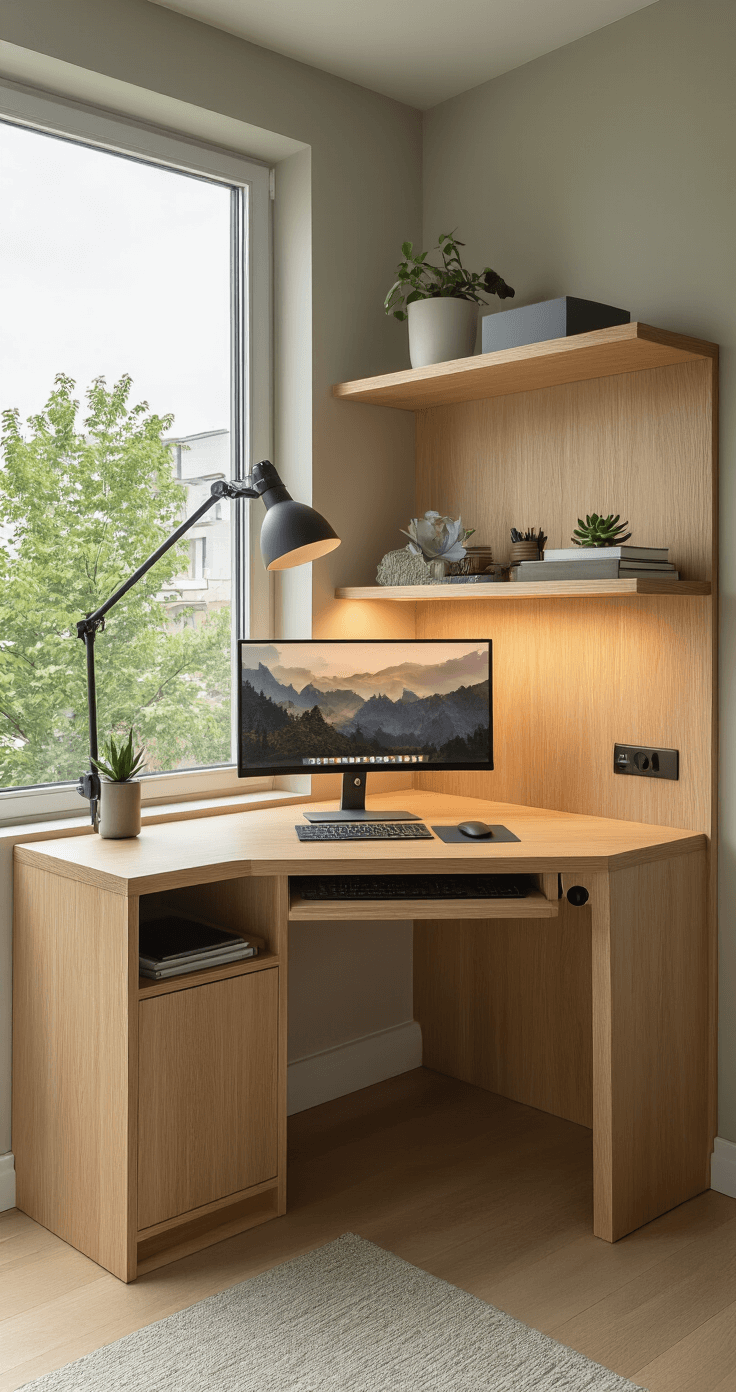
Triangular desks that nestle right into room corners. They’re compact and efficient if you’re working with limited square footage.
Just know you’re sacrificing surface area for space efficiency.
U-Shaped Desks: When You Mean Business
These wrap around you like a workspace hug. Maximum storage, maximum surface area, maximum “I’m very important” vibes.
They also take up maximum space, so make sure your room can handle it before you commit.
Curved Desks: The Ergonomic Dark Horse
The rounded edges give you more reachable surface area without sharp corners jabbing into your arms.
I don’t see these talked about enough, but they’re worth considering if ergonomics matter to you.
Materials Matter More Than You Think
Desk materials affect durability, appearance, maintenance, and whether your desk survives the next five years.
Wood: Classic, sturdy, available in finishes from light maple to dark espresso. Solid wood desks feel substantial and last forever if you treat them right.
Metal: Strong, modern-looking, nearly indestructible. Great if you’re going for that industrial or minimalist vibe.
Glass: Sleek and contemporary, but every fingerprint shows up like you’re collecting evidence at a crime scene. High maintenance.
Laminate: Budget-friendly and practical. It won’t win design awards, but it resists stains and cleans easily. Perfect for “I need something functional now” situations.
Engineered wood: The middle ground—more affordable than solid wood, more durable than particle board.
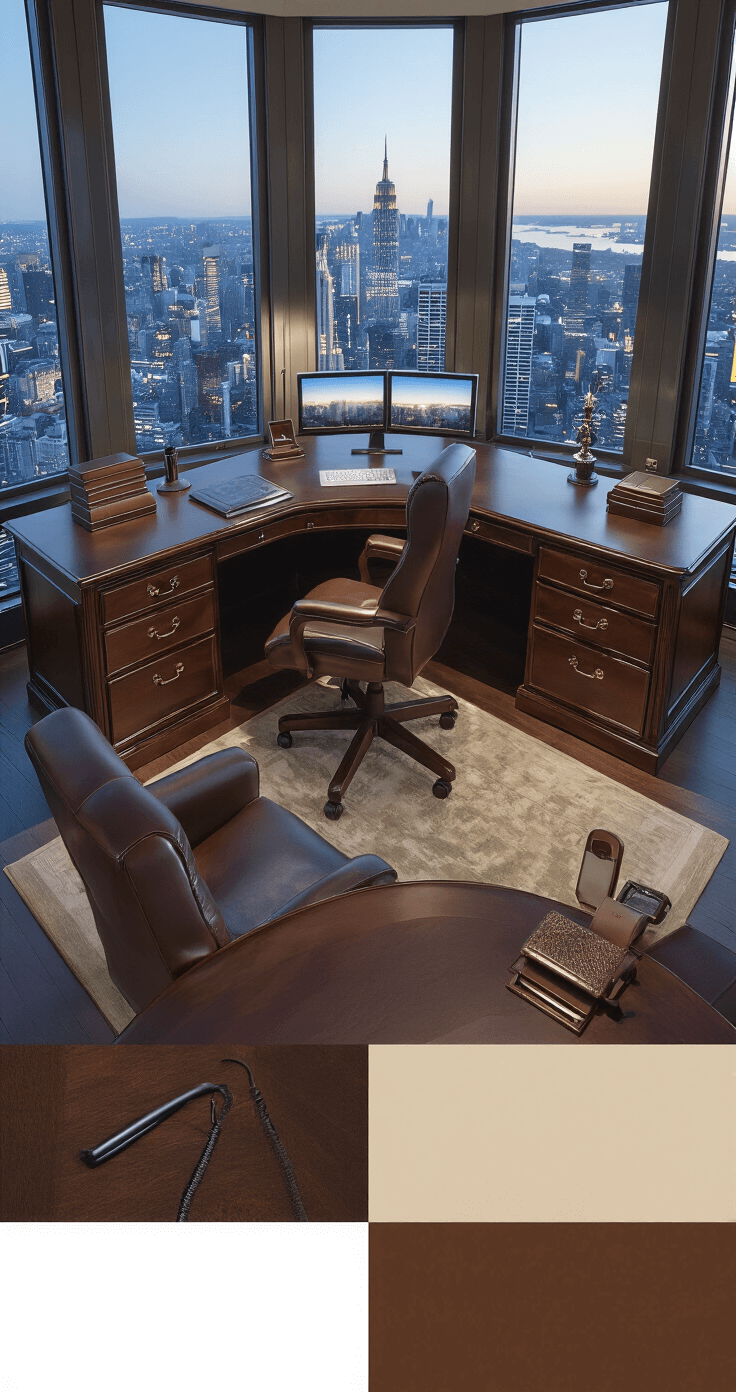
I started with a cheap particle board desk that literally started sagging under the weight of my equipment after 18 months. Never again.
Features That Actually Make a Difference
Some desk features are marketing fluff. Others change your daily work experience.
Cable Management: Stop Living in a Wire Jungle
Built-in cable management isn’t optional anymore unless you enjoy the aesthetic of “electrical fire waiting to happen.”
Look for:
- Grommets (those circular holes) for threading cables through
- Cable trays underneath the desk
- Channels or raceways