
This post may contain affiliate links. Please see my disclosure policy for details.
How to Create the Perfect Desk Setup That Actually Works for Your Body
Contents
Setting up a desk properly means positioning your chair, monitor, and keyboard so your body stays comfortable during long work sessions without developing aches and pains.
I spent three years working from a dining room chair with my laptop balanced on a stack of books before my chiropractor finally asked what the hell I was doing to my neck.
Turns out, I was doing everything wrong.
Why Your Current Setup Is Probably Hurting You
Your shoulders feel tight by noon. Your lower back screams by 3 PM. You catch yourself hunching forward like a question mark.
Sound familiar?
Most people think discomfort is just part of desk work, but it’s not.
The problem isn’t sitting—it’s sitting badly.
Start With Your Chair (Yes, Really)
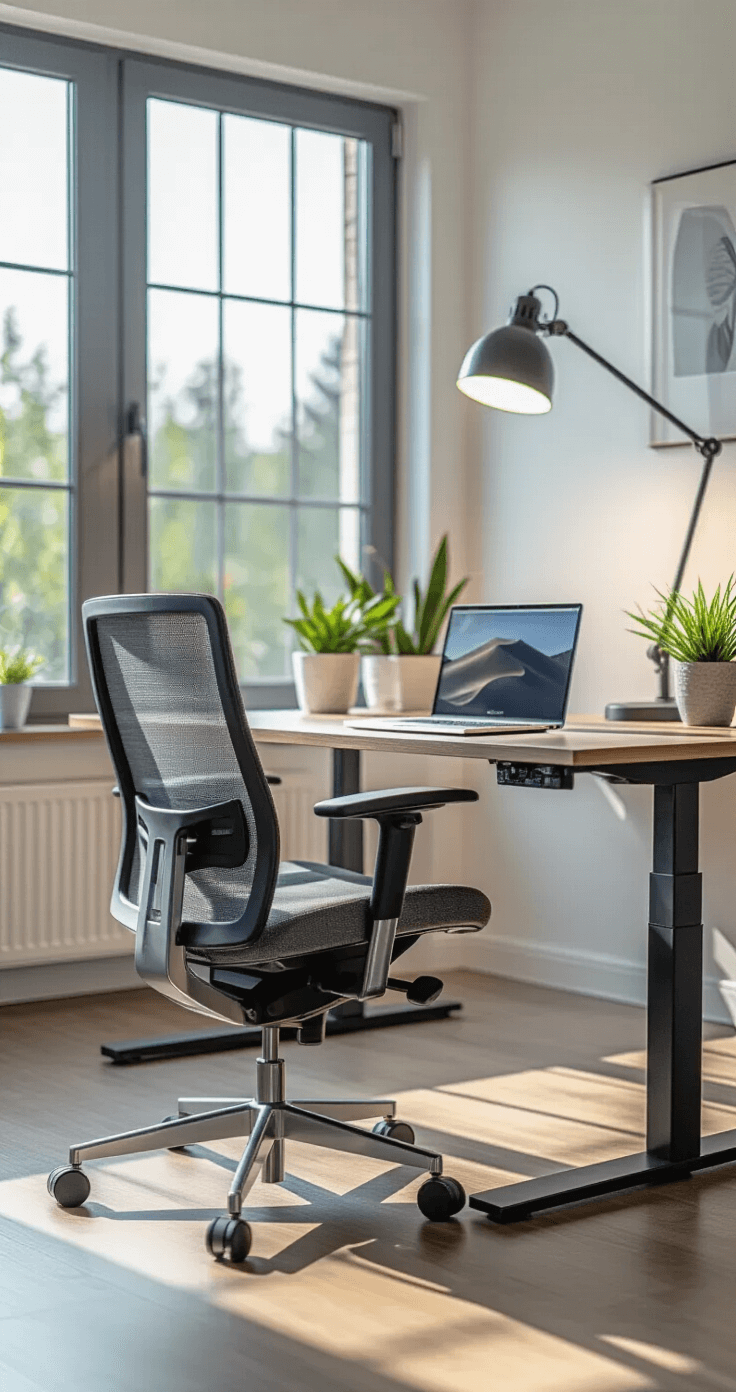
Your ergonomic office chair determines everything else.
I learned this the expensive way after buying a fancy desk before realizing my $30 chair was the real villain.
Here’s what you need:
- Feet flat on the floor – If they dangle, grab a footrest
- Knees at 90 degrees – Adjust seat height until this happens naturally
- Hips slightly higher than knees – This keeps pressure off your lower back
- Backrest supporting your lumbar spine – That natural curve in your lower back needs love
My turning point came when I stopped treating my chair like furniture and started treating it like medical equipment.
Because that’s basically what it is.
Get Your Desk Height Right
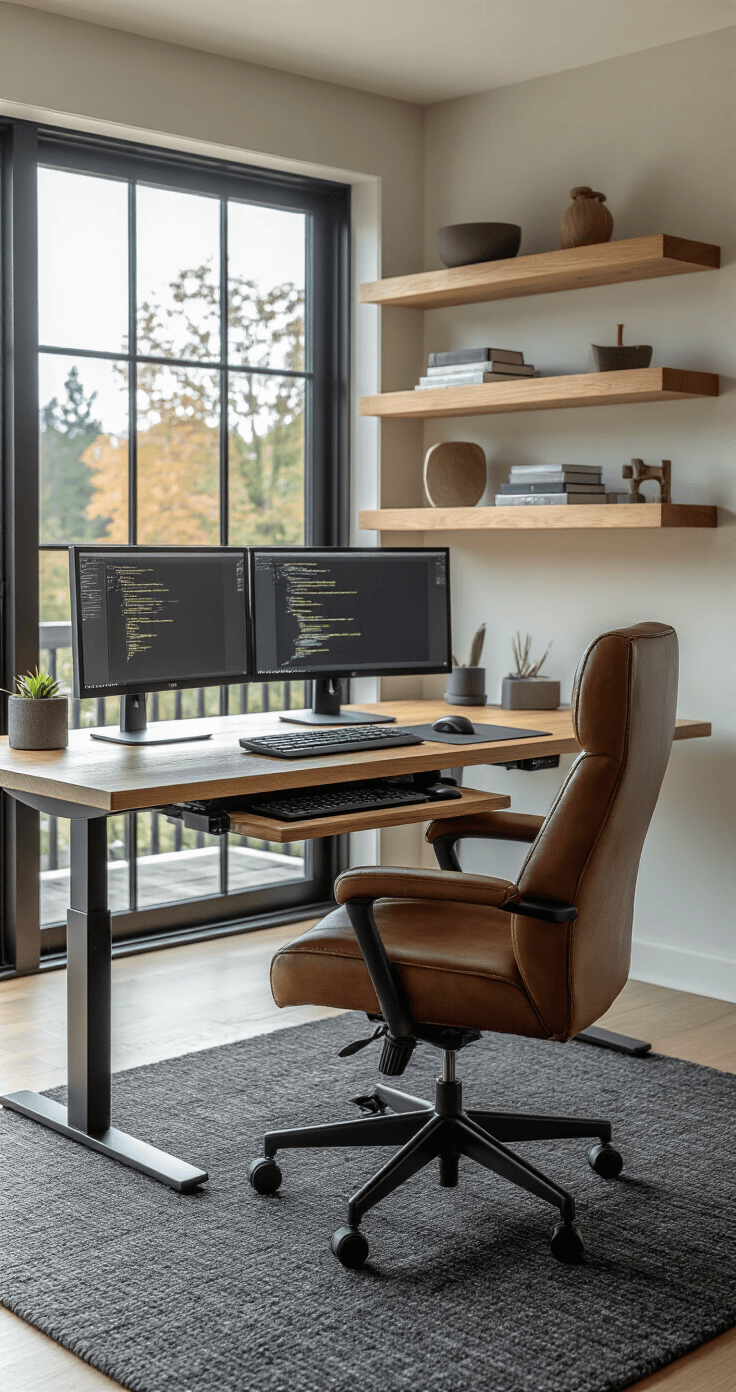
Your elbows should sit at 90 degrees when you type.
Not 85. Not 95. 90 degrees.
Here’s the quick test:
Sit in your adjusted chair, let your arms hang naturally, then bend your elbows to form an L-shape.
Your keyboard should live right at that height.
If your desk is too high:
- Your shoulders creep up toward your ears
- Tension builds in your neck
- Your wrists bend awkwardly
If your desk is too low:
- You hunch forward like you’re protecting a secret
- Your back rounds out
- Everything hurts
Can’t adjust your desk height?
Get a keyboard tray that mounts underneath.
I fought this solution for months because it seemed “extra,” but it saved my shoulders.
Position Your Monitor Like You Mean It
The monitor setup separates amateurs from professionals.
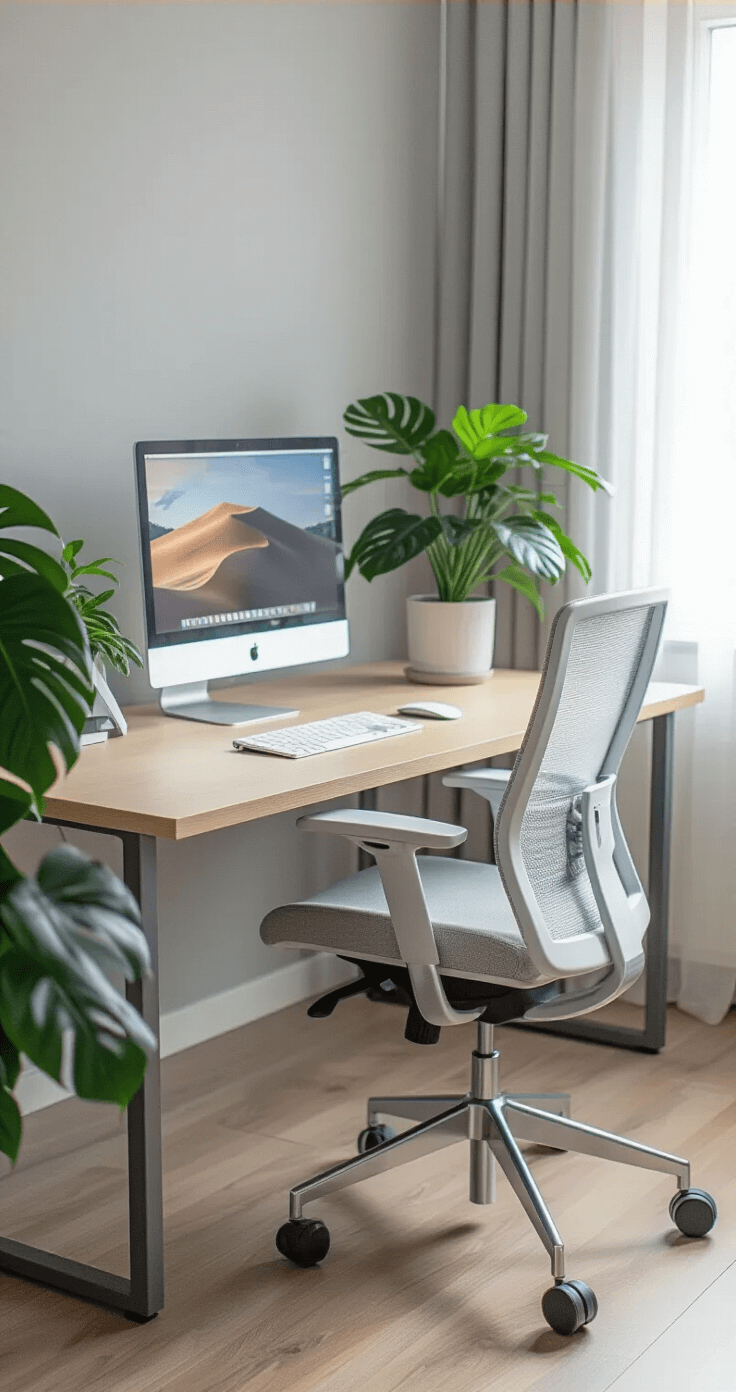
Distance: Arm’s length away (about 20-28 inches from your eyes)
Height: Top of the screen at or slightly below eye level
I used to have my laptop flat on my desk, which meant staring down all day like I was searching for lost contact lenses.
Then I got a laptop stand and my neck pain disappeared within a week.
For the screen height test:
Sit naturally. Look straight ahead. Your eyes should hit the top third of the screen.
If you’re looking up, you’ll get neck strain. If you’re looking down, you’ll get neck strain AND you’ll develop that tech-neck posture that ages you about fifteen years.
Tilt matters too:
Angle the screen slightly upward (10-20 degrees) so you’re looking at it perpendicularly, not at some weird angle where you catch glare and squint like you’re trying to read ancient runes.
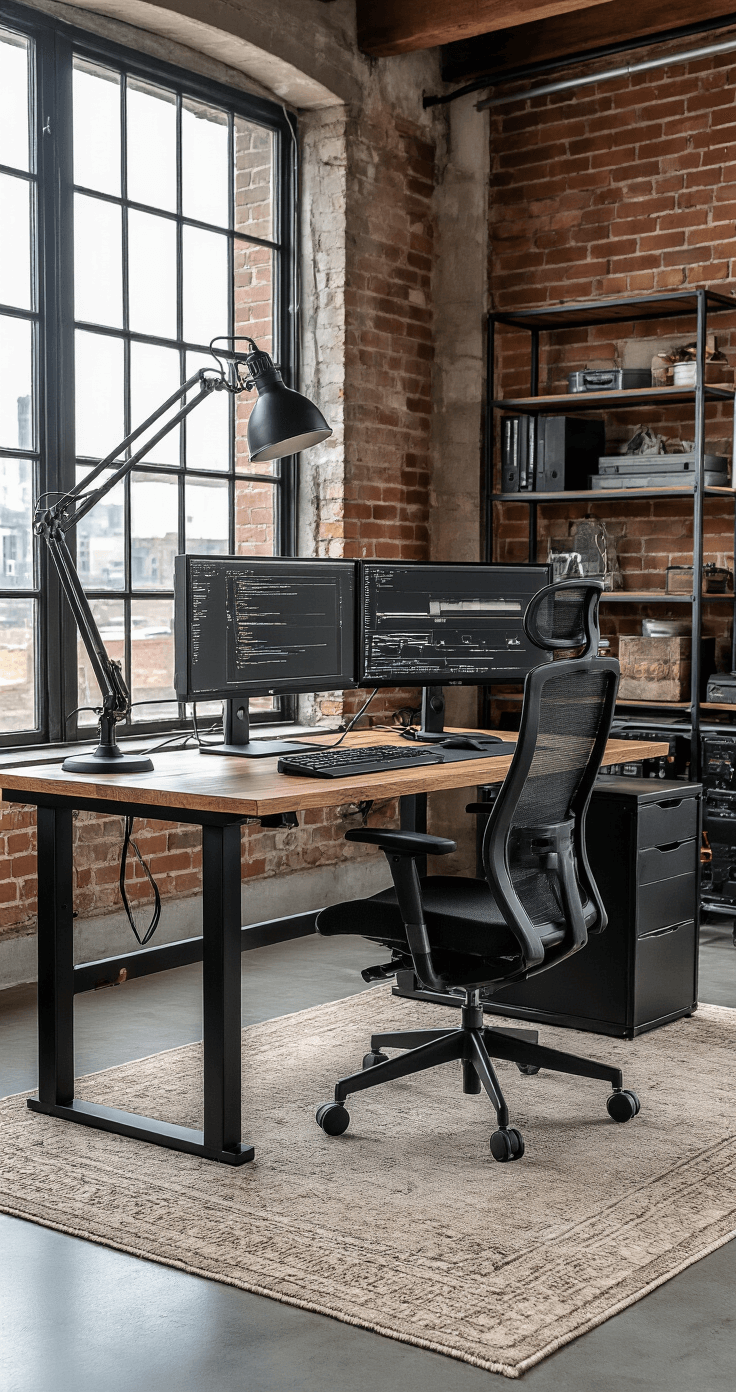
Your Keyboard and Mouse Are Partners
They need to work together.
Keyboard rules:
- Directly in front of you (not angled off to one side)
- Wrists straight and level, not bent like broken tree branches
- Elbows close to your body
Mouse rules:
- Right next to your keyboard (not a foot away like it’s avoiding contact)
- Same height as your keyboard
- Close enough that you don’t reach
I used to keep my mouse on a different surface level than my keyboard because my desk had this weird side platform situation.
My right shoulder was perpetually higher than my left.
I looked like I was constantly shrugging off bad news.
If you type a lot, consider a compact keyboard without a number pad—it lets you keep your mouse closer and reduces shoulder strain.
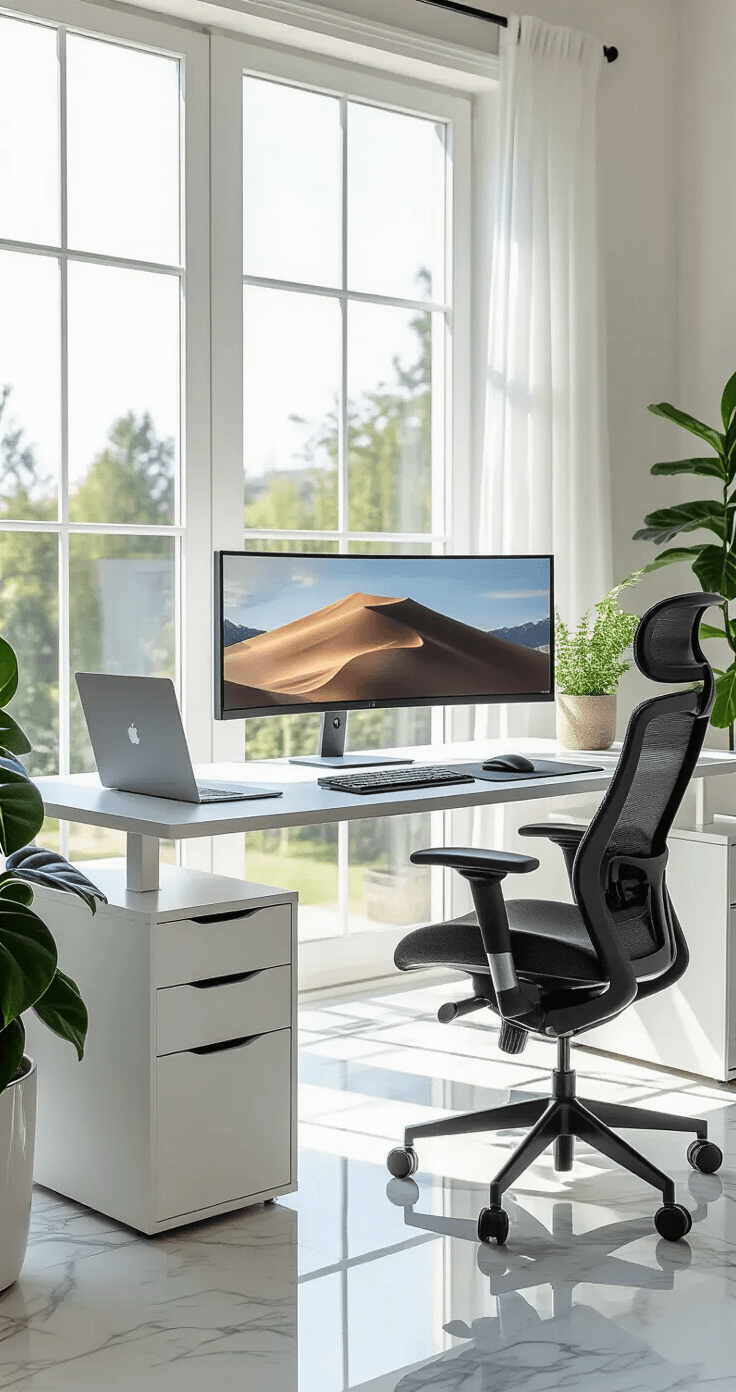
The Stuff Nobody Talks About
Lighting makes or breaks everything.
Position your monitor perpendicular to windows, not facing them or with your back to them.
Facing windows = constant glare and squinting. Back to windows = your screen becomes a mirror showing you how tired you look.
Get a desk lamp that illuminates your workspace without creating screen glare.
I use one with adjustable brightness because my needs change throughout the day.
Cable management isn’t just aesthetic.
Tangled cables pull on equipment, shift your carefully positioned keyboard, and create trip hazards.
Use clips, ties, or raceways to keep everything in place