
This post may contain affiliate links. Please see my disclosure policy for details.
Your Desk Setup Can Make or Break Your Entire Workday
Contents
- Your Desk Setup Can Make or Break Your Entire Workday
- Why Your Current Desk Setup Is Probably Making You Miserable
- The Foundation: Getting Your Ergonomics Right (Your Back Will Thank You)
- Choosing the Right Desk Size (Bigger Isn’t Always Better)
- Cable Management That Doesn’t Look Like a Tech Graveyard
- Lighting That Makes Everything Look Professional
- Storage Solutions That Keep You Organized
- Personalizing Without Going Overboard
Your desk setup can make or break your entire workday, and I learned this the hard way after months of neck pain and productivity struggles.
You’re probably dealing with some familiar frustrations right now. Your back aches after just a few hours of work. Your desk looks like a cable graveyard. You can’t find anything when you need it most. Your lighting makes everything look terrible on video calls.
I’ve been there, and I’m here to help you fix it.

Why Your Current Desk Setup Is Probably Making You Miserable
Most people think a desk setup just means throwing a computer on any flat surface and calling it done. That’s like trying to cook a perfect steak without preheating the pan – technically possible, but you’re setting yourself up for disappointment.
I spent two years working from a dining chair at a kitchen table. My productivity was garbage, my posture was worse, and I constantly felt exhausted. The moment I invested in a proper desk setup, everything changed.
The Foundation: Getting Your Ergonomics Right (Your Back Will Thank You)
Chair Positioning That Won’t Destroy Your Spine
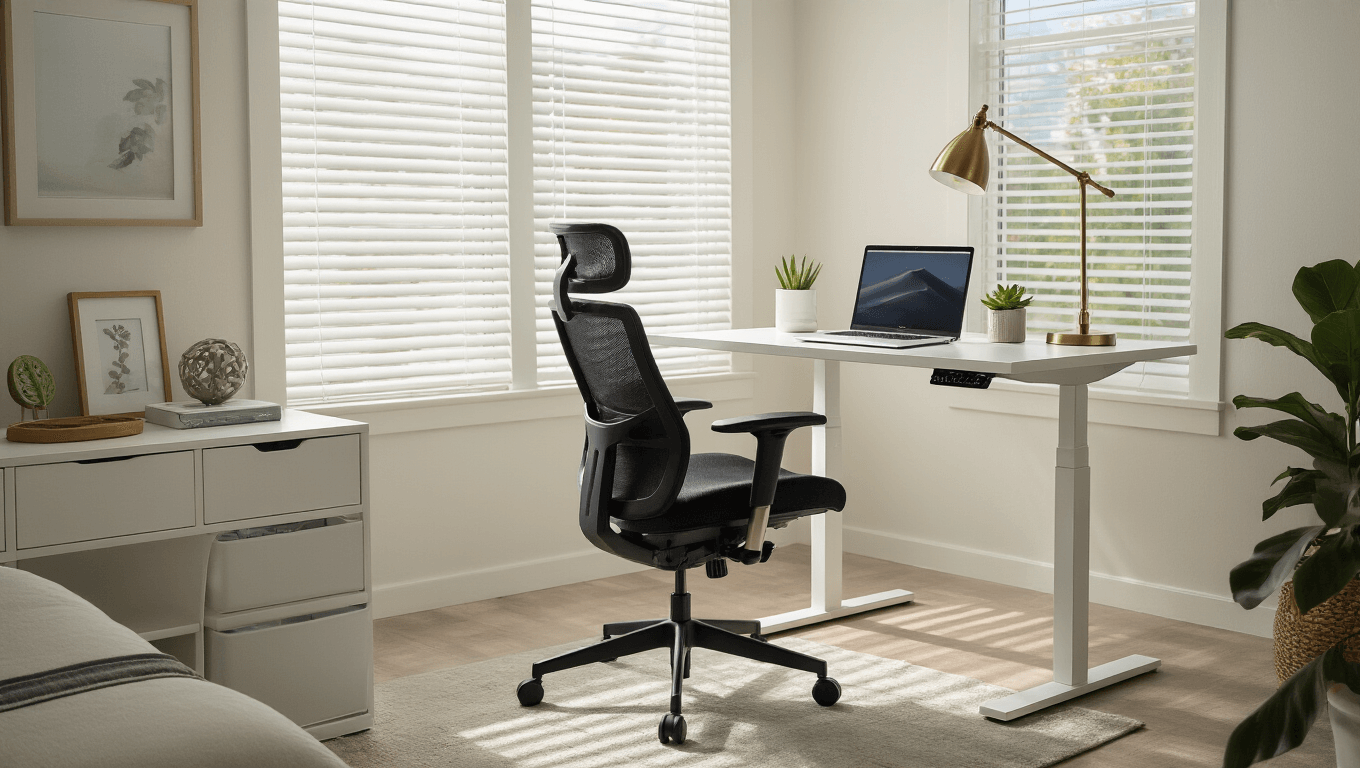
Your chair is the cornerstone of everything else. Get this wrong, and every other adjustment becomes pointless.
Here’s exactly how to set it up:
- Plant your feet flat on the floor (or grab a footrest if you’re on the shorter side)
- Keep your knees at 90 degrees
- Position your hips slightly above your knees
- Make sure your lower back touches the lumbar support
I made the rookie mistake of thinking any chair would work. After three months of lower back pain that felt like someone was stabbing me with a fork, I finally invested in an ergonomic office chair. Game changer.
Arm and Wrist Positioning (Say Goodbye to Carpal Tunnel)
Your arms shouldn’t feel like they’re reaching for the stars or cramped against your ribs.
The perfect arm setup:
- Keep elbows close to your body
- Bend them at 90 degrees
- Keep forearms parallel to your desk surface
- Maintain straight, level wrists with your keyboard
Monitor Height That Won’t Turn You Into a Turtle
This one’s huge, and most people get it completely wrong.
Monitor positioning rules:
- Place it an arm’s length away
- Position the top at or just below eye level
- Tilt it slightly upward (about 10-15 degrees)
- Keep it directly in front of you, not off to one side
If you’re working on a laptop, you need a laptop stand and an external keyboard. Trust me on this one.

Choosing the Right Desk Size (Bigger Isn’t Always Better)
I used to think I needed the biggest desk possible. Then I realized that more space just meant more clutter.
Desk size guidelines:
- Width: 48-60 inches works for most people
- Depth: 24-30 inches gives you enough space without overwhelming your room
- Height: Should allow your forearms to be parallel when typing
Consider a sit-stand desk if you want to mix things up during the day. I was skeptical at first, but alternating between sitting and standing keeps my energy levels more consistent.
Cable Management That Doesn’t Look Like a Tech Graveyard
Nothing ruins a clean setup like cables everywhere. It’s not just about looks – tangled cables are safety hazards and make cleaning impossible.
Cable management strategies that actually work:
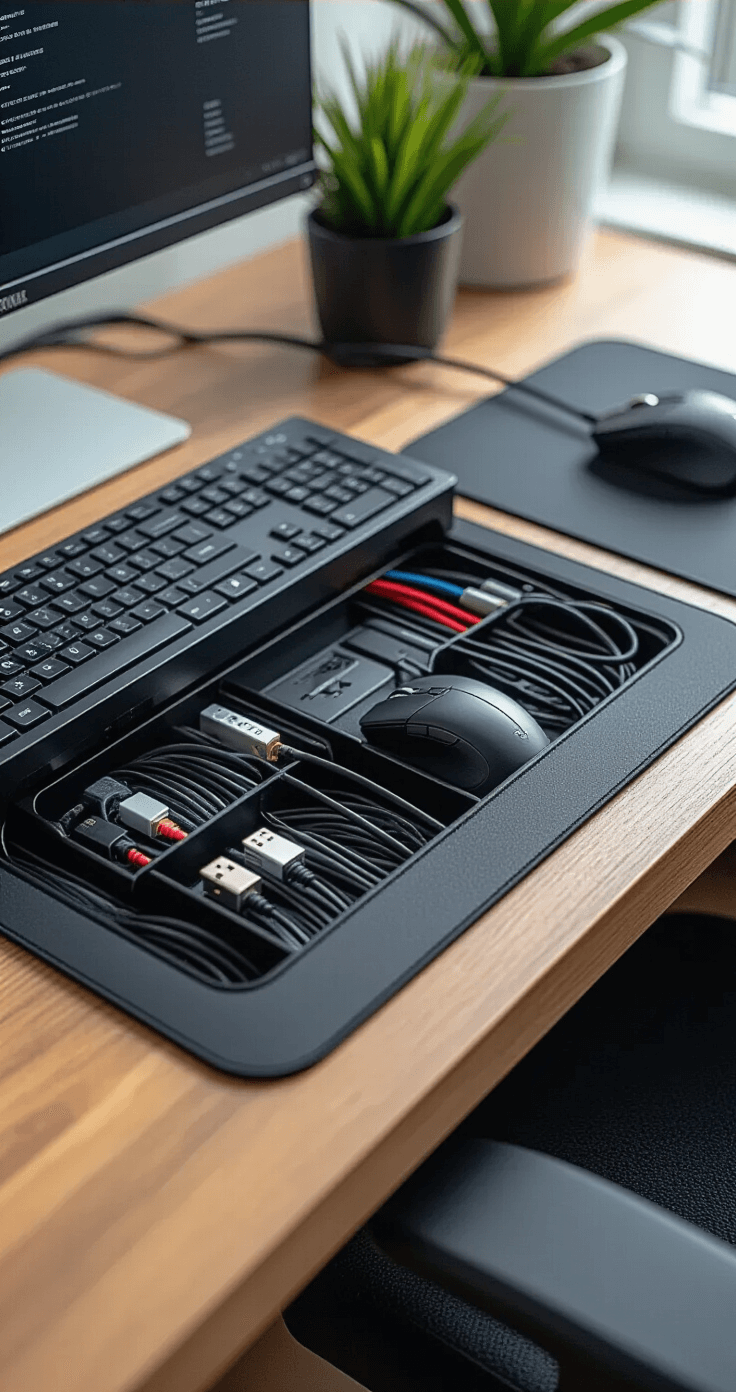
- Use under-desk cable trays to route everything neatly
- Invest in cable sleeves for visible areas
- Label your cables (you’ll thank yourself later)
- Keep power strips off the floor
Cable management accessories might seem like overkill, but they’re worth every penny.
Lighting That Makes Everything Look Professional
Bad lighting is the silent productivity killer. You’re straining your eyes, getting headaches, and looking terrible on video calls.
Lighting setup essentials:
- Add a quality LED desk lamp for task lighting
- Position lights to avoid screen glare
- Use natural light when possible, but control it with blinds
- Consider a monitor light bar for even screen illumination
Storage Solutions That Keep You Organized
A cluttered desk equals a cluttered mind. I’m not being dramatic – there’s actual research backing this up.
Smart storage options:
- Under-desk drawers for frequently used items
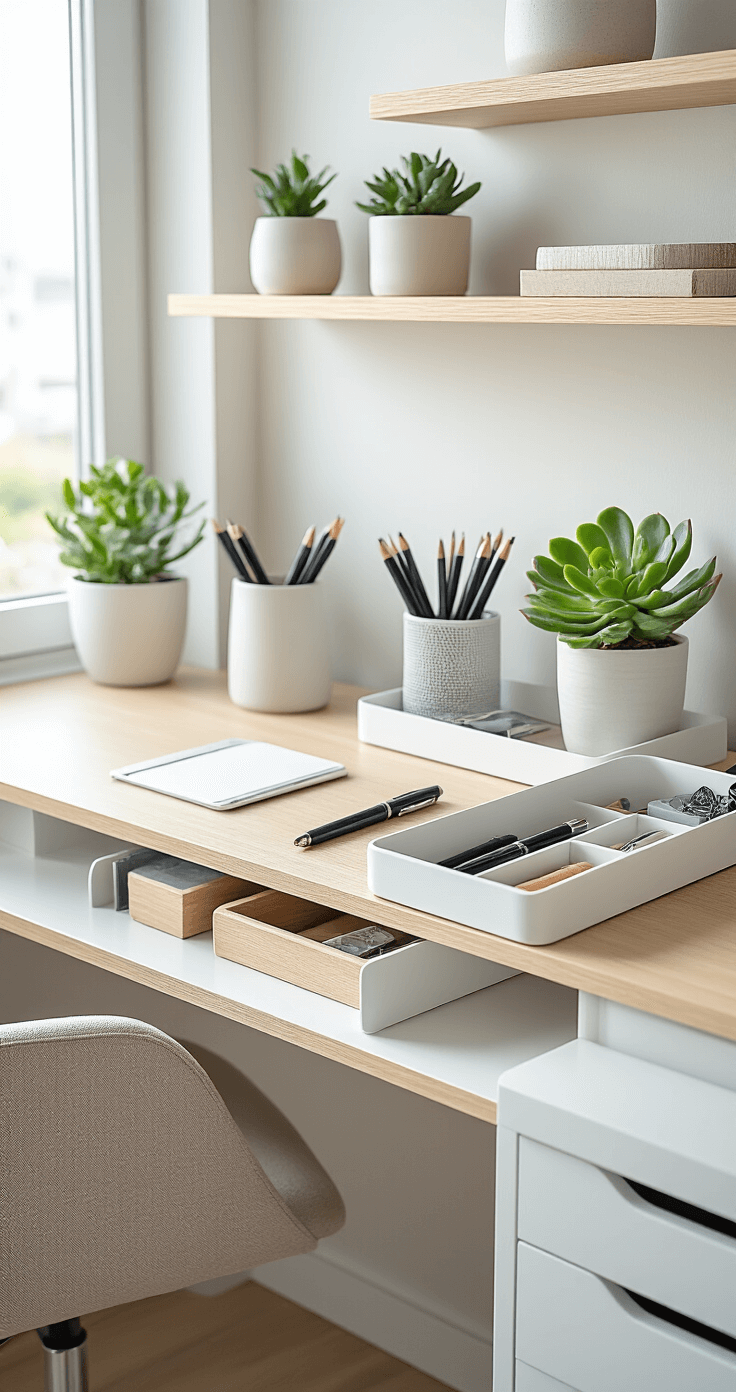
- Desktop organizers for daily essentials
- Wall-mounted shelves to keep surfaces clear
- A designated spot for everything
Personalizing Without Going Overboard
Your desk should reflect your personality, but don’t turn it into a museum.
Personal touches that work:
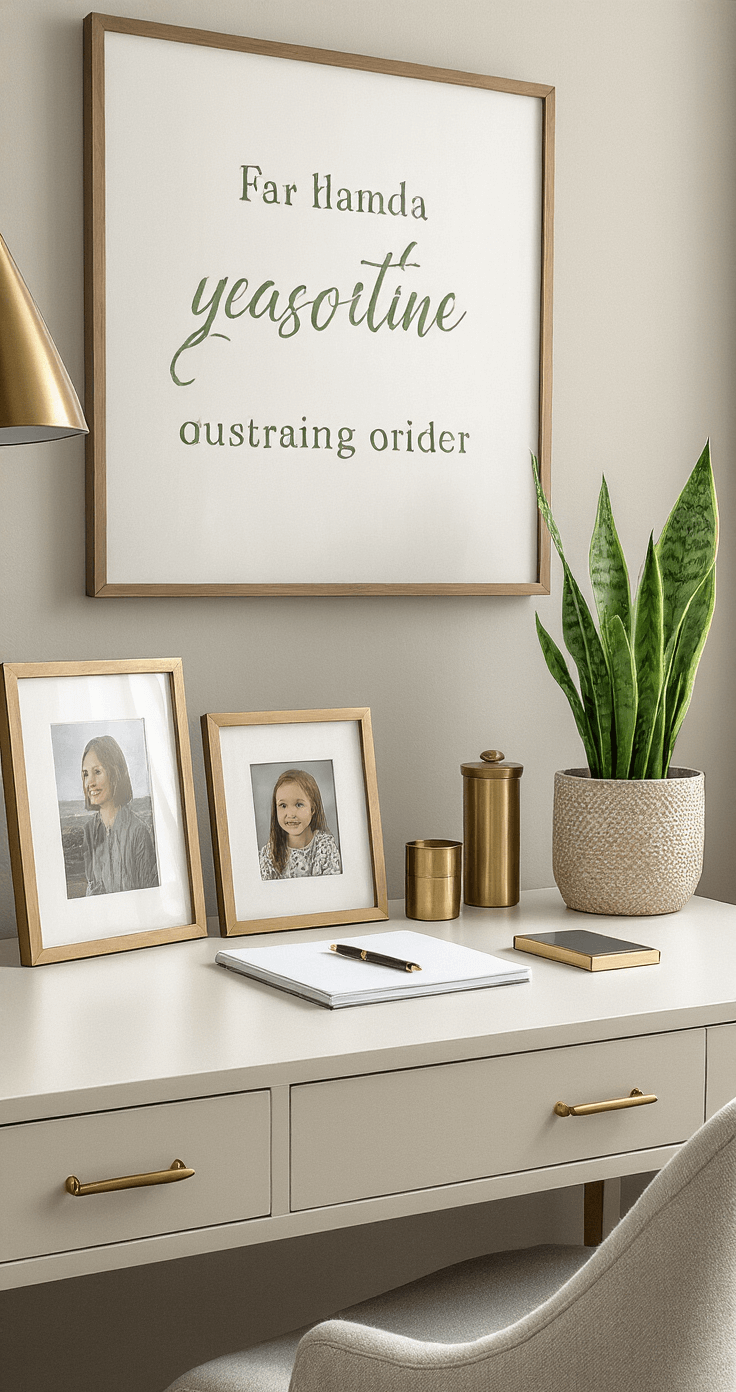
- One or two plants (they actually improve air quality)
- A few meaningful photos or artwork
- Quality accessories that serve a purpose
- Colors that make you feel energized
Avoid these personalization mistakes:
- Too many decorative items
- Distracting colors or patterns
- Anything that doesn’t serve a function