
This post may contain affiliate links. Please see my disclosure policy for details.
Your Dream Gaming Desk Setup Starts With Getting These 7 Things Right
Gaming desk setup isn’t just about throwing a monitor on a table and calling it done.
I’ve spent the last eight years building, rebuilding, and obsessing over gaming setups—both for myself and for friends who kept asking why their backs hurt after a three-hour Elden Ring session.
Here’s what I learned: most people get it completely wrong from the start.
They buy the flashiest RGB strips before figuring out if their desk even fits their space. They splurge on a gaming chair that looks cool but feels like sitting on a wooden plank. They end up with a rat’s nest of cables that would make even a seasoned electrician weep.
Let me walk you through how to actually do this right.
Measure Your Space Before You Buy Anything (Seriously)
Gaming desk setup mistakes start before you even unbox anything.
I learned this the hard way when I bought a massive L-shaped gaming desk that looked incredible online.
Got it home. Couldn’t fit it through my bedroom door. Had to return it and eat the shipping cost.
Here’s what you need to do:
Grab a tape measure and write down:
- Wall width where your desk will go
- Distance from wall to door (furniture needs to actually fit in the room)
- Height from floor to any windows or wall decorations
- Available power outlet locations
If you’re planning a dual monitor setup, you need at least 60 inches of desk width. Anything less and your monitors will hang off the edges like a bad Jenga game.
For smaller rooms, consider a vertical monitor stack instead of side-by-side placement. I switched to this in my 10×10 bedroom and gained back nearly two feet of desk space.
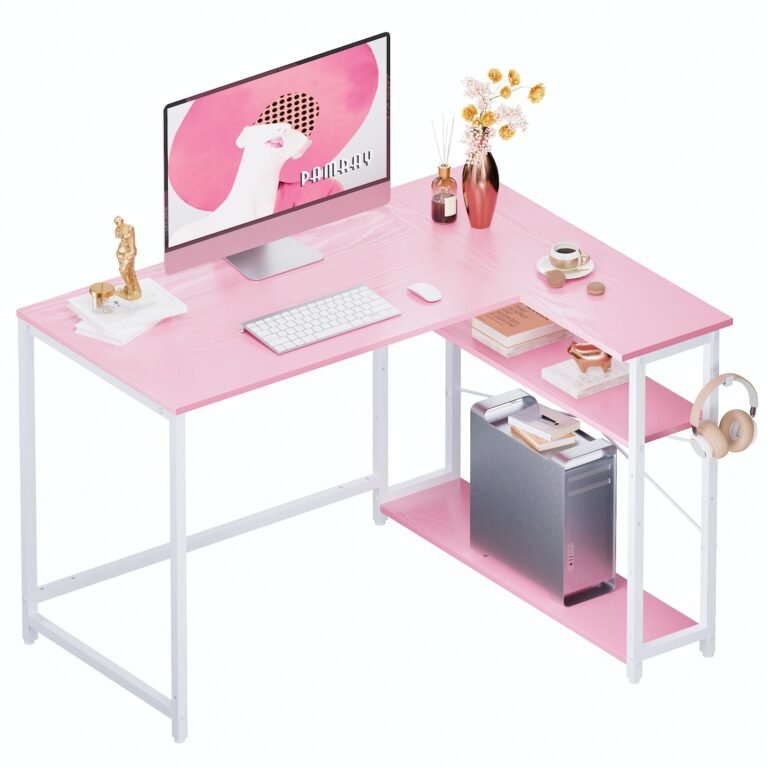
Corner setups work brilliantly if you’ve got the room geometry for it. An L-shaped desk tucked into a corner gives you tons of surface area without eating up your entire wall.
Your Back Will Thank You for Fixing Your Ergonomics
Nothing kills a gaming session faster than your spine screaming at you.
I used to think ergonomics was just corporate buzzword nonsense. Then I hit 30 and my lower back staged a full rebellion after a weekend Valorant tournament.
Here’s the setup that actually matters:
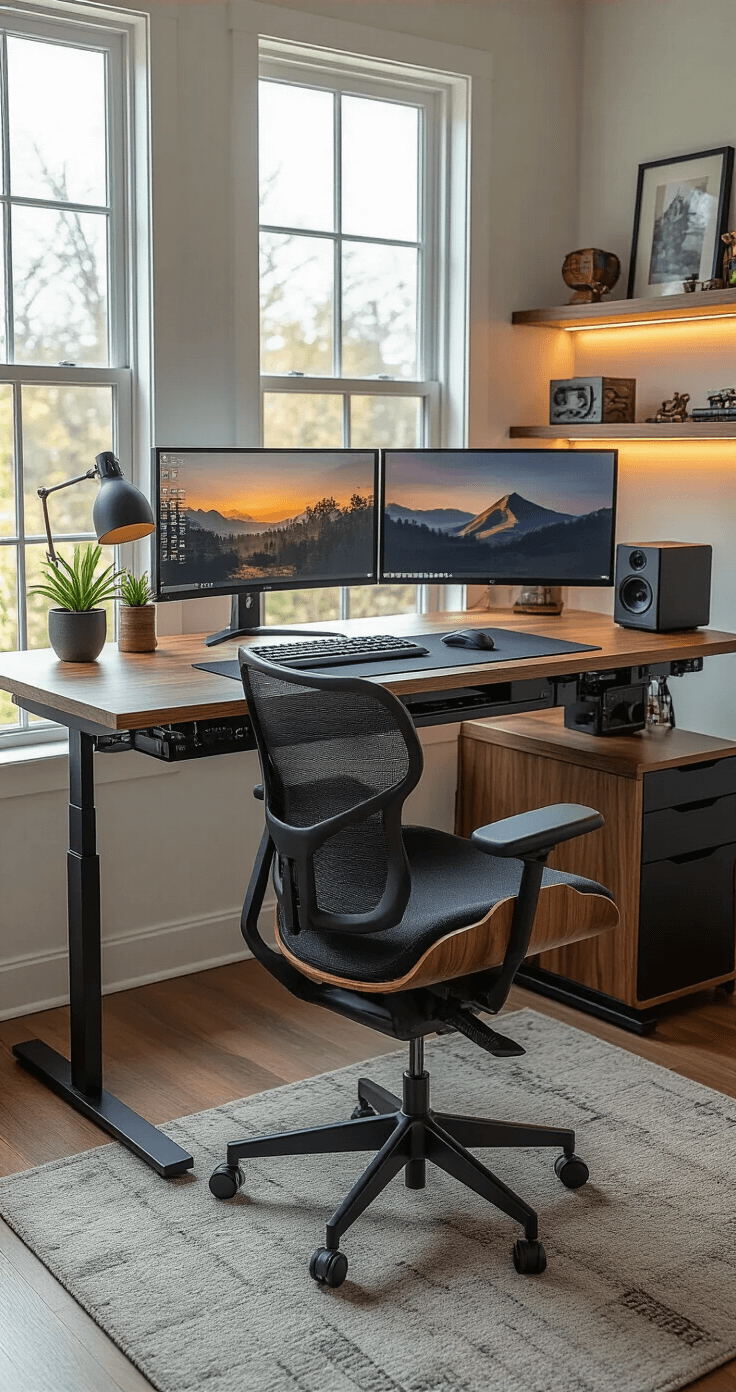
Position your monitor so the top of the screen sits at eye level. Not above. Not below. Right at eye level when you’re sitting normally.
Your feet should rest flat on the floor with knees bent at 90 degrees. If your feet dangle, get a footrest. If your knees point up toward your chest, your chair is too low.
Your keyboard and mouse should let your elbows rest at roughly 90 degrees. No reaching forward like you’re trying to grab something off a high shelf. No chicken-winging your elbows out to the sides.
I switched to a height-adjustable standing desk last year. Best purchase I’ve made for gaming.
I alternate between sitting and standing every hour or so. My back pain disappeared within two weeks. My focus during long sessions improved noticeably.
Pair your desk with an actual ergonomic chair, not just something that looks like it came from a spaceship.
Look for:
- Adjustable lumbar support (your lower back needs this)
- Adjustable armrests (they should support your arms without pushing your shoulders up)
- Tilt and height adjustment (one size fits nobody)
- Breathable material (leather looks cool but you’ll be peeling yourself off it after an hour)
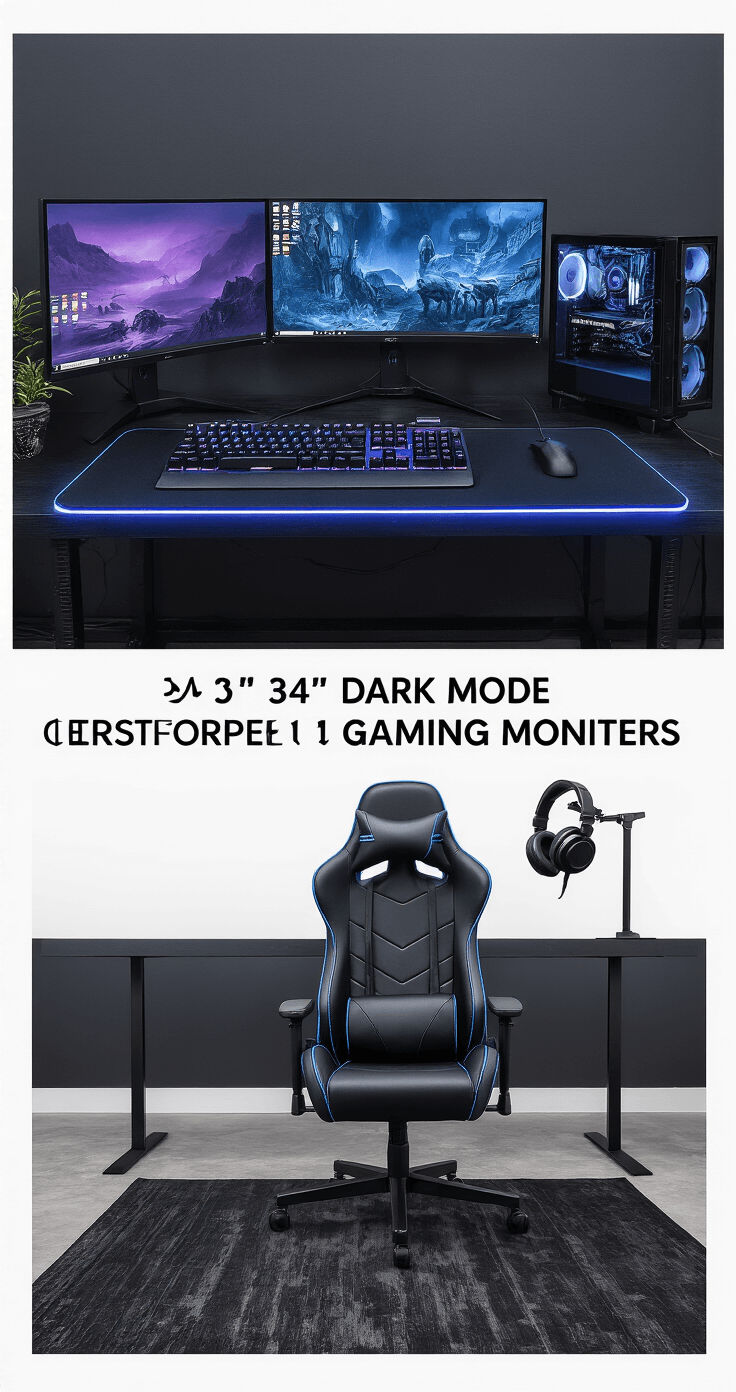
I’m currently using a gaming chair with lumbar support that cost less than half of those “pro gamer” brands. Works better than the $400 racing chair I had before.
Pick a Setup Style That Matches How You Actually Game
Gaming desk setup styles aren’t just about aesthetics. They’re about how you use your space.
I’ve tried most of these over the years, and each works for different situations.
Split-Zone Setup
This is my current setup.
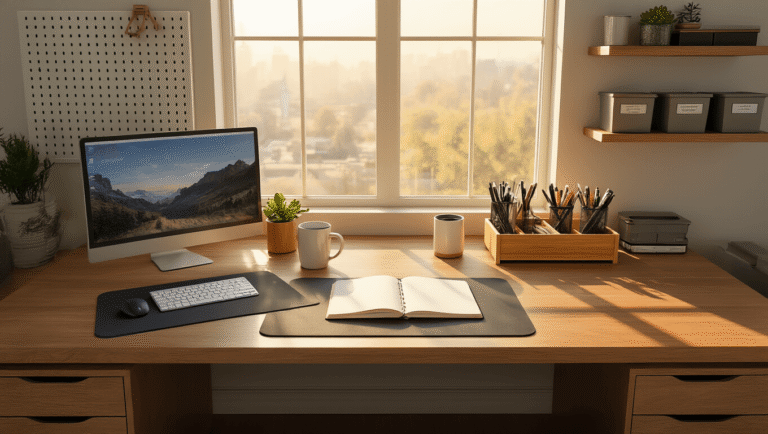
One side of my desk is pure gaming: monitor, keyboard, mouse, controller charging station. The other side is for everything else: work laptop, notebooks, coffee mug that I forget about until it grows mold.
I use different desk mats to visually separate the zones. Keeps my brain from mixing “work mode” with “destroy noobs mode.”
Perfect if you work from home and game on the same desk.
Vertical Monitor Stacking
I ran this setup for two years in a cramped apartment.
Stack your monitors vertically instead of horizontally. Main gaming monitor at eye level. Secondary monitor directly above for Discord, Spotify, browser tabs, whatever.
Saved me about 24 inches of horizontal desk space. Made cable management way easier too.
Dark Mode Setup
Matte black desk. Black monitor arms. Black peripherals. Minimal RGB lighting—just subtle accent strips.
Creates this focused, atmospheric vibe that I absolutely love for late-night gaming sessions.
The low-light environment reduces eye strain way more than having your room lit up like a Christmas tree.
Immersive 360° Surround Setup
This is the “I have a dedicated gaming room and a decent budget” option.
Monitors on three sides. Surround sound speaker placement. RGB lighting synchronized across all your devices.
Tried this at a friend’s place during a racing sim session.
Absolutely incredible immersion. Absolutely not practical for most people.

Lounge Gaming Setup
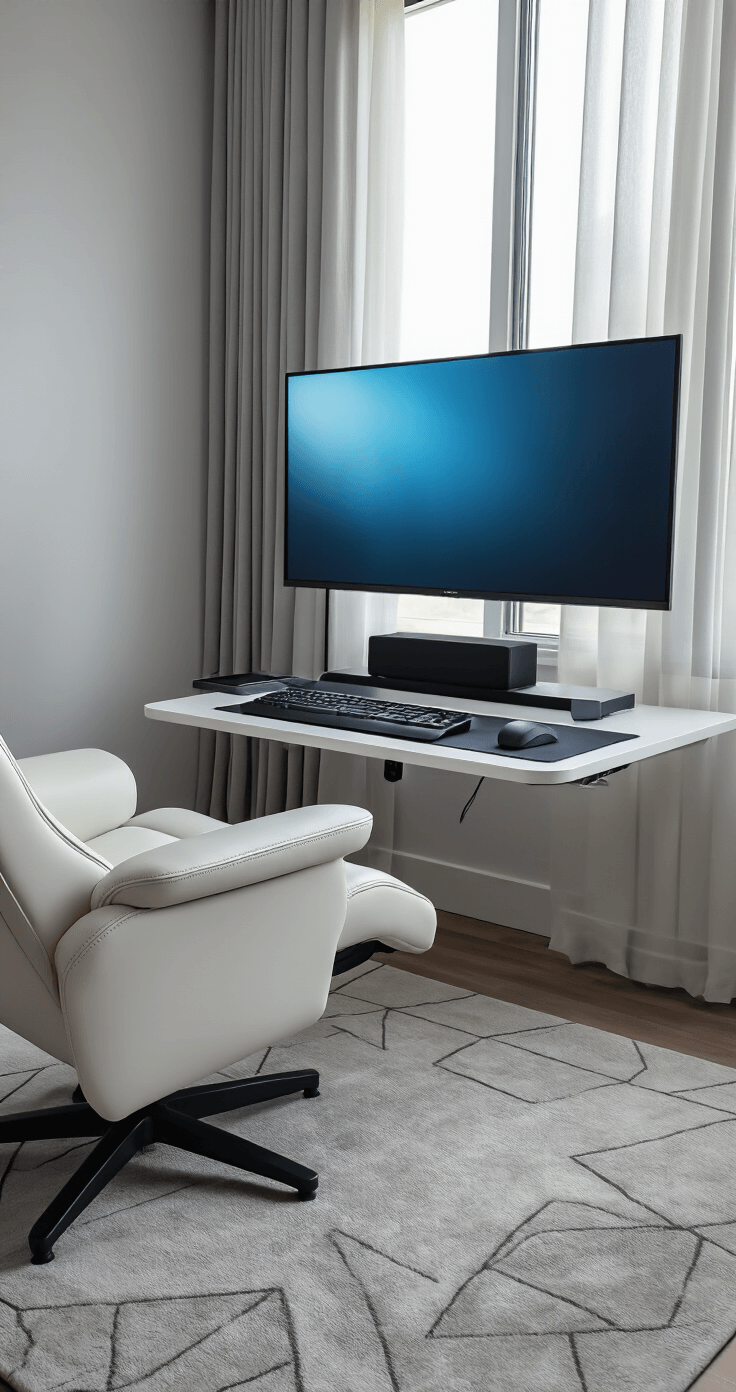
Wall-mounted monitor on an articulating arm. Comfortable recliner instead of a desk chair. Wireless keyboard and mouse on a lap desk. Controller within arm’s reach.
Perfect for RPGs, strategy games, or anything that doesn’t require lightning-fast reflexes.
I keep a secondary setup like this in my living room for relaxed weekend gaming.