
This post may contain affiliate links. Please see my disclosure policy for details.
Trading Desk Setup: How I Transformed My Home Office Into a Professional Trading Command Center
Contents
- Trading Desk Setup: How I Transformed My Home Office Into a Professional Trading Command Center
- Why Your Current Setup Is Probably Costing You Money
- The Foundation: Choosing Your Actual Desk
- Monitor Setup: More Isn’t Always Better (But Usually It Is)
- The Chair: Where Most Traders Screw Up Badly
- Lighting: The Element Everyone Ignores Until They Get Headaches
- Cable Management: Because You’re Not a Barbarian
Setting up a trading desk at home felt overwhelming when I first started, but after three years of tweaking, testing, and yes—making expensive mistakes—I’ve learned what actually works.
You’re probably sitting there wondering if you really need all that fancy equipment the pros use. Maybe you’re staring at your laptop on the kitchen table thinking “there’s got to be a better way.” I’ve been exactly where you are.
Why Your Current Setup Is Probably Costing You Money
I lost $847 in one morning because I couldn’t see my stop-loss order on my cluttered single screen. That was the day I got serious about my trading desk setup.
Your workspace directly impacts your trading decisions. Poor ergonomics lead to fatigue. Fatigue leads to mistakes. Mistakes cost money.
Here’s what actually matters:
- Clear visual access to multiple charts simultaneously
- Comfortable seating for 4-8 hour sessions
- Proper lighting that doesn’t create screen glare
- Organized cable management (trust me on this one)
- Enough desk space for notebooks, water, and your sanity
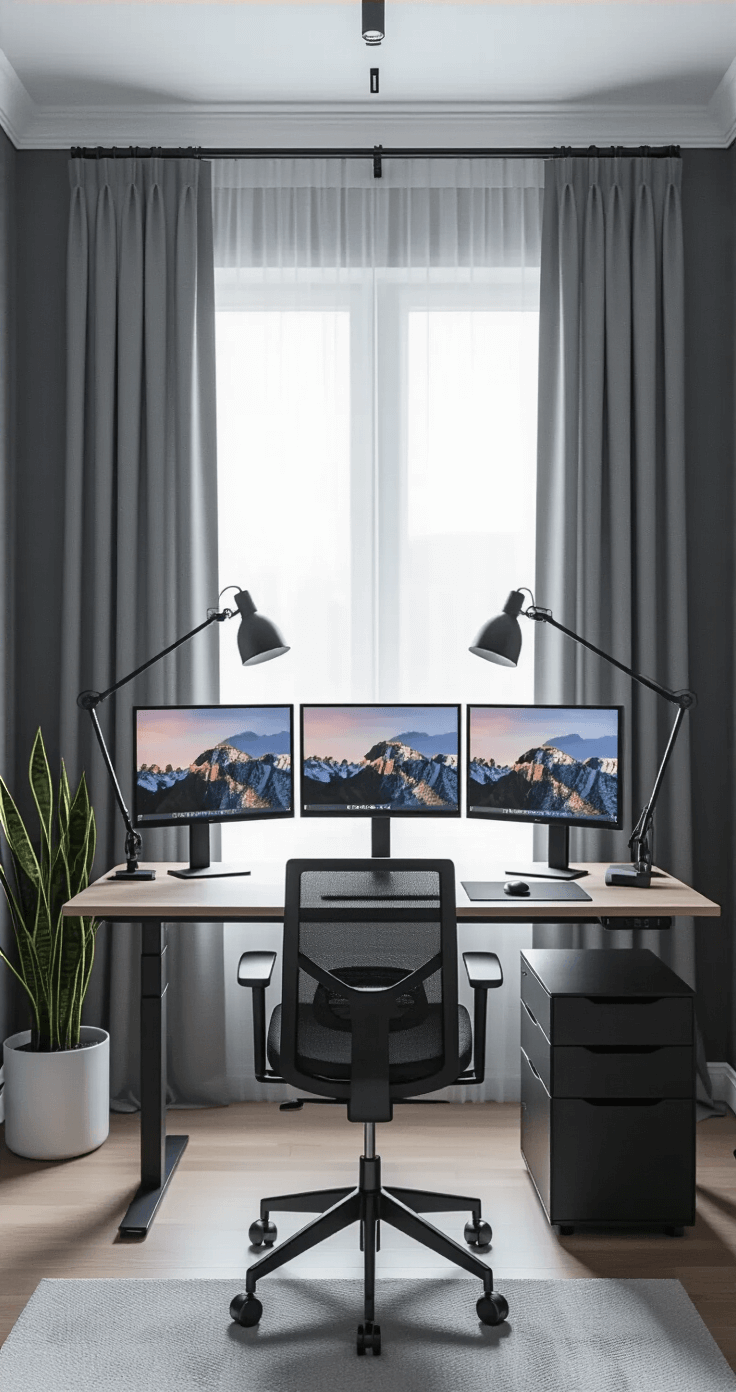
The Foundation: Choosing Your Actual Desk
Forget those flimsy particle board nightmares from big box stores. Your trading desk needs to support multiple monitors without wobbling every time you set down your coffee.
I started with a standing desk converter because I couldn’t afford a full electric desk. Big mistake. The whole thing would shake when I adjusted the height.
What you actually need:
- Minimum 60 inches wide – You’ll thank me when you add that third monitor
- Depth of at least 30 inches – Monitors need distance from your eyes
- Weight capacity over 200 pounds – Monitors, arms, equipment add up fast
- Sturdy construction – Solid wood or heavy-duty steel frame
I eventually upgraded to an electric standing desk and my back stopped screaming at me around 2 PM every day.
The ability to stand during volatile market sessions keeps me alert. Sitting during analysis work keeps me focused.
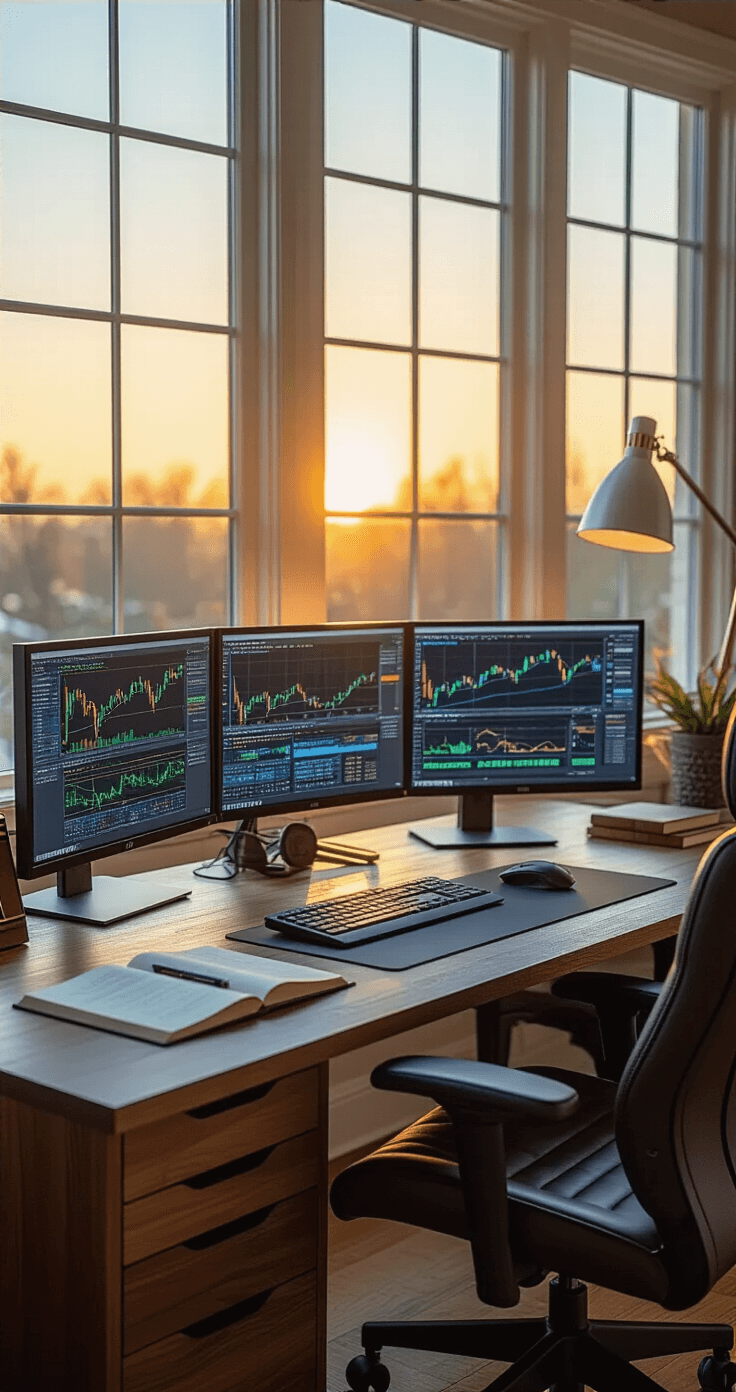
Monitor Setup: More Isn’t Always Better (But Usually It Is)
Three monitors hit the sweet spot for most traders. Six monitors look cool but you’ll strain your neck constantly.
My current setup:
- Center monitor: 27-inch for primary charts
- Left monitor: 24-inch for watch lists and news feeds
- Right monitor: 24-inch for order entry and account management
I mounted them on a triple monitor stand that clamps to the desk edge. Game changer. Suddenly I had desk space for actual work.
Critical monitor specs:
- 1440p minimum resolution – You need sharp text for numbers
- IPS panels – Better color accuracy and viewing angles
- 75Hz refresh rate or higher – Smoother scrolling through charts
- Adjustable brightness – Your eyes during night sessions will appreciate this
Position your primary monitor directly in front of you at arm’s length. Tilt the top edge slightly back. Your eyes should naturally fall on the upper third of the screen.
The Chair: Where Most Traders Screw Up Badly
I spent $2,400 on monitors before buying a proper chair. My chiropractor drove a nicer car because of that decision.
You’ll spend more time in your trading chair than your bed on active trading days. Cheap chairs destroy your posture, concentration, and eventually your spine.
Non-negotiable chair features:
- Adjustable lumbar support – Your lower back isn’t optional
- Seat depth adjustment – Everyone’s legs are different lengths
- Armrests that move in four directions – Keep shoulders relaxed
- Breathable mesh or quality fabric – Leather gets disgustingly sweaty
- 110-degree recline minimum – For those post-market analysis sessions
I finally invested in an ergonomic office chair with proper lumbar support. My productivity jumped noticeably within a week.
Chair budget reality:
- Under $200: You’ll replace it within a year
- $200-$500: Decent options that last 2-3 years
- $500-$1000: Professional-grade that handles daily abuse
- Over $1000: Diminishing returns unless you have specific medical needs
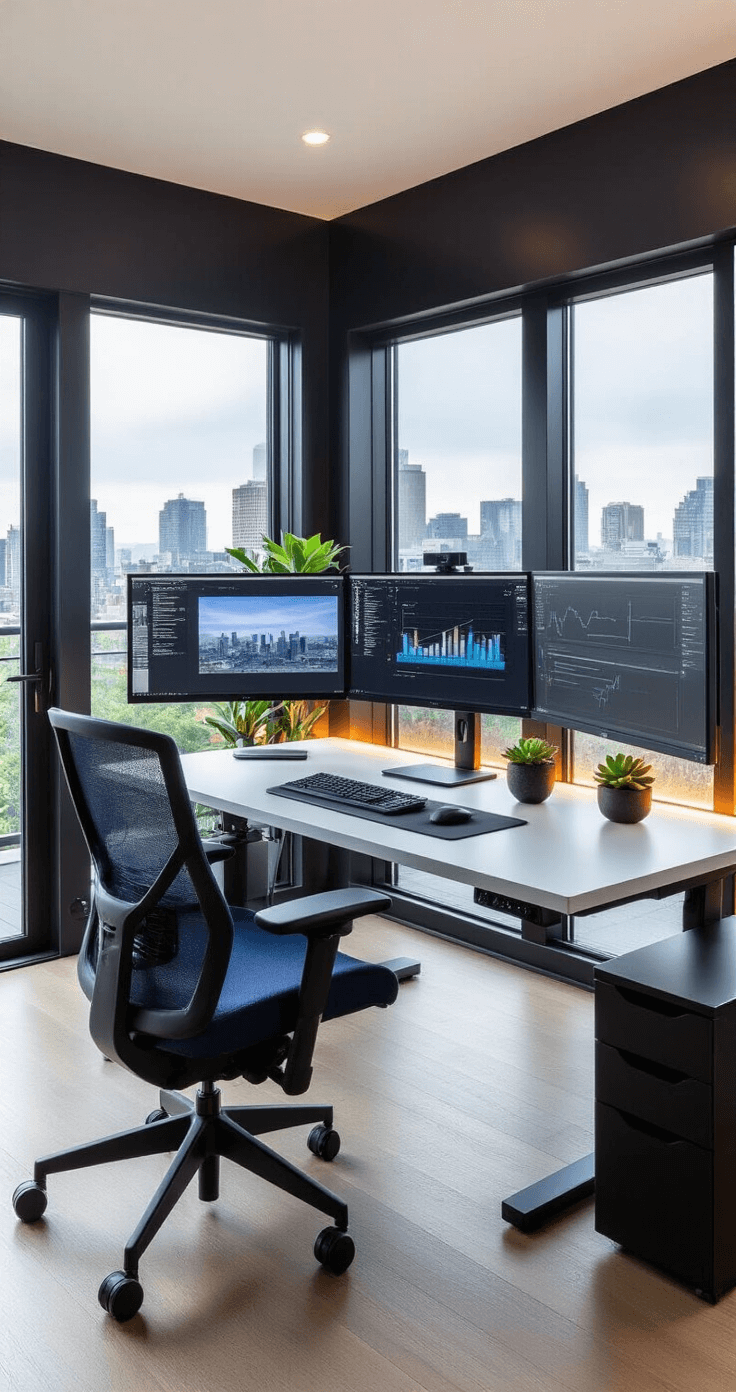
Lighting: The Element Everyone Ignores Until They Get Headaches
Overhead lighting creates glare on monitors. No lighting strains your eyes. I spent six months squinting at screens before I figured this out.
Proper trading desk lighting:
- A monitor light bar mounted on top of your center screen
- Bias lighting behind monitors (reduces eye strain dramatically)
- Desk lamp with adjustable color temperature for note-taking
- Blackout curtains to control natural light and glare
I added bias lighting—those LED strips behind monitors—and my end-of-day headaches disappeared. The contrast between bright screens and dark walls was murdering my eyes.
Set your monitor brightness to match your room’s ambient light. If your screen looks like a flashlight in a dark room, you’re doing it wrong.

Cable Management: Because You’re Not a Barbarian
Tangled cables aren’t just ugly. They’re fire hazards. They collect dust. They make troubleshooting impossible. They make you look unprofessional on video calls.
My cable management system:
- Cable raceways mounted under the desk
- Velcro cable ties (never zip ties—you’ll need to change things)
- Power strip mounted under the desk
- Label maker for every single