This post may contain affiliate links. Please see my disclosure policy for details.
Imagine your Sims living in a pastel paradise, surrounded by fluffy rugs, adorable plushies, and outfits straight out of a Japanese anime. Kawaii Sims 4 custom content (CC) is the secret ingredient for turning your virtual world into a whimsical wonderland. Whether you’re new to CC or a seasoned collector, this guide will help you effortlessly infuse your game with cuteness overload. Get ready to transform your Sims’ lives—and your own—with these irresistible kawaii finds and easy tips!
1. Discover the Cutest Kawaii Sims 4 CC Creators
Finding the right creators is the first step to building your dream kawaii collection.
Some of the most beloved CC artists specialize in pastel palettes, oversized bows, and adorable accessories that make your Sims look straight out of a magical girl anime.
Supporting these creators not only helps you find unique items but also keeps the Sims 4 community vibrant and creative.
Step-by-Step
- Search for kawaii Sims 4 CC on Tumblr, Pinterest, or The Sims Resource (TSR).
- Bookmark or follow your favorite creators for updates.
- Check out creators like “S-Club,” “Peacemaker,” and “Simpliciaty” for cute hair and clothes.
- Look for themed sets, such as “kawaii room decor” or “anime-inspired outfits.”
Picture this:
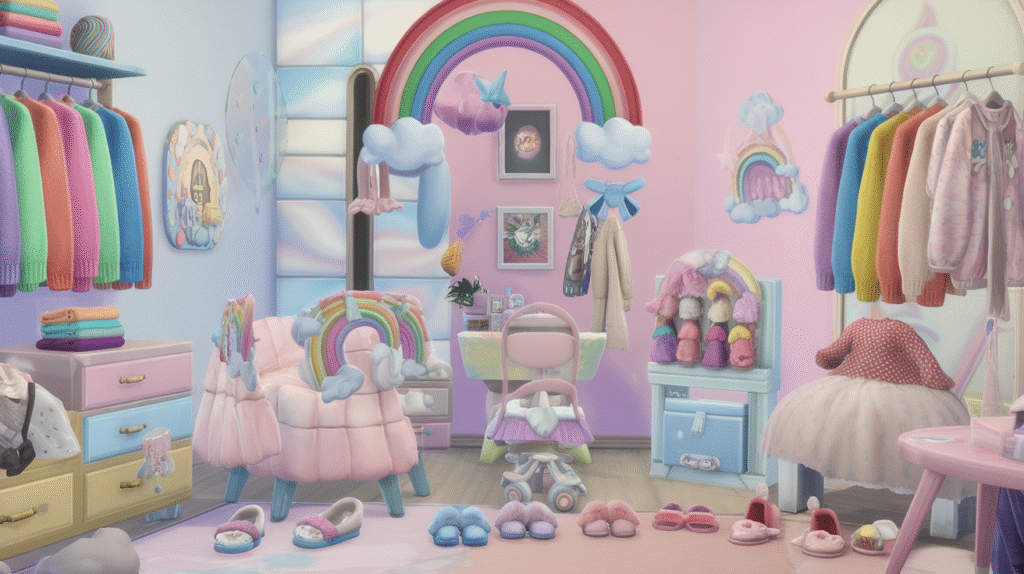
Your Sim’s closet is filled with rainbow sweaters, frilly skirts, and fuzzy slippers, all from your favorite CC creators. Their house sparkles with pastel furniture and whimsical wall art, making every room a photo-worthy moment.
2. Install Kawaii CC for a Magical Makeover
Installing custom content can seem intimidating, but it’s easier than you think!
Once you’ve downloaded your favorite kawaii items, simply pop them into your Mods folder and watch your game transform.
Kawaii CC comes in all forms—clothes, accessories, furniture, and even cute food items—so you can customize every aspect of your Sims’ lives.
Step-by-Step
- Download your chosen CC files (usually .package or .ts4script).
- Open your Sims 4 Mods folder (Documents > Electronic Arts > The Sims 4 > Mods).
- Place the downloaded files inside the Mods folder.
- Launch the game and enable custom content in the options menu.
- Enjoy your new kawaii additions in Create-a-Sim or Build/Buy mode!
Picture this:
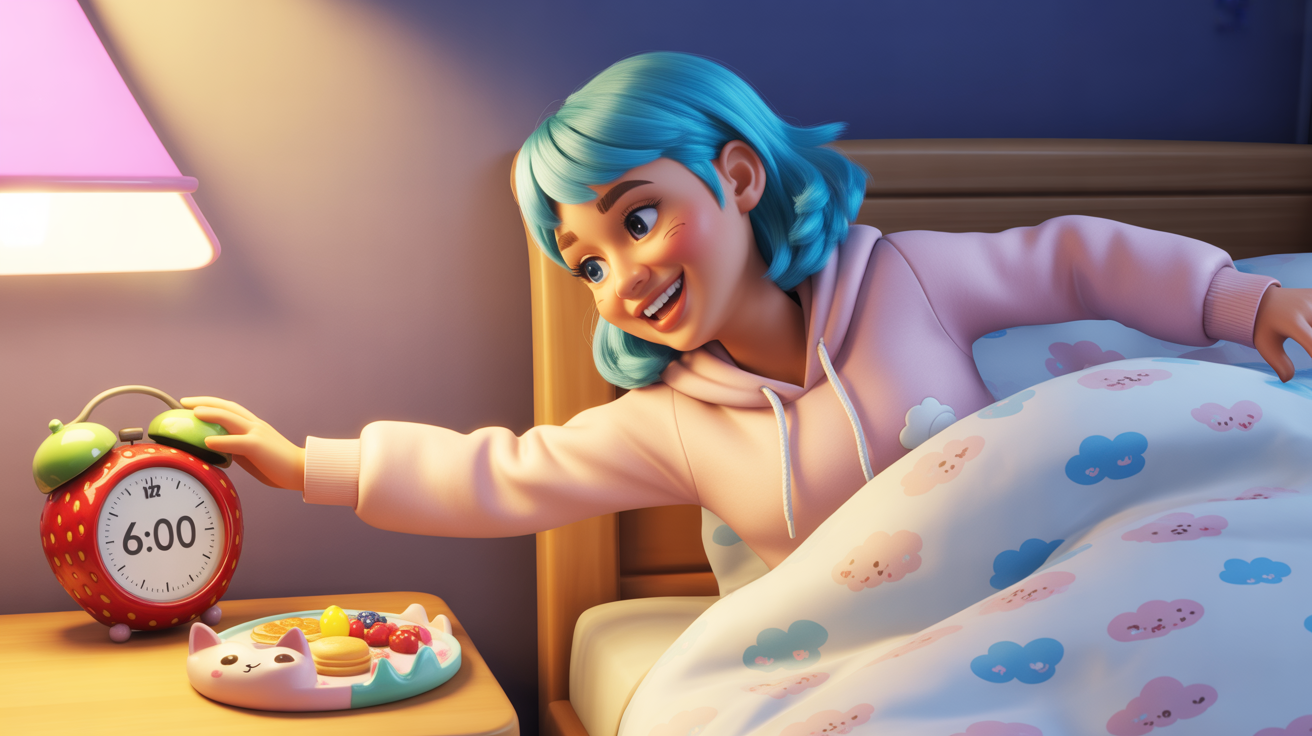
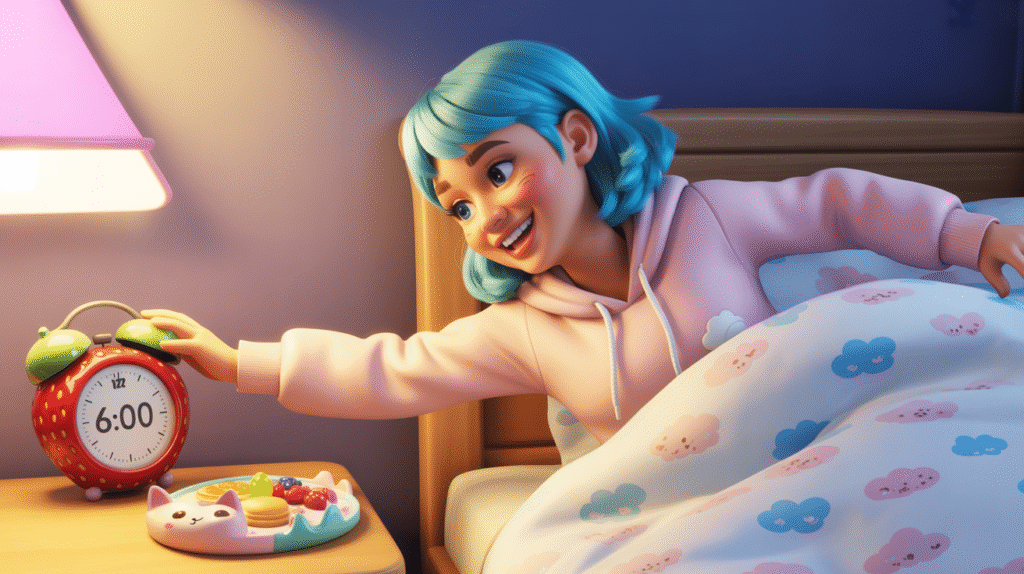
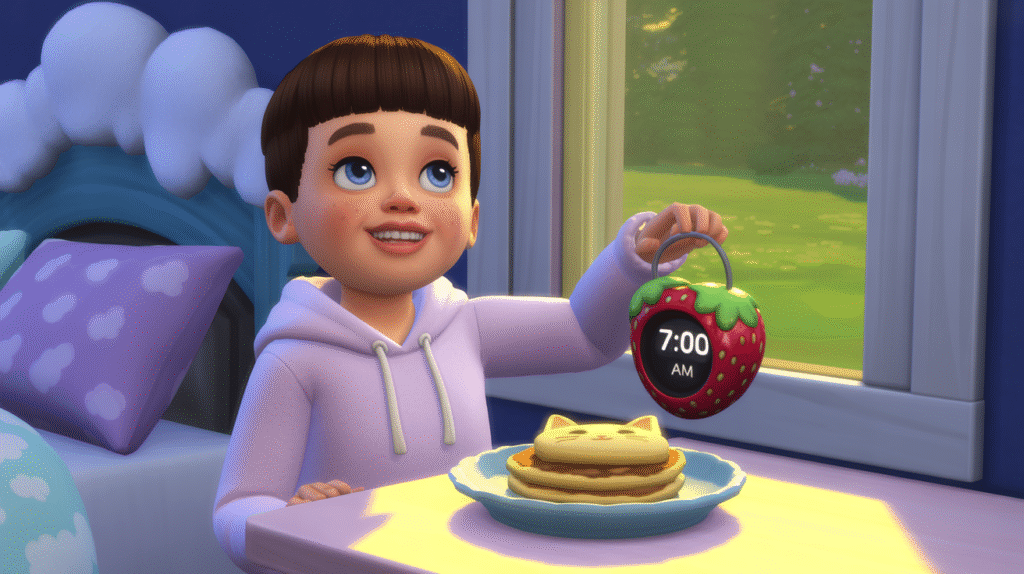
Your Sim wakes up in a cloud-patterned bed, reaches for a strawberry-shaped alarm clock, and gets dressed in a pastel hoodie before heading to the kitchen for breakfast—served on a plate shaped like a cat’s face.
3. Create a Kawaii Sim with Adorable Outfits and Hairstyles
Your Sim’s look is the star of any kawaii transformation.
Mix and match CC outfits, hairstyles, and accessories to design a character bursting with charm.
Think pigtails with giant bows, oversized sweaters, and quirky socks—every detail counts in the world of kawaii!
Step-by-Step
- Open Create-a-Sim and select your Sim.
- Browse your new kawaii CC under the hair, clothing, and accessories tabs.
- Layer cute items: try a pastel dress with a cardigan and chunky shoes.
- Add fun accessories like a plushie backpack or a headband with animal ears.
- Save your Sim’s look for future gameplay or share with friends!
Picture this:
Your Sim stands in a sunlit room, twirling in a frilly pink dress, her hair tied up in pigtails with oversized bows. She giggles as she adjusts her plushie backpack, ready for a day full of adventures.
4. Design a Kawaii Home with Pastel Furniture and Decor
A kawaii home is a feast for the eyes, with soft colors, playful shapes, and cozy textures.
Fill your Sims’ house with CC furniture like cloud-shaped beds, pastel sofas, and shelves lined with plushies.
Don’t forget the little details—wall art, rugs, and even kawaii food items can make a big difference.
Step-by-Step
- Go to Build/Buy mode in your Sims’ lot.
- Search for your kawaii CC under the appropriate categories (furniture, decor, etc.).
- Arrange pastel furniture and add cute accents like plushies and wall decals.
- Use kawaii lighting, such as fairy lights or star-shaped lamps, for a magical touch.
- Save your room or house for future use or sharing.
Picture this:
Your Sim’s living room is a pastel dream, with a cloud-shaped sofa, a rug covered in cartoon cats, and shelves bursting with colorful plushies. Sunlight streams through lace curtains, casting a warm glow over the cozy, whimsical space.
Once you’ve created your kawaii Sim and home, why not share your masterpiece?
Post screenshots on Pinterest, Tumblr, or Instagram to inspire others and connect with fellow kawaii lovers.
The Sims 4 community is full of creative people who love to see unique builds and Sims, so don’t be shy!
Step-by-Step
- Take screenshots of your kawaii Sim or home using the in-game camera (C key).
- Edit your photos if desired (add filters, stickers, or captions).
- Upload your images to your favorite social media platforms.
- Use hashtags like #KawaiiSims4, #Sims4CC, and #PastelSims to reach more people.
- Engage with others by liking and commenting on their kawaii creations!
Picture this:
Your Pinterest board is filled with vibrant screenshots of your kawaii Sim and her dreamy home. Friends and followers leave heart emojis and comments, inspired by your creativity and eager to try your CC recommendations.
Final Thoughts
Bringing kawaii magic to your Sims 4 game is easier and more fun than ever with custom content. From adorable outfits to pastel-perfect homes, every detail adds to the charm. So dive in, explore, and let your creativity run wild—your Sims (and your inner child) will thank you!