This post may contain affiliate links. Please see my disclosure policy for details.
Transform Your Home Into a Kid-Friendly Gaming Paradise: Safe, Fun Spaces for Every Age
Safe kids games start with creating the perfect environment where your children can play, learn, and grow.
You’re probably wondering how to balance screen time with active play. Maybe you’re tired of toys scattered everywhere with no real organization. Or perhaps you’re struggling to create spaces that work for multiple ages and interests.
I’ve been there – standing in my living room at 7 PM, stepping over puzzle pieces while my kids begged for “just five more minutes” of screen time.
After years of trial and error (and way too many stubbed toes on LEGO blocks), I’ve cracked the code on creating home spaces that actually work for families with active, gaming kids.
Why Your Home Setup Makes or Breaks Safe Kids Games
Your physical space directly impacts how your children engage with games.
A cluttered, poorly organized area leads to:
- Shorter attention spans during educational games
- More arguments between siblings over shared devices
- Lost game pieces and broken equipment
- Parents feeling overwhelmed by the chaos
The solution? Strategic home decor that supports both digital and physical gaming.
I learned this the hard way when my 6-year-old couldn’t focus on PBS KIDS games because his “gaming corner” was actually just a pile of random toys on the couch.
Create Dedicated Gaming Zones That Actually Work
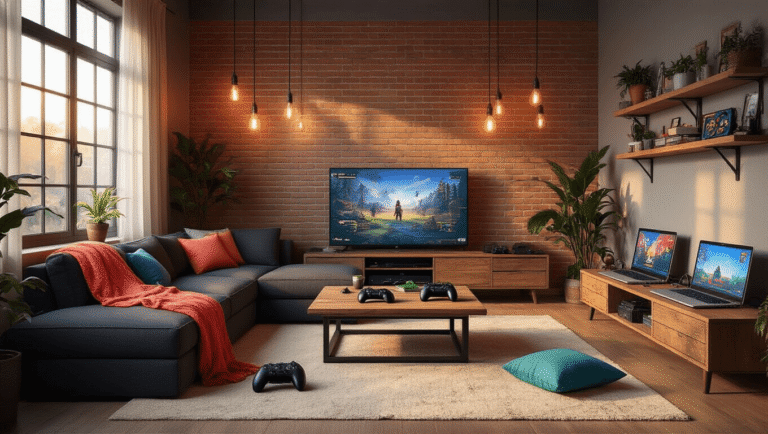
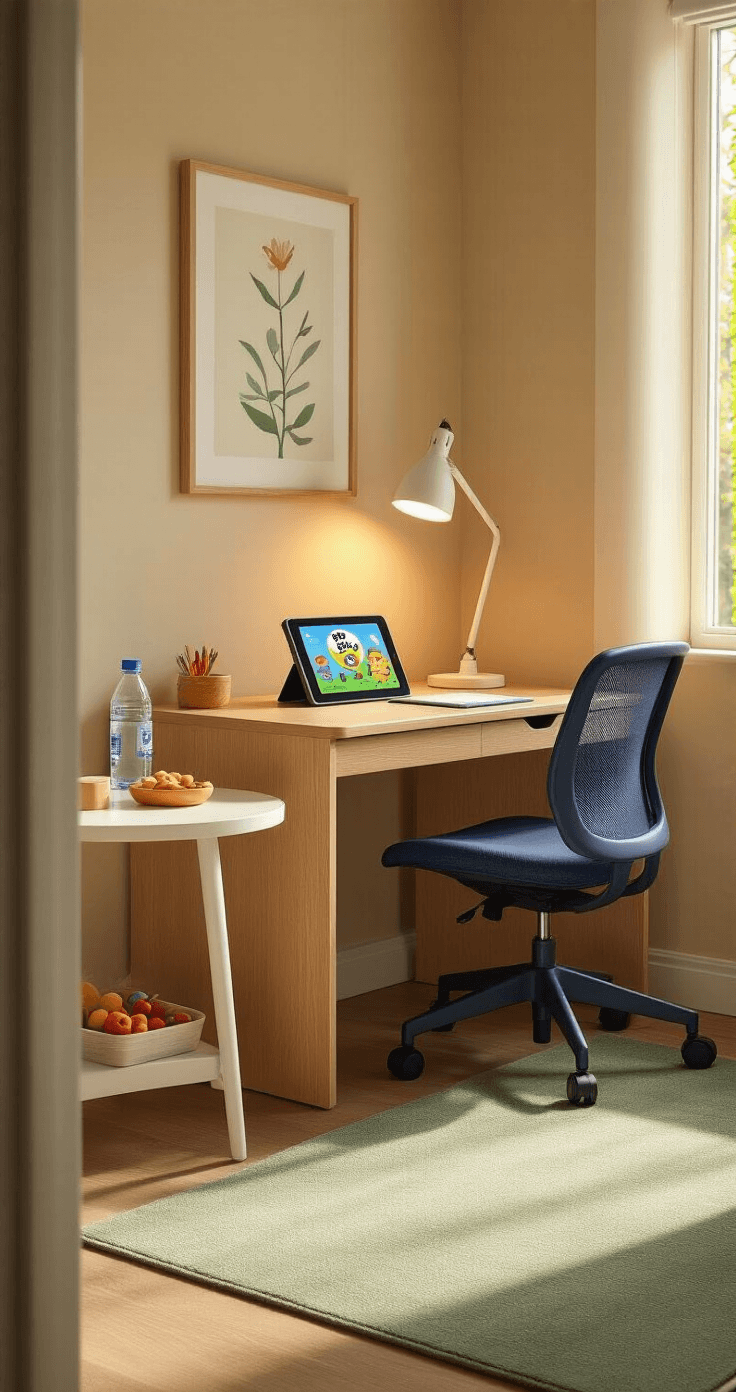
Zone 1: The Digital Learning Corner
Set up a specific area for educational screen time.
You’ll need:
- A comfortable kids desk chair at the right height
- Good lighting to reduce eye strain
- A small side table for drinks and snacks
- Cable management to keep cords tidy and safe
Position this zone away from high-traffic areas. Trust me – trying to concentrate on Funbrain math games while siblings run past doesn’t work.
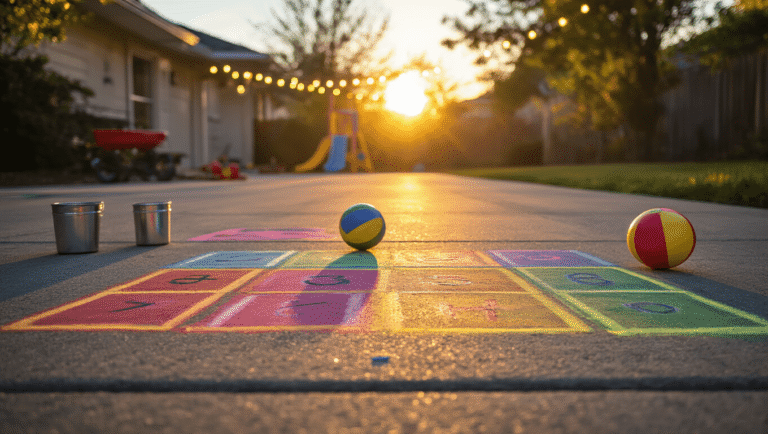
Zone 2: The Active Play Space
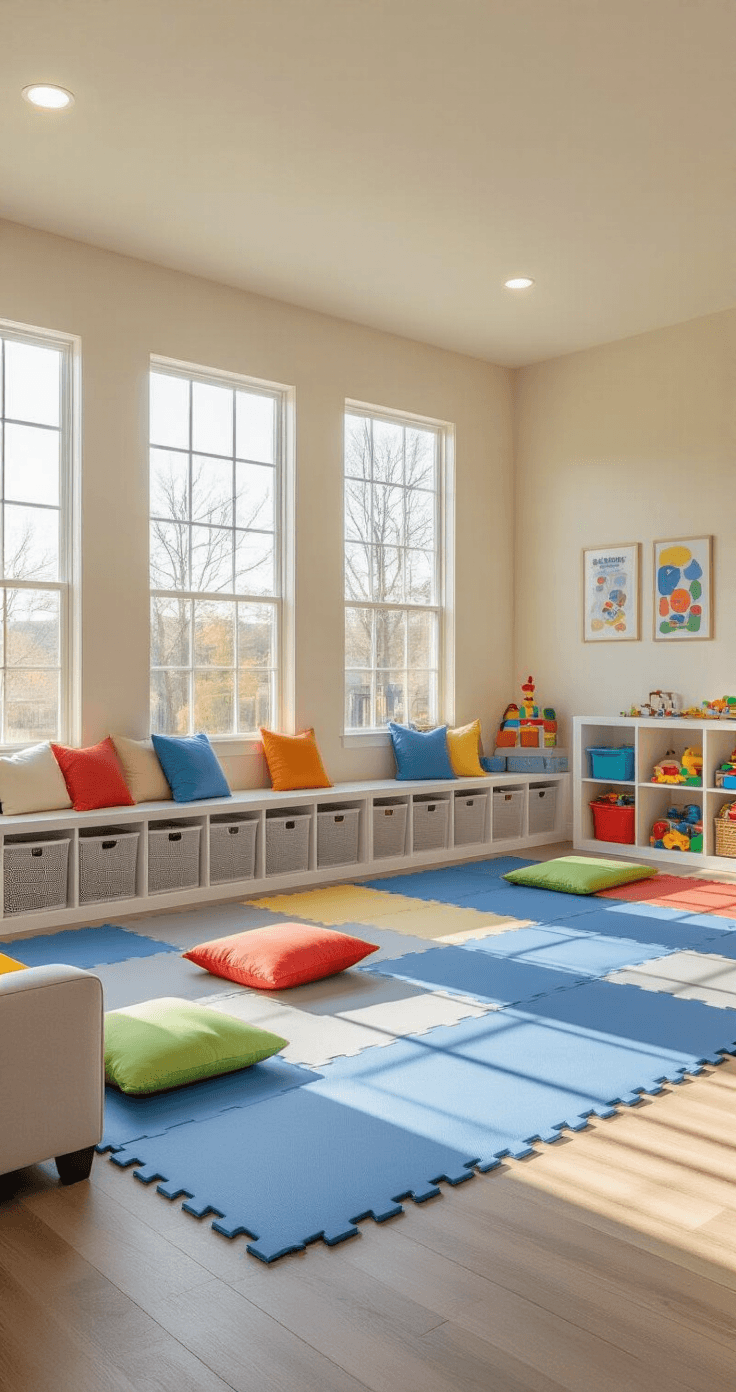
Clear floor space is non-negotiable for games like Freeze Dance and Simon Says.
Remove or secure:
- Sharp-cornered furniture
- Breakable decorations
- Loose rugs that create slip hazards
Add soft foam floor tiles for comfort during floor games. These tiles also define the play boundary visually.
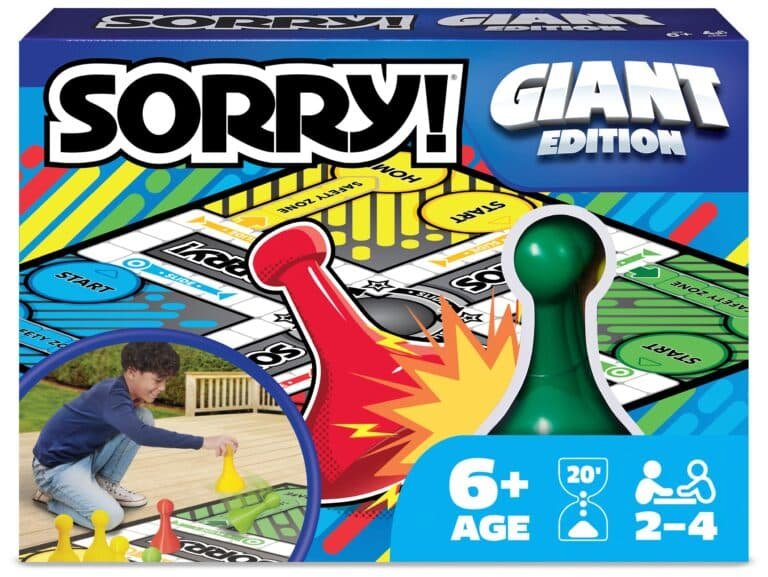
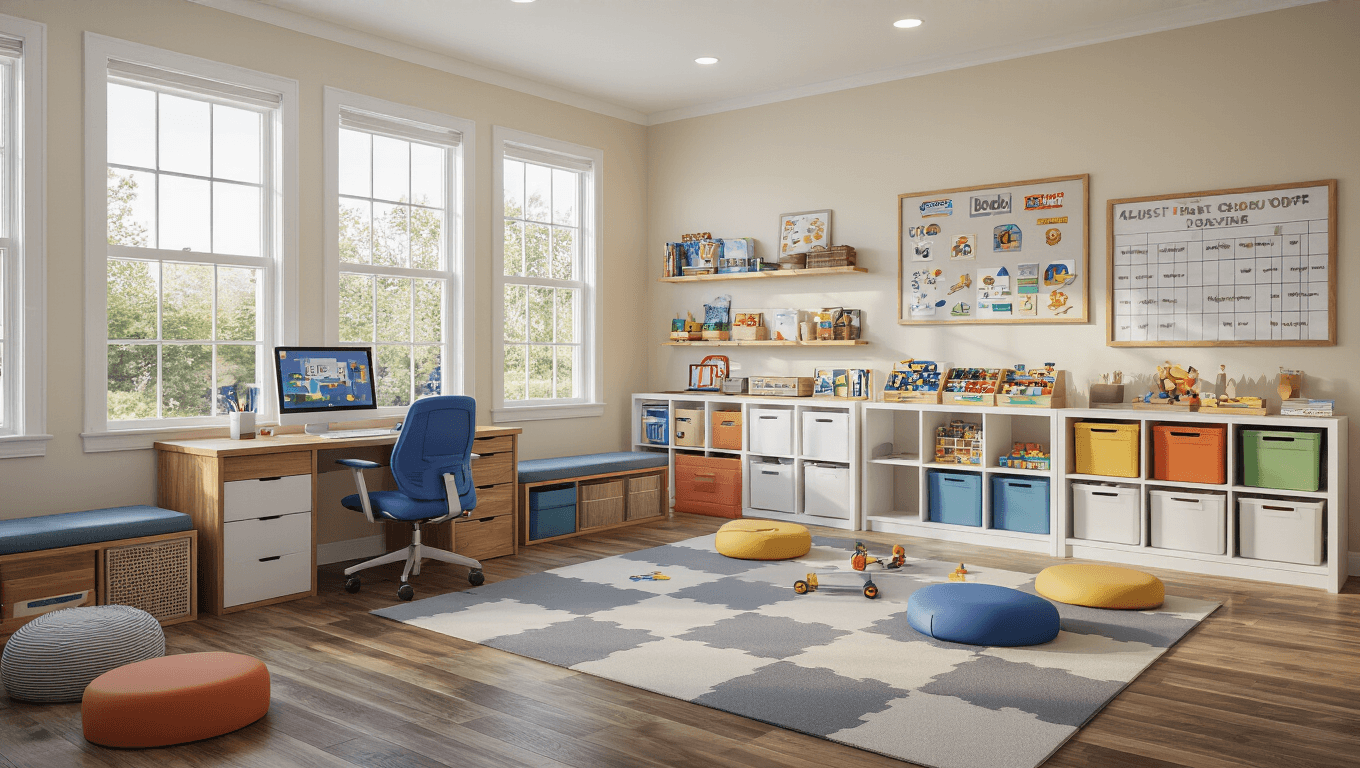
Zone 3: The Board Game Command Center
This changed everything in our house.
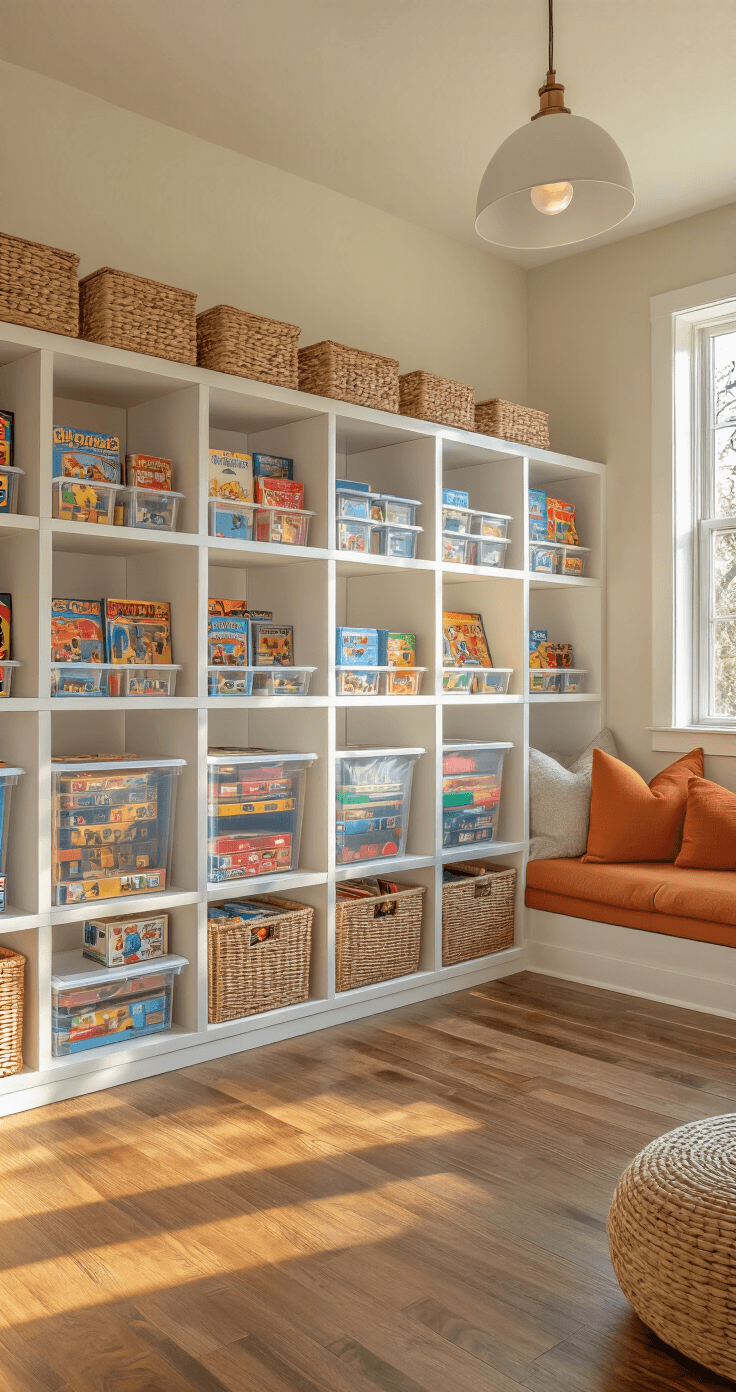
Install cube storage organizers at kid height. Label each cube with pictures and words. Keep a small basket for game pieces that inevitably escape their boxes.
Position this near your main family gathering area. Board games work best when parents can easily supervise and join in.
Age-Appropriate Decor That Grows With Your Kids
Ages 2-6: Toddler and Preschool Setup
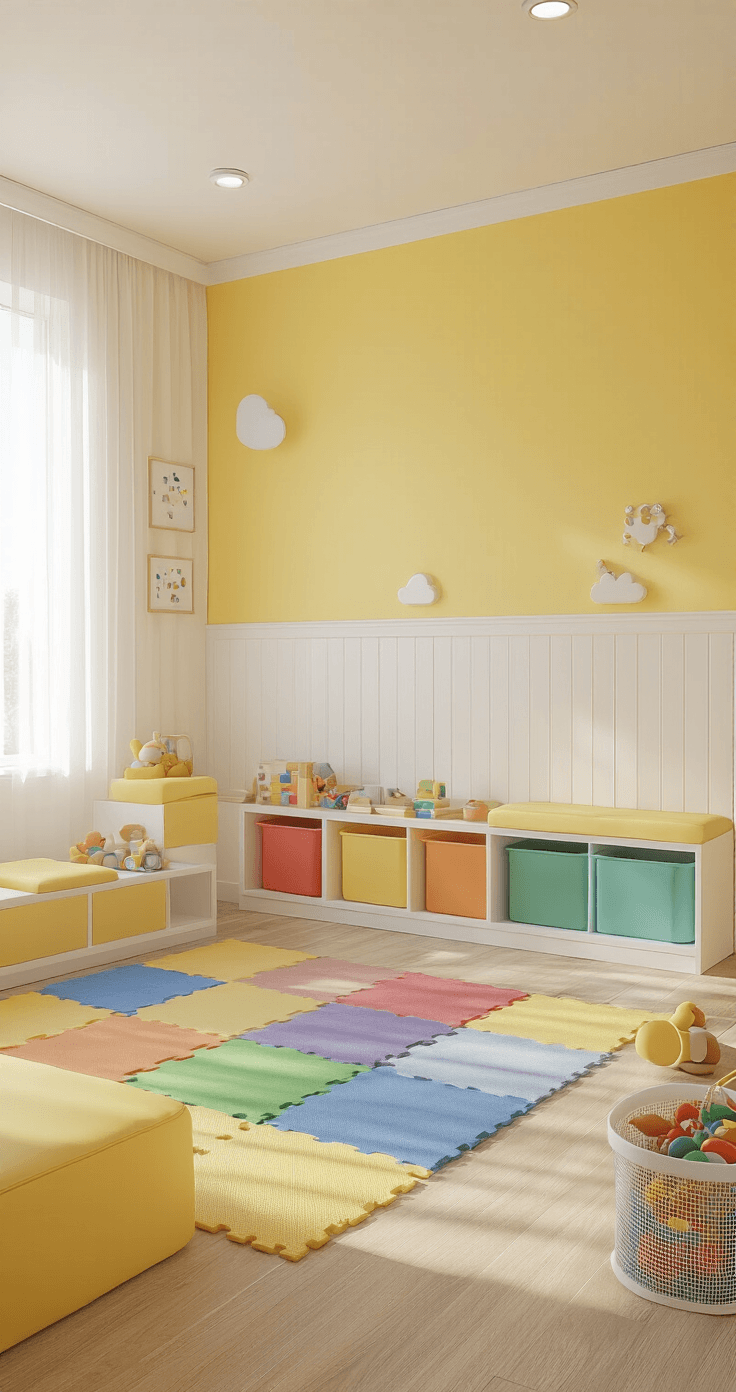
Sesame Street games and PBS KIDS content work best in spaces designed for little hands.
- Lower everything – light switches, storage, seating
- Choose washable, soft surfaces
- Eliminate small decorative objects that become choking hazards
- Use bright, cheerful colors that match their favorite characters
Ages 6-10: Elementary Gaming Environment
Kids this age dive deep into Funbrain’s grade-level content and complex board games.
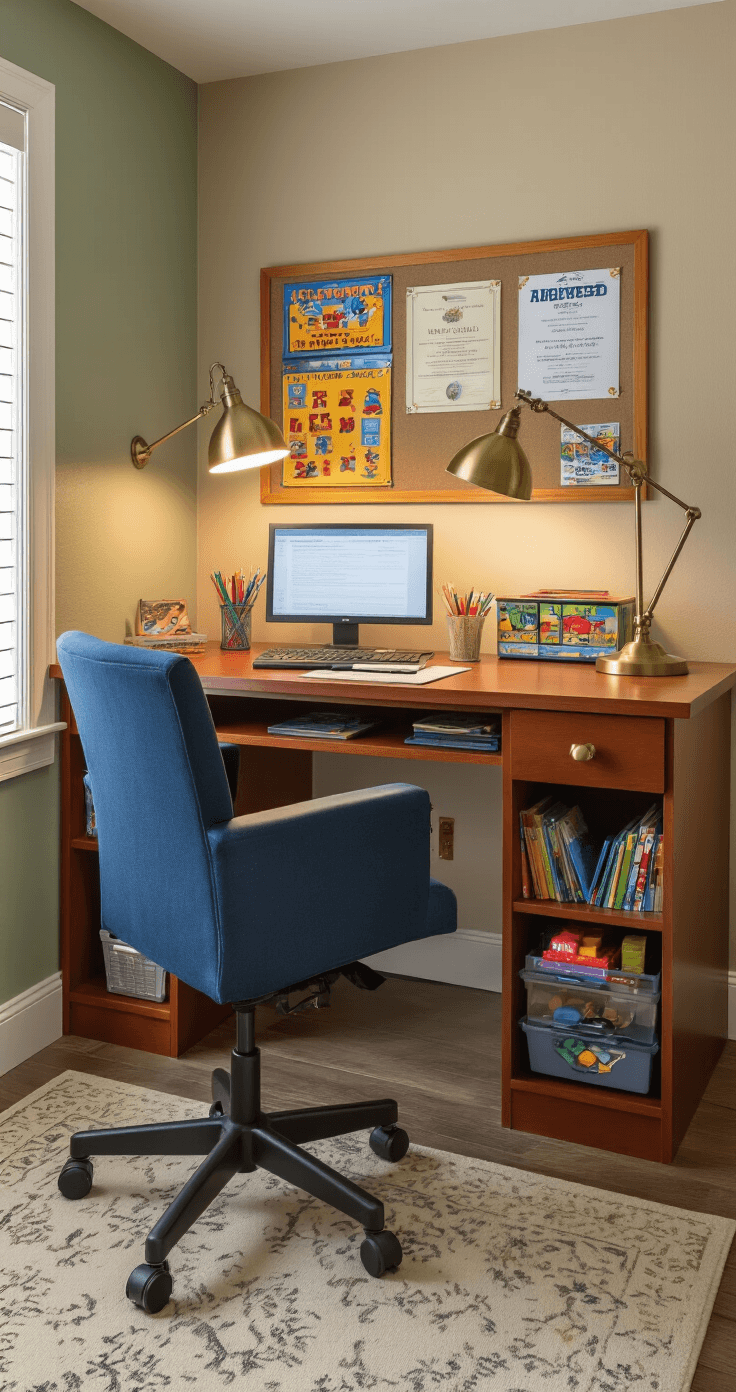
- Add desk space for homework and educational games
- Include a bulletin board for displaying achievements and game scores
- Provide storage for increasingly complex game collections
- Create good lighting for reading game instructions
Multi-Age Households: The Flexible Approach
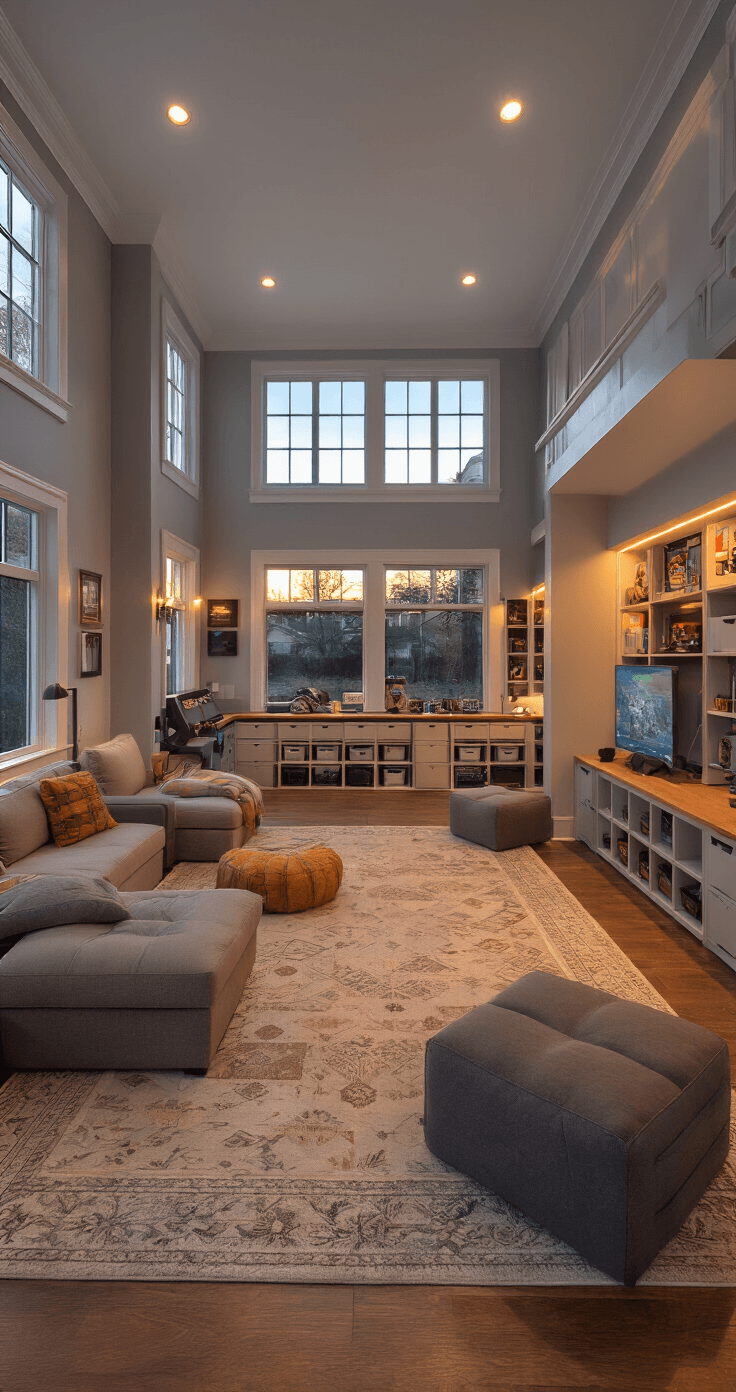
When you have kids ranging from toddlers to tweens, flexibility wins.
Use furniture that adapts:
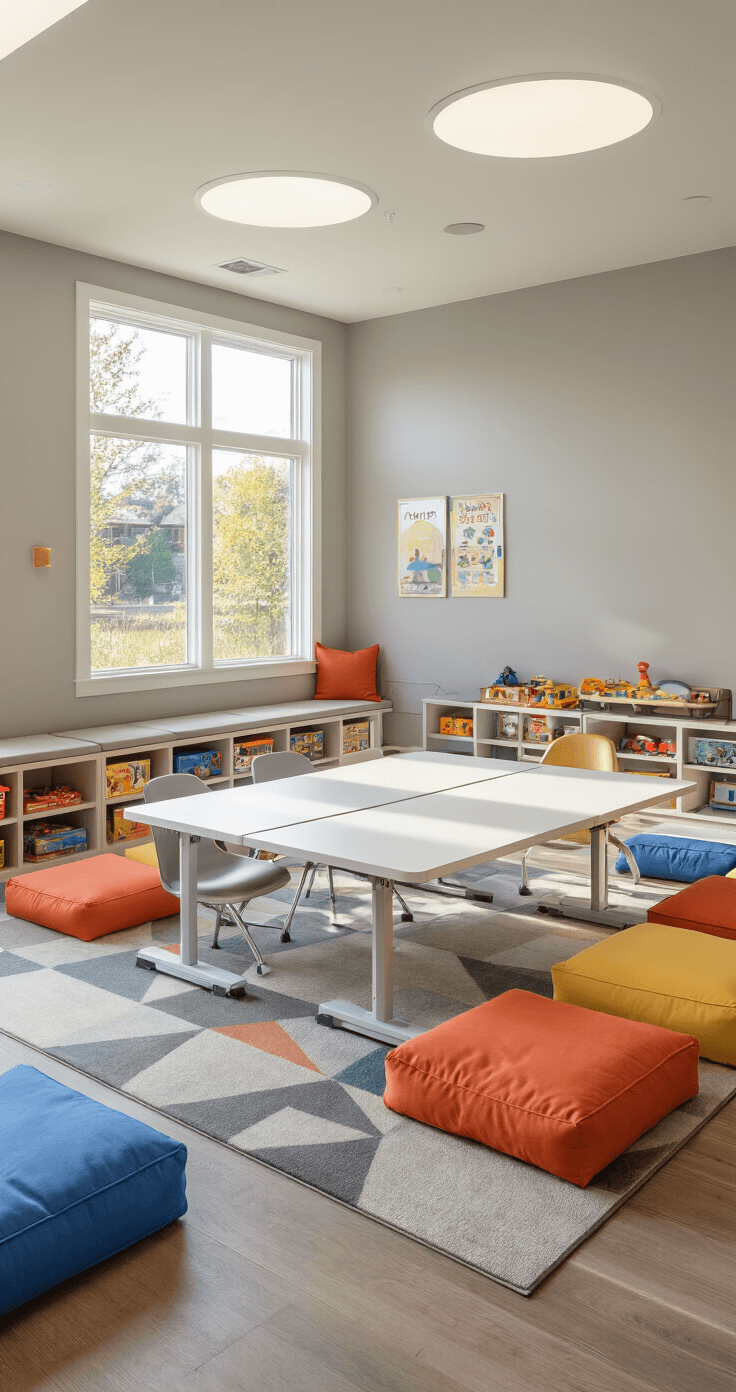
- Adjustable-height tables
- Storage bins that can be moved easily
- Removable safety features
- Neutral colors that don’t scream “baby room” to older kids
Safety First: Childproofing Your Gaming Spaces
I once found my toddler trying to “feed” my tablet a cookie during PBS KIDS time. That’s when I realized safety goes beyond obvious hazards.
Digital Safety Setup:
- Secure all devices when not in use
- Use screen protectors to prevent cuts from cracked screens