This post may contain affiliate links. Please see my disclosure policy for details.
Standing Desks for Home Offices: Everything You Need to Know Before You Buy
Standing desks for home offices changed my life, and I’m not being dramatic here.
My lower back used to scream at me every afternoon around 3 PM. I’d shift in my chair, stretch, crack my spine like a glow stick, and nothing helped. Then I switched to alternating between sitting and standing, and that nagging pain just… disappeared.
Look, I get it. You’re wondering if these things are worth the hype or just another overpriced trend. You’re worried about spending hundreds of dollars on something that might end up as an expensive clothes rack. You want to know if your knees will hurt, if you’ll actually use it, and if it fits in your cramped home office.
I’ve been there, done that, bought the desk.
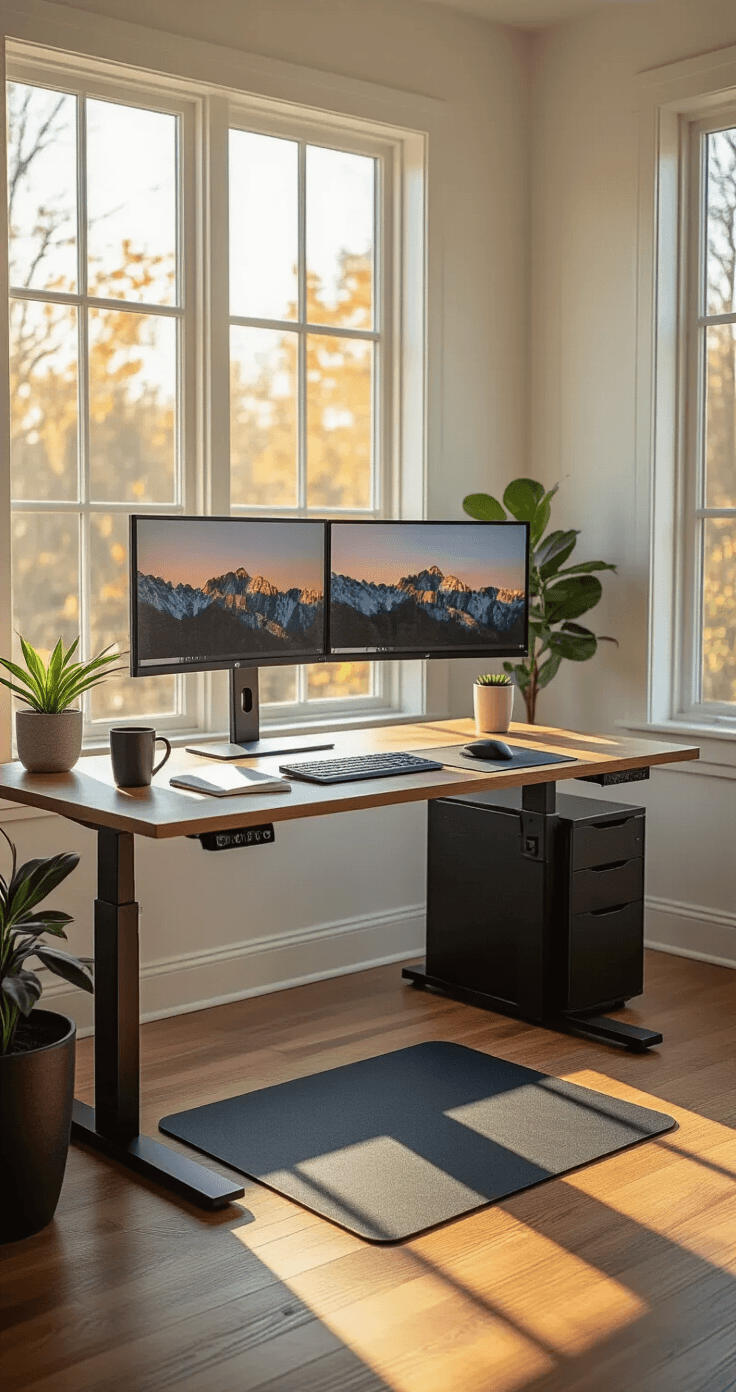
Why Your Back (and Brain) Will Thank You
Standing desks improve circulation and can burn up to 50 additional calories per hour compared to sitting continuously.
That’s not going to replace your gym membership, but it adds up. More importantly, I noticed I could think clearer when I stood up during afternoon slumps.
Here’s what actually happens when you use one properly:
- Your blood flows better throughout your body
- You naturally engage your core muscles without thinking about it
- You avoid that foggy-brain feeling that comes from sitting too long
- Your posture improves because you can’t slouch as easily when standing
The real magic isn’t standing all day. That’s actually terrible for you too. The benefit comes from switching positions every 30-60 minutes.
When I first got my electric standing desk, I made the rookie mistake of standing for four hours straight. My feet hurt, my knees ached, and I swore the whole thing was a scam. Then someone told me I was doing it wrong. You’re supposed to alternate, not become a statue.
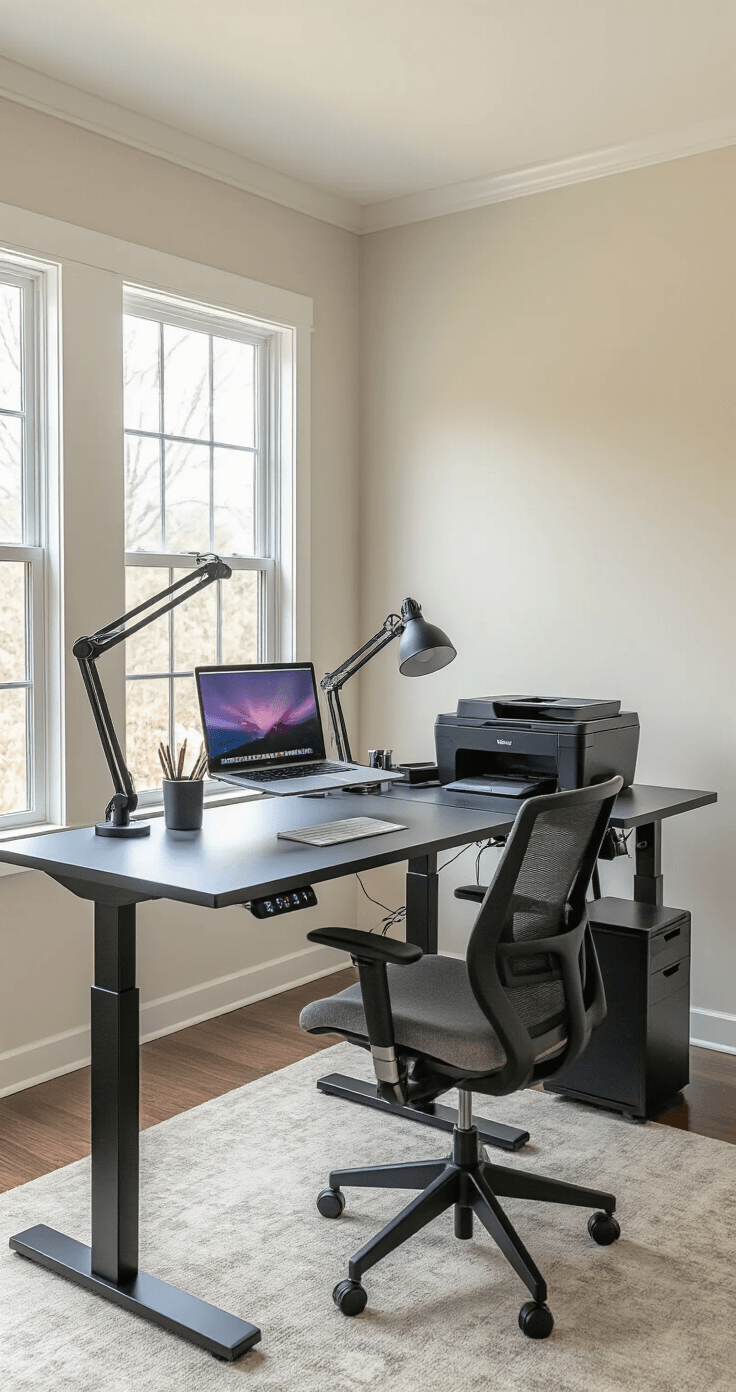
Getting the Height Right (Or You’ll Hate Everything)
Most standing desks accommodate users between 5’3″ and 6’9″.
I’m 5’10”, and I need my desk at about 42 inches when standing and 28 inches when sitting. Your numbers will be different.
Here’s the test: When you’re standing, your elbows should bend at 90 degrees with your hands resting comfortably on the keyboard. Your monitor should sit at eye level, not forcing you to look down or crane your neck up.
Standard height ranges typically fall between 25″–50.6″.
That range works for most people, but measure yourself first. Stand up straight. Have someone measure from the floor to your elbow. That’s your standing desk height.
If you’re shorter than 5’3″ or taller than 6’9″, you’ll need to search specifically for extended-range models. Don’t assume “adjustable” means it adjusts for you.
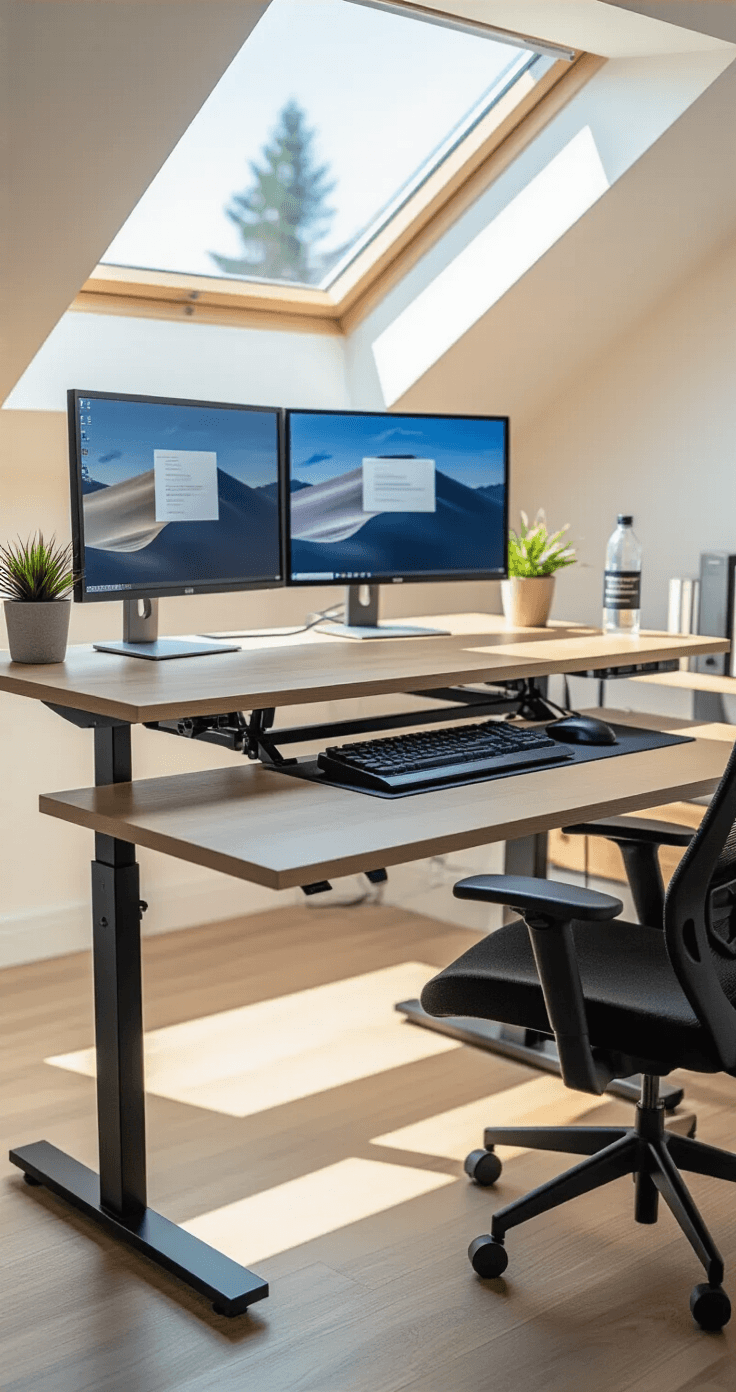
Size Matters (More Than You Think)
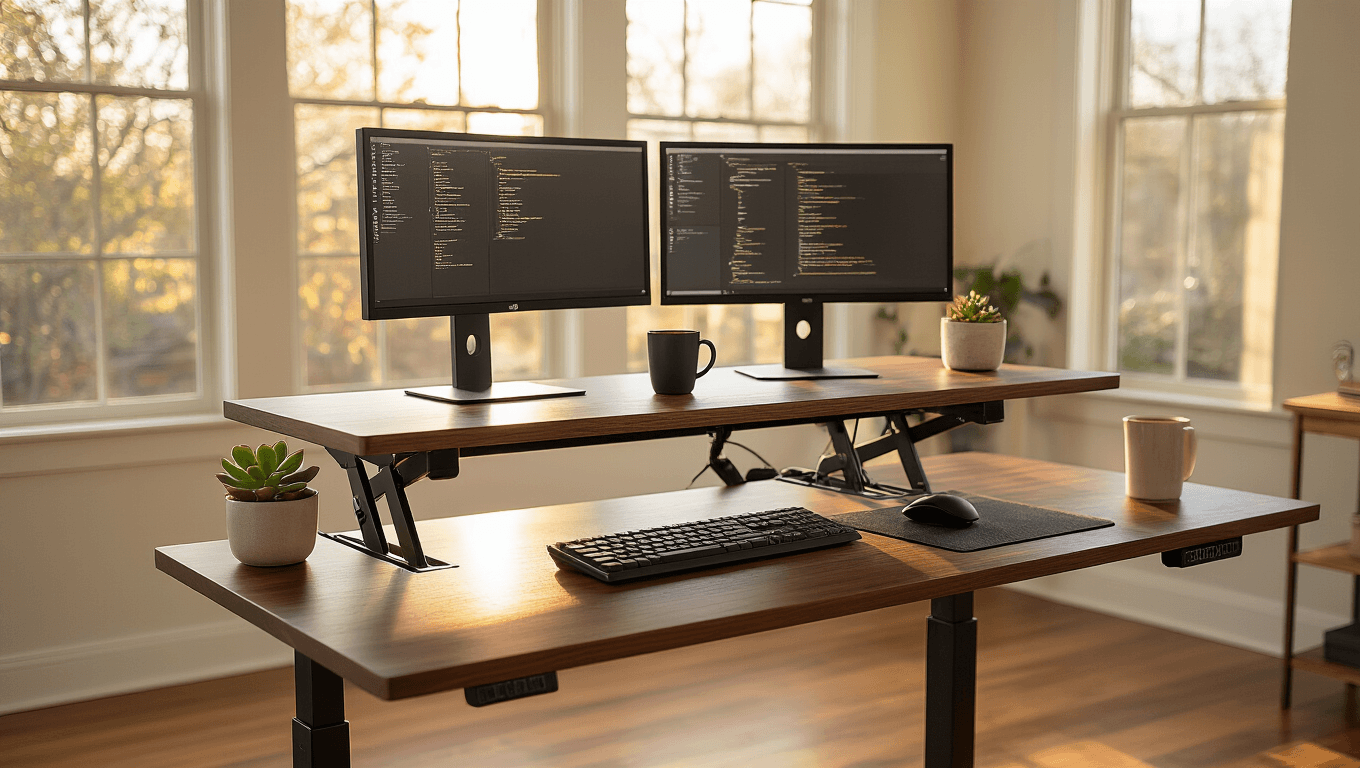
An ideal standing desk surface measures approximately 40 to 63 inches in width and 24 to 30 inches in depth.
I started with a 48-inch wide desk. Big mistake. I had two monitors, a keyboard, a mouse, a lamp, my coffee mug, a notebook, and exactly zero room to actually work.
Here’s my size breakdown:
- 40-48 inches wide: Perfect for a laptop or single monitor setup, tight spaces, or minimalists who keep nothing on their desk
- 55-60 inches wide: The sweet spot for most people with dual monitors and normal desk clutter
- 63+ inches wide: Great for elaborate setups, multiple monitors, or if you spread out when you work
Depth is sneaky important too.
24 inches deep feels cramped with a monitor. You want that screen at least an arm’s length away to avoid eye strain. 30 inches gives you breathing room and space to actually put things.
I upgraded to a 60-inch standing desk with 30-inch depth, and it was like moving from a studio apartment to a house.
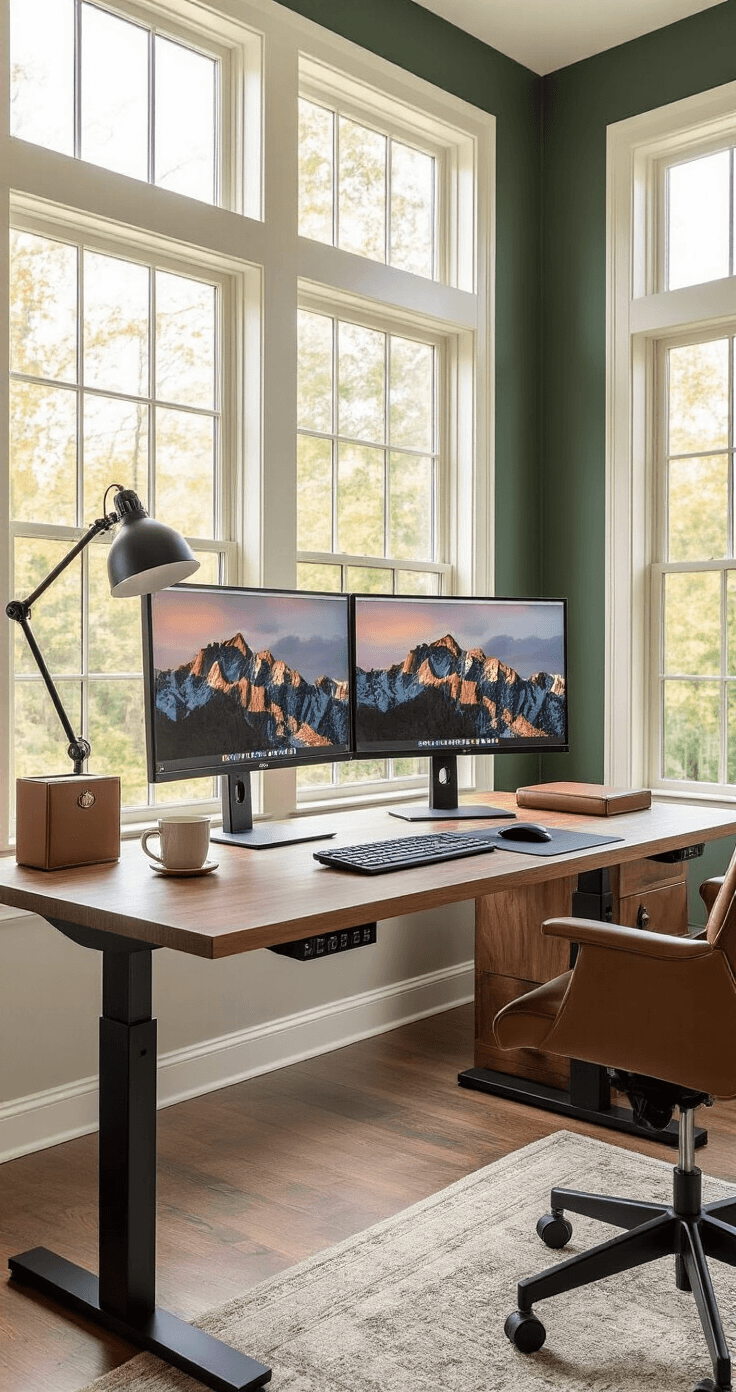
Don’t Cheap Out on Weight Capacity
Capacity varies by model—standard desks typically support up to 265 lbs, while L-shaped configurations may handle up to 397 lbs.
You’re thinking “I’m just putting a laptop on it, what’s the big deal?”
Then you add:
- Two monitors (20-30 lbs combined)
- A monitor arm mount (5 lbs)
- A printer (15 lbs)
- Books, notebooks, a lamp
- That heavy keyboard you love
Suddenly you’re pushing 100+ pounds.
Here’s what happens with low weight capacity: The desk wobbles when you type. It shakes when you adjust the height. You feel like the whole thing might collapse.
I learned this the expensive way with my first desk. Every time I raised it to standing height, it wobbled like a Jenga tower. Typing felt like working during an earthquake.
Get something rated for at least 200 lbs, even if you think you’ll never use that much capacity. The higher-capacity desks use better motors and sturdier frames, which means less wobble overall.
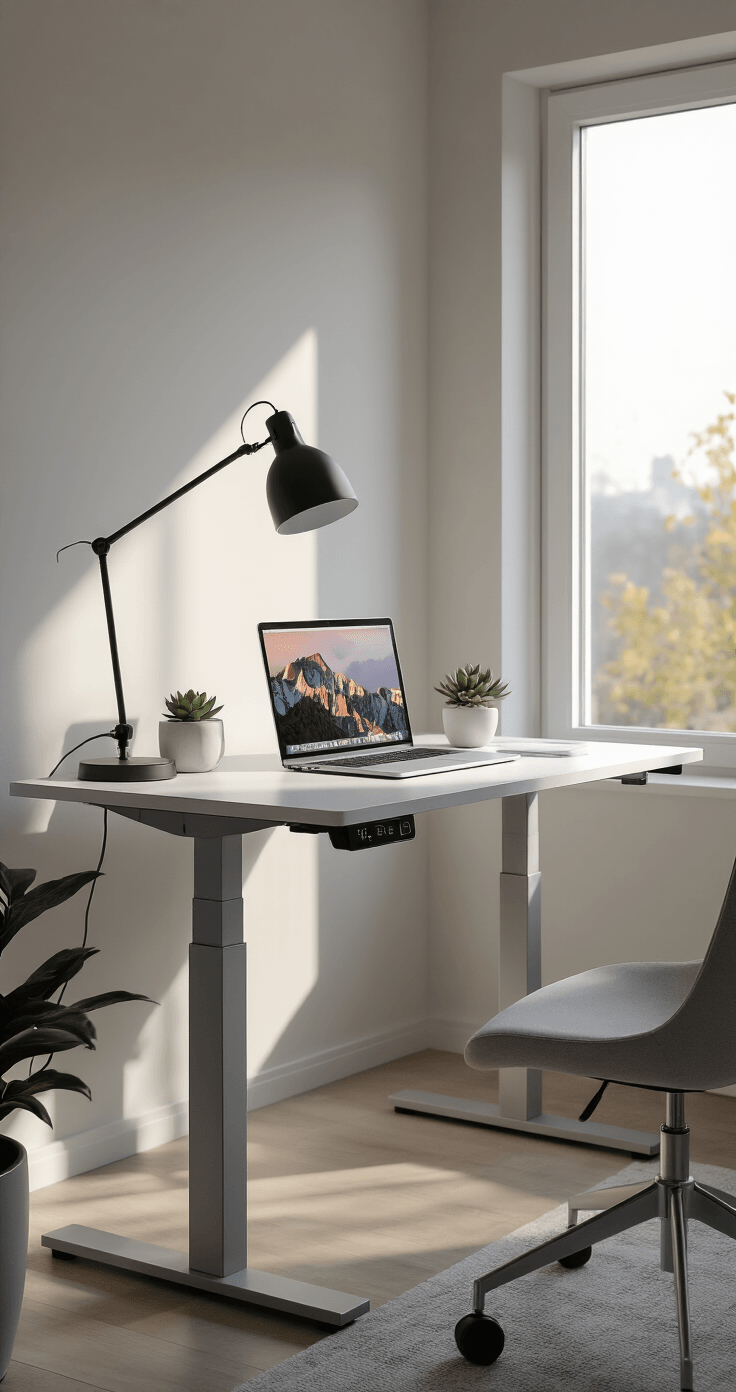
Features That Actually Matter
Dual-Motor Systems
Dual-motor systems provide smooth, quiet height adjustment at speeds of 34–40 mm/s.
Single-motor desks exist, and they’re cheaper. They’re also slower, louder, and more likely to struggle with heavier loads.
The dual-motor setup means each leg has its own motor. The desk raises evenly without tilting. It’s faster, so you actually use the adjustment feature instead of leaving it in one position forever.