
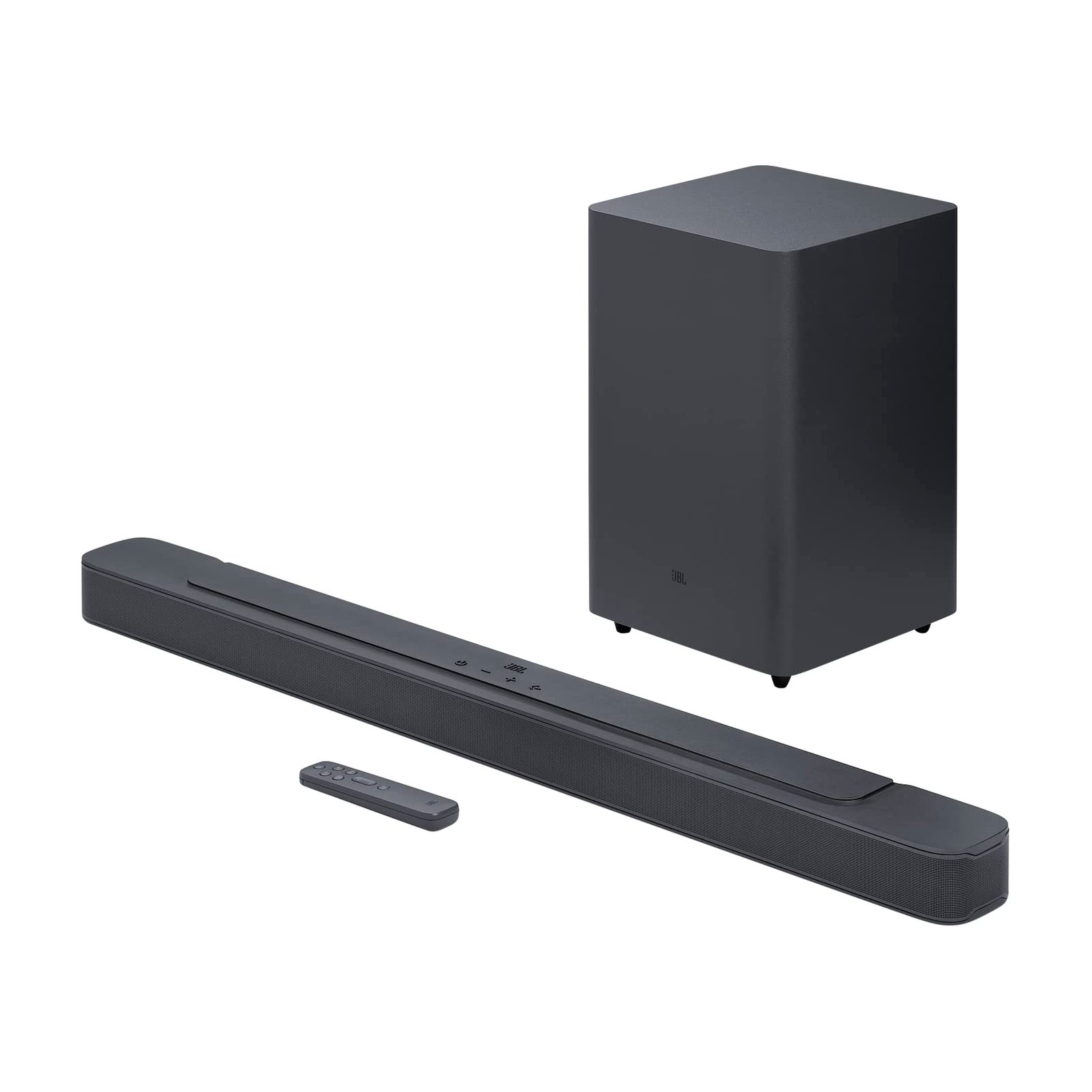
This post may contain affiliate links. Please see my disclosure policy for details.
Premium soundbars deliver a significant upgrade to TV audio by combining compact designs with processing that widens soundstage, strengthens dialogue clarity, and adds bass without a separate subwoofer. We focused on models that suit different rooms and viewing habits—from simple soundbar-only setups for small living spaces to multi-piece systems with wireless subwoofers and surround speakers for home theater-level immersion.
Choosing a soundbar means weighing sound quality, connectivity, and room fit: look for clear center-channel performance for dialogue, available HDMI eARC or optical inputs for reliable connections, and whether a wireless subwoofer or Dolby Atmos support matters for your shows and movies. We tested a range of premium soundbars and evaluated their clarity, low-end impact, spatial presentation, and ease of setup to recommend the ones that provide the most noticeable improvement over built-in TV speakers.
Best Premium Soundbars
Below is our curated list of the best premium soundbars designed to lift home audio with clearer dialogue, richer bass, and smarter connectivity. We tested models across formats and price points to help you find the soundbar that best matches your room size, TV setup, and listening preferences.
Samsung B-Series Soundbar (HW-B400F)
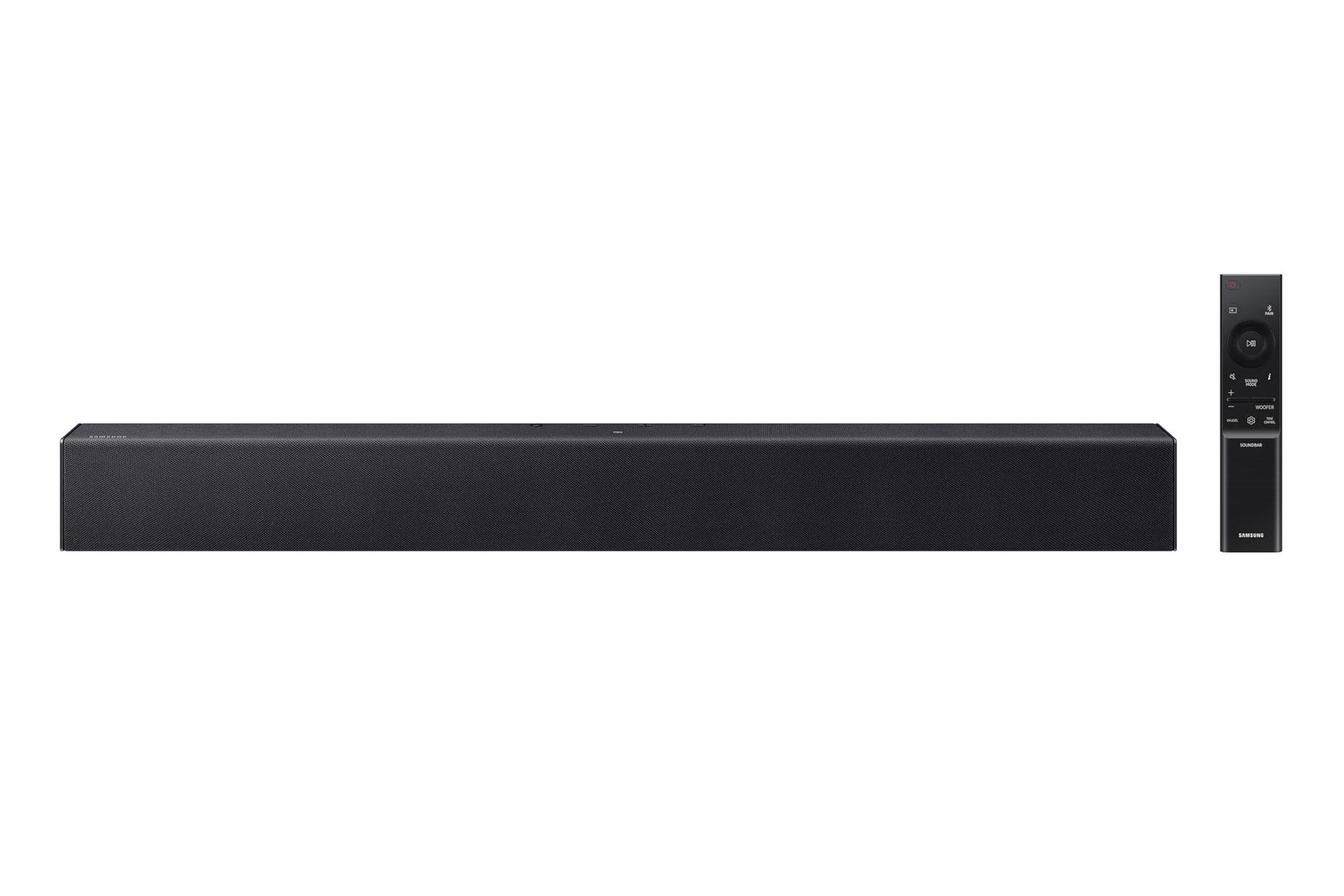
We recommend this if you want a compact, easy-to-use soundbar that gives clearer dialogue and fuller bass for small to medium rooms.
Pros
- Clearer voices with voice-enhance mode that actually makes dialogue easier to follow.
- Built-in woofer delivers fuller low end without a separate subwoofer.
- Seamless setup with HDMI ARC or Bluetooth and TV remote control integration.
Cons
- Bass can feel muffled or limited in larger rooms.
- Some controls (woofer/treble adjustments) seem ineffective for a few users.
- Certain TV models or connections may require troubleshooting to pair reliably.
We set this up under a 65″ TV and found the physical footprint fits neatly under the screen, which keeps the living area tidy. Connecting via HDMI ARC was straightforward and the Samsung TV remote controlled power and volume without extra programming.
Listening to movies felt noticeably more immersive than the TV speakers, and voices popped forward when we enabled the dialogue boost. The built-in woofer adds warmth to music and effects, though it won’t match a dedicated sub for deep, room-filling bass.
Daily use proved simple: power on the TV, and the soundbar follows. A few of our attempts to tweak bass and treble produced little change, so expect the defaults to be the reliable option.
Ultimea Poseidon M60

We recommend this if you want dramatic, room-filling Dolby Atmos-style sound from a single bar and wired sub at a competitive price.
Pros
- Immersive front-stage surround that actually widens the soundstage without extra satellites.
- Clear dialog even at low volumes thanks to VoiceMX tuning.
- Deep, punchy bass from the wooden wired subwoofer that adds real weight to movies.
Cons
- Not a substitute for a full discrete 5.1 speaker system if you want pinpoint surround imaging.
- App controls add flexibility but sometimes feel fiddly compared with simple onboard presets.
- Wall-mounting requires careful placement to avoid bass boomy spots in small rooms.
We unpacked the Poseidon M60 in our living room and set it up with HDMI eARC in under five minutes. The bar immediately filled the space with a sense of height and directionality you don’t usually get from a single unit.
Watching a mix of films and games, dialogue stayed intelligible even during explosions and music swells — that VoiceMX processing makes followable conversations possible without cranking the volume. The subwoofer’s wood enclosure produced tight, satisfying low end; action scenes had real heft while music retained rhythm.
We adjusted EQ and surround profiles through the Ultimea app to better match our TV placement. The app’s presets were useful, though toggling detailed EQ felt slower than using the remote. If you prioritize easy, out-of-the-box setup and powerful, cinematic sound without wiring rear speakers, this is a solid buy.
Buy link: Ultimea Poseidon M60
Polk Signa S2

We recommend this if you want a compact, easy-to-install soundbar that noticeably improves TV dialogue and bass without a big budget.
Pros
- Clear, focused dialogue with Polk’s VoiceAdjust that we could hear across voices.
- Tight, room-filling bass from the wireless subwoofer despite the bar’s low profile.
- Plug-and-play setup with HDMI/ARC or optical and reliable Bluetooth streaming.
Cons
- Stereo imaging and surround “ambience” feel limited compared with larger multi-driver systems.
- Treble can be restrained for listeners who prefer bright, airy highs.
- Power and dynamics cap out for large rooms or heavy action movies.
We set this under a 65″ TV and noticed an immediate lift in clarity compared with the built-in speakers. Conversations came forward and we didn’t have to crank the volume to follow dialogue.
The subwoofer adds low-end presence that actually moves the room during music and movie scenes. Placement was flexible because it connects wirelessly and the slim soundbar fit neatly in front of the screen without blocking the IR sensor.
We tested streaming via Bluetooth and local HDMI-ARC sources; both worked smoothly and switching inputs was painless. If you want cinematic depth on a budget and a straightforward install, this hits that sweet spot.
JBL Bar 300MK2

We recommend this soundbar if you want big, room-filling JBL sound with easy setup and Dolby Atmos effects without adding a separate subwoofer.
Pros
- Impressive, punchy bass from the built-in ports that keeps music and explosions feeling alive.
- Dolby Atmos and MultiBeam 3.0 deliver a wide, cinematic soundstage that actually changes the way scenes land.
- Setup and calibration are fast; the JBL ONE app and one-touch tuning got ours sounding right in minutes.
Cons
- Lacks a dedicated subwoofer output for those who want to add an external sub later.
- 5.0 channel design means true overhead effects are simulated rather than coming from discrete up-firing drivers.
- Compact chassis limits extreme low-end extension compared with larger systems.
We unboxed and installed the Bar 300MK2 in under ten minutes and appreciated the straightforward HDMI eARC hookup. The JBL ONE app guided calibration across our living room and the MultiBeam processing noticeably widened the stage, so off-screen effects felt more believable.
Dialog clarity stood out during movies and late-night TV. PureVoice 2.0 made whispered lines intelligible at lower volumes, which kept us from cranking the system and disturbing others in the house.
Listening to music felt lively: tracks had weight and dynamics without sounding overly processed. For bass heads, it won’t replace a dedicated sub, but the built-in bass ports deliver satisfying low-end for most rooms.
We found the Bar 300MK2 especially good for apartment or small- to medium-sized living rooms where space and simplicity matter. If you want a simple, polished upgrade from TV speakers with Atmos and robust streaming options, this is a solid pick.
Sonos Arc Ultra

We recommend the Arc Ultra if you want top-tier Dolby Atmos performance and seamless integration with a multiroom Sonos setup.
Pros
- Immersive, room-filling 9.1.4 spatial sound that makes movies and music feel more alive.
- Dialogue clarity is noticeably improved thanks to AI-powered Speech Enhancement.
- Setup and app control are straightforward, and it pairs smoothly with other Sonos speakers.
Cons
- Premium price compared with many soundbars.
- Trueplay room tuning works best with an iPhone, which limits calibration options for some users.
- To reach full surround impact you’ll likely want a sub and rear speakers, adding extra cost.
We unboxed and hooked the Arc Ultra to a TV via HDMI eARC and got a refined, expansive soundstage within minutes. The low end felt taut and controlled, not lumbering, and Atmos height effects actually added believable overhead detail during films.
We listened to dialogue-heavy shows and noticed voice passages cut through the mix more clearly than on most bars we’ve tried. The Speech Enhancement feature stepped in on quieter lines without making the soundtrack sound unnatural.
We tested music streaming over Wi‑Fi and AirPlay 2; the bar reproduced vocals and mids with pleasing warmth and separation. Adding a Sonos Sub and rear speakers amplified the cinematic impact, though that raised the overall system cost.
We tuned the room with Trueplay and heard measurable improvements in balance, but we had to use an iPhone for the best results. If you don’t plan to expand the system, the Arc Ultra still delivers exceptional single-unit performance, but its price and accessory needs make it most compelling as the heart of a Sonos home theater.
Bose TV Speaker

We recommend this if you want clearer dialogue and compact, easy setup for a secondary TV or smaller room.
Pros
- Dialogue comes forward and makes shows and news easier to follow.
- Small footprint fits below most TVs without blocking the screen.
- Simple, mostly plug-and-play setup with HDMI-CEC or optical.
Cons
- Bass lacks impact unless you add a subwoofer.
- Not as immersive as larger multi-speaker systems.
- HDMI cable for ARC isn’t included, so expect an extra purchase for full convenience.
We unboxed and hooked this up to a mid-size living-room TV and immediately noticed speech clarity. The vocals felt more present than the TV’s built-in speakers, and the dialogue mode gave extra intelligibility for older shows and news broadcasts.
Placement felt effortless since the unit is low-profile; we slid it in front of the TV and it stayed unobtrusive. Bluetooth pairing was straightforward for streaming a podcast during downtime, though switching sources sometimes required the remote.
Watching movies, the soundstage widened compared with the TV alone, but the low end stayed polite. We added a wired Bose subwoofer later for weekend movie nights and the system finally felt more theater-like.
JBL Bar 2.1 Deep Bass (MK2)

We recommend this if you want punchy home-theater bass and straightforward setup without adding extra satellites.
Pros
- Deep, room-filling low end that actually moves air.
- Simple hookup and Bluetooth streaming make daily use painless.
- Compact bar design fits under most TVs without drawing attention.
Cons
- Bass can overpower dialogue on some content unless you tweak levels.
- Surround effect is convincing but not as precise as multi-speaker systems.
- Limited tuning options for users who want granular EQ control.
We took this soundbar through a few movie nights and some music playback to see how it handles different sources. The 6.5″ wireless subwoofer delivers noticeable rumble on action scenes and bass-forward tracks, and the system feels bigger than its size suggests.
Connecting to a TV was frictionless with HDMI ARC and the Bluetooth pairing was immediate from our phone. Playback sounded clean at medium volumes; highs stayed clear while lows gave films a cinematic push.
We noticed that dialogue can sit behind heavy bass during busy mixes, so we dialed the sub down for TV shows. For casual listeners who want more oomph without fuss, this unit hits the sweet spot; for audiophiles seeking precise soundstage control, it has limits.
Buying Guide
We prioritize sound quality first. Look for clear frequency response and low distortion; a wide, balanced range reproduces music and dialogue accurately.
We assess channel configuration and surround processing. Decide between stereo, simulated surround, or true multi-channel setups based on room size and listening habits.
We consider connectivity options next. Ensure HDMI eARC/ARC for lossless TV audio, optical and AUX for legacy devices, and Bluetooth or Wi‑Fi for streaming and multiroom use.
We examine bass management and subwoofers. Built‑in bass can be tight but limited; an external subwoofer delivers deeper low end. Check if the sub pairs wirelessly and whether crossover and level controls are available.
We evaluate room placement and size compatibility. Measure viewing distance and room acoustics; longer rooms benefit from wider dispersion and additional surrounds. Wall mounts or table placement affect soundstage and reflections.
We check power, drivers, and build quality. Higher continuous power and larger drivers usually improve dynamics. Look for durable materials and well‑engineered enclosures to reduce resonance.
We weigh software features and user controls. Useful features include EQ presets, room calibration, and low‑latency modes for gaming. Verify app support and ease of firmware updates.
We compare price versus feature set. Prioritize features that match our needs: connectivity for complex setups, subwoofer support for bass lovers, and calibration for tricky rooms. Use reviews and measurements when available to confirm claims.
Frequently Asked Questions
We focus on models that balance measured audio performance, feature set, and real‑world use. Expect recommendations split by room size, content type, and budget.
Which soundbars deliver the best overall audio performance for a TV setup?
We recommend systems that pair a dedicated subwoofer with upward-firing drivers for wide soundstage and deep bass. Examples that repeatedly measure well include flagship models from Sennheiser, Samsung, Sony, and Sonos, each tuned for accurate midrange and controlled low end.
Is it better to choose a soundbar with a separate subwoofer or an all-in-one model?
Separate subwoofers provide deeper, cleaner bass and let us place the low-frequency source for best room interaction. All-in-one models are simpler and fit small rooms, but they typically sacrifice sub-bass extension and maximum SPL.
What should I look for when comparing Dolby Atmos soundbars for movies and gaming?
Prioritize true upward‑firing drivers, object-based decoding, and HDMI eARC for full Atmos metadata passthrough. Also check measured vertical dispersion, latency for gaming, and whether the bar supports height virtualization when room reflections are limited.
How do I choose the right soundbar size and power for my room?
Match bar width to your TV — ideally within 0–20% wider than the display to avoid imaging issues. Choose power and subwoofer capability based on room volume; small rooms (under 250 ft³) need modest SPL, medium rooms benefit from 200–400W equivalent system output, and larger rooms require higher headroom or multiple subwoofers.
Which soundbars offer the best dialogue clarity and vocal enhancement features?
Look for models with dedicated center channels, midrange driver focus, and speech enhancement processing with adjustable presets. Brands that prioritize dialogue include those that implement beamforming or dialog boost modes and provide independent center-channel level controls.
What connectivity options matter most for a soundbar, such as HDMI eARC, Wi‑Fi, or Bluetooth?
HDMI eARC is essential for lossless multichannel audio and Atmos pass-through, so make it a priority. Wi‑Fi supports multiroom streaming and firmware updates; Bluetooth is useful for casual mobile playback but limits high-resolution codecs and multichannel formats.