
This post may contain affiliate links. Please see my disclosure policy for details.
My Dream Desk Setup: Everything You Need to Create the Perfect Workspace in 2026
Dream desk setups aren’t just pretty pictures on Pinterest anymore.
I’ve spent the last three years tweaking, adjusting, and completely overhauling my workspace, and I’m finally ready to share what actually works versus what just looks good on Instagram.
You’re probably here because your current desk situation is driving you nuts. Maybe your back aches after two hours of work. Maybe your cables look like a nest of angry snakes. Maybe you’re just tired of working in a space that feels like a beige prison cell.
I get it. I’ve been there.
Let me walk you through building a workspace that’ll make you actually want to sit down and get stuff done.
Why Your Current Desk Setup Is Sabotaging Your Productivity
Here’s the brutal truth: most people spend more money on their coffee habit than on the place where they spend eight hours every single day.
That cheap desk from college? It’s killing your posture.
That dusty monitor tilted at a weird angle? It’s straining your eyes.
That tangled mess of cables behind everything? It’s draining your mental energy every time you look at it.
I realized this after my chiropractor asked me point-blank: “What does your workspace look like?” That question cost me more than the appointment itself, because I knew something had to change.
The Foundation: Choosing Your Desk
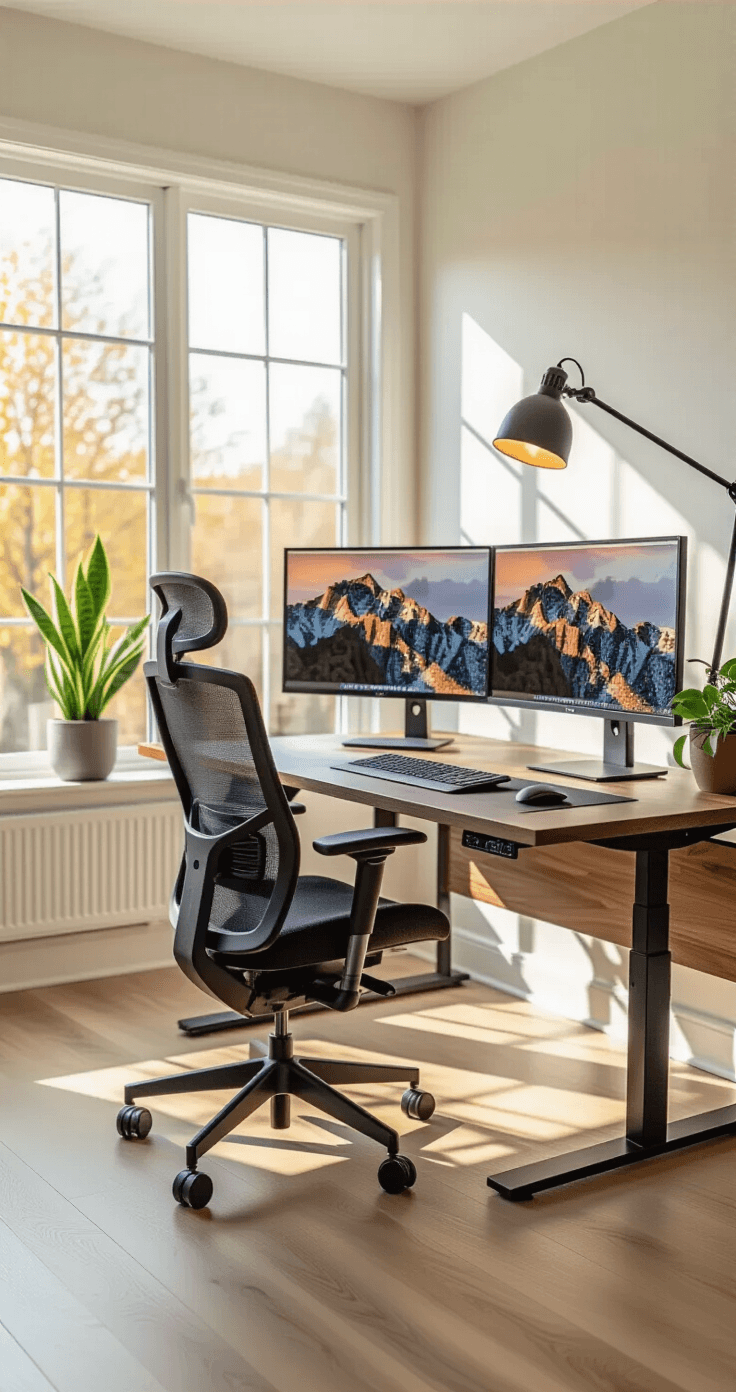
Let me be direct about this: a height-adjustable standing desk changed my entire relationship with work.
I was skeptical. I thought standing desks were just another wellness fad, like those balance ball chairs that everyone bought and abandoned within a week.
Wrong.
What Makes a Standing Desk Worth It
The sitting-standing combo keeps you alert. I’m not saying you’ll stand all day (you won’t, and you shouldn’t), but switching positions every hour or two keeps your brain engaged.
Your body stops screaming at you. That lower back pain I thought was just “part of adulting”? Gone within two weeks.
You can actually adjust your workspace to fit YOU. Not the other way around.
Look for these features:
- Smooth electric motors that won’t sound like a garbage disposal
- Preset height settings so you’re not fumbling with buttons every time
- Height range from about 70-115 cm to accommodate sitting and standing
- Built-in cable management because we’re not animals
- Sturdy construction that doesn’t wobble when you type
Popular options include the Uplift Standing Desk with walnut finishes that actually look like furniture instead of office equipment.
I went with a walnut finish myself. It costs a bit more, but every morning when I sit down, I’m reminded that this is MY space, not some corporate cubicle I’m renting.
Desk Size Matters More Than You Think
Don’t cheap out on surface area.
I made this mistake with my first standing desk. I bought a compact model thinking I’d save space and money.
Turns out, feeling cramped every single day is not the productivity hack I thought it would be.
Give yourself room to breathe. Your desk should comfortably hold:
- Your monitor setup
- Your keyboard and mouse with wrist space
- A notebook or notepad
- Your coffee (because let’s be real)
- Some breathing room for actual work
The Throne: Your Ergonomic Chair Investment
Here’s where people lose their minds at the price tags.
Yes, an ergonomic office chair can cost as much as a used car.
But here’s my take: you’re either going to pay for a good chair now, or pay for physical therapy later. I chose the chair.
Features That Actually Matter
Stop obsessing over brand names and focus on these specifics:
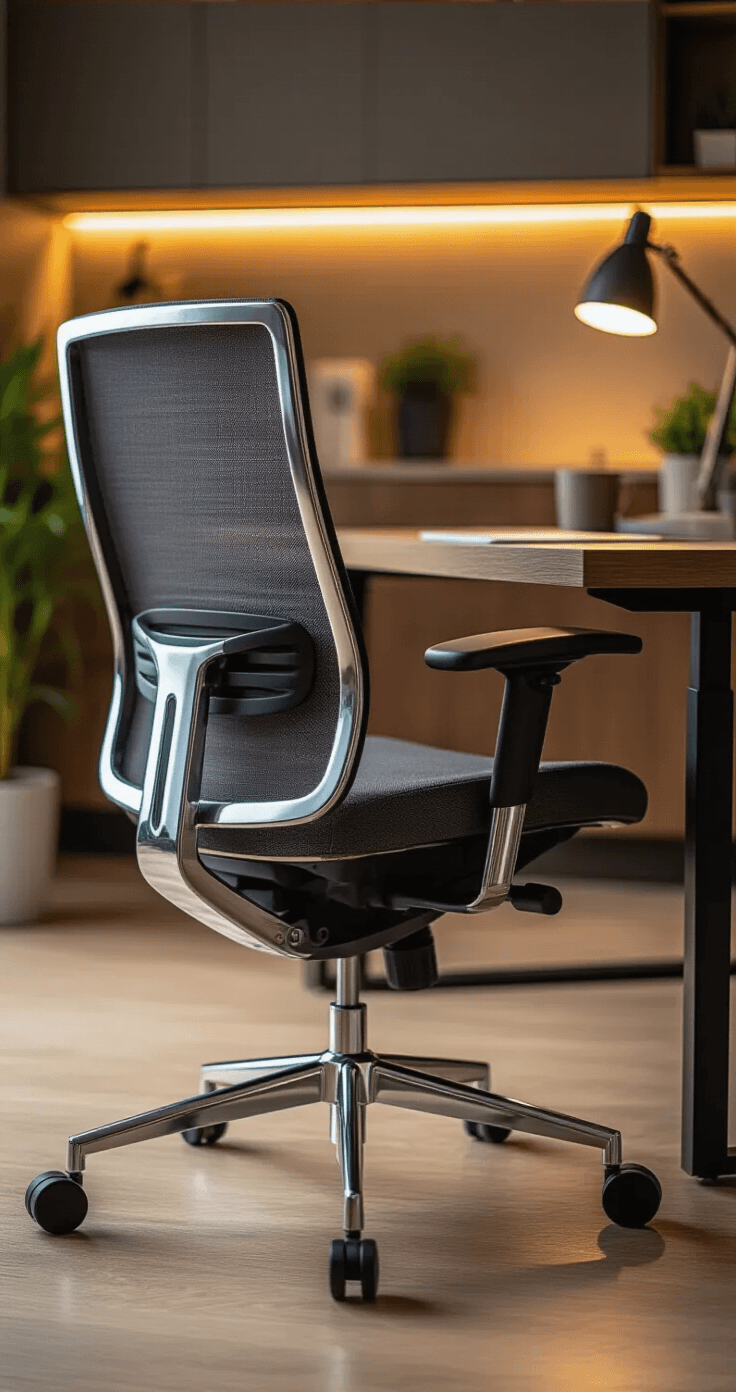
Full mesh back for breathability. Leather looks fancy until you’re peeling your sweaty back off it every summer afternoon.
Adjustable lumbar support. And I mean actually adjustable, not just “there’s a curve in the back somewhere.”
4D armrests. Height, angle, width, and depth adjustments. Your arms shouldn’t dangle like a T-Rex or wing out like you’re doing the chicken dance.
Reclining functionality up to 135 degrees. Sometimes you need to lean back and think. That shouldn’t require a separate piece of furniture.
Quality casters. You’ll roll around more than you think. Cheap wheels will scratch your floors and make you sound like a shopping cart with a broken wheel.
I spent six months researching chairs before pulling the trigger. My partner thought I’d lost my mind. But after one week, they were asking when THEY could get one too.
The Footrest Nobody Talks About
A footrest sounds ridiculous until you try one.
I’m 5’6″, and most chairs left my feet dangling slightly or forced me to sit wrong to reach the floor comfortably. A simple footrest fixed a problem I didn’t even know I had.
Taller folks might not need this, but if your feet don’t rest flat when you’re at proper desk height, just get the damn footrest.
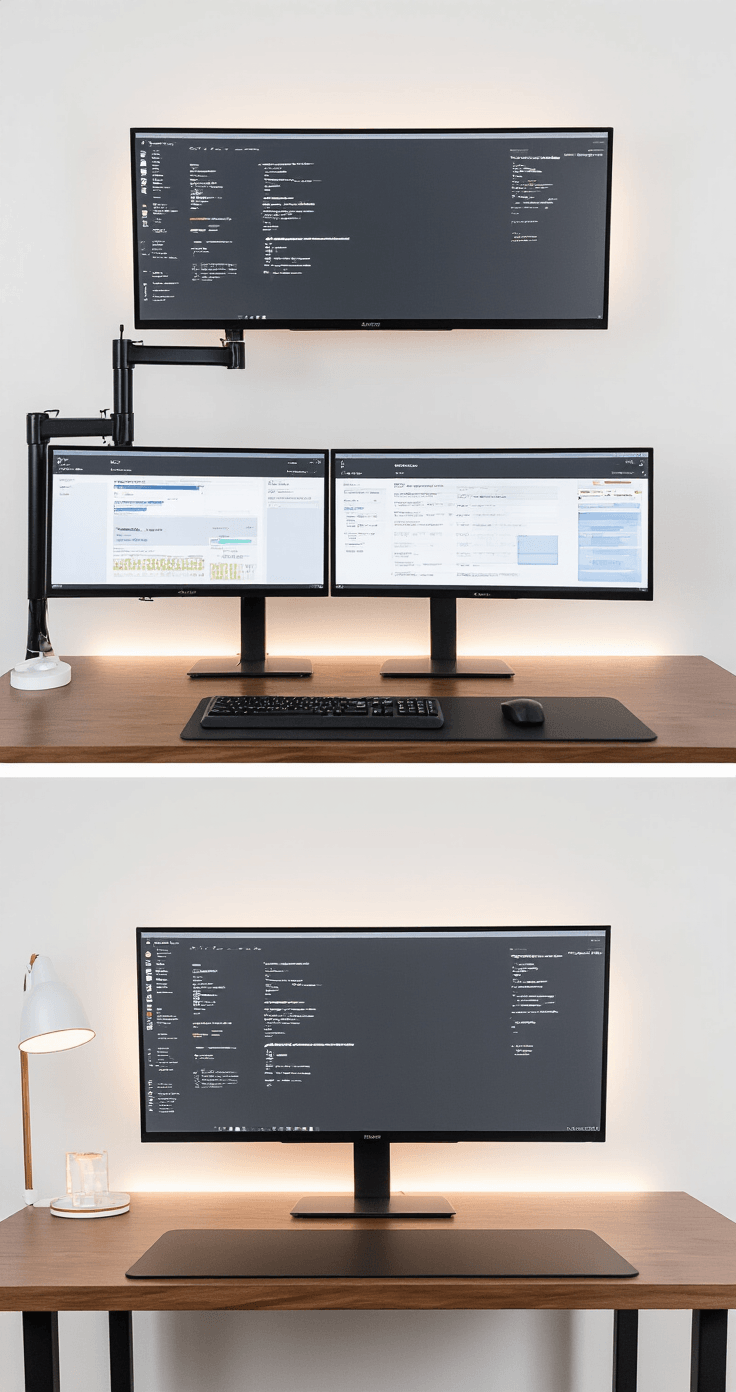
Monitor Setup: The View From Your Command Center
This is where dream desk setups either soar or crash spectacularly.
Standard monitor stands eat up your desk real estate and offer zero flexibility. They’re basically expensive paperweights that happen to hold screens.
Why Monitor Arms Are Non-Negotiable
Gas spring monitor arms were the upgrade I didn’t know I desperately needed.
They free up your entire desk surface. Suddenly you have room to actually work instead of playing Tetris with your stuff.
You can position your screen at the perfect height and angle. No more neck strain from looking slightly down or up for eight hours.
Switching between sitting and standing is effortless. Just pull your monitor to the right position. Done.
What to Look For
Get arms that can handle:
- Monitors up to 27kg (or 22kg for curved displays if you’re into that)
- Screens from 17 to 57 inches for future-proofing
- Full tilt, swivel, and rotation adjustments because you’ll use these more than you think
I have a dual monitor setup, and being able to angle one screen slightly toward my guest chair has been clutch for collaboration.
Pro tip: measure your monitor’s VESA mount pattern before buying any arm. Nothing’s worse than excitement followed by “this doesn’t fit.”